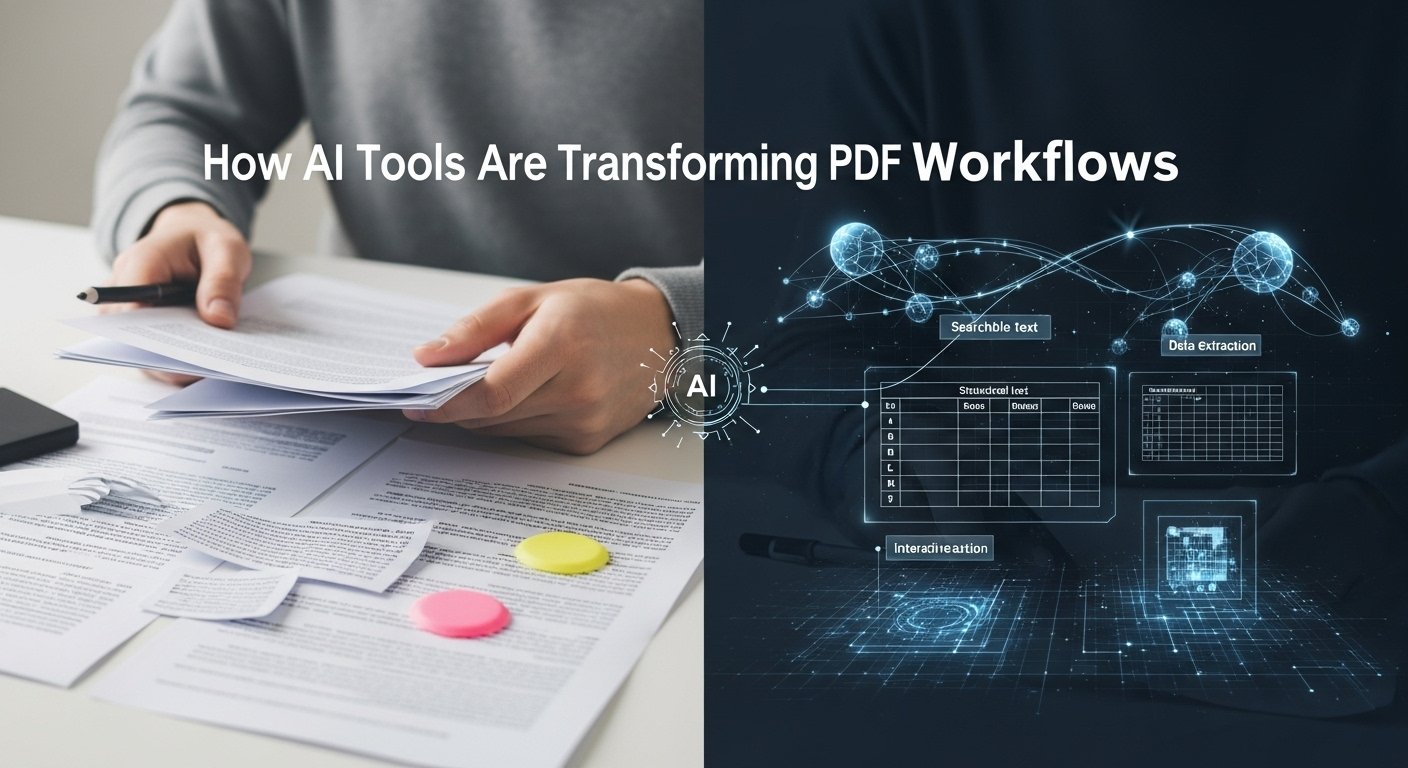
We’ve all been there. It’s 4:55 PM on a Friday, and an email drops into your inbox with a subject line that sends a shiver down your spine: Please Review the Attached Contract. You click the attachment, and your PDF viewer groans under the weight of a 95-page document. Five years ago, this scenario meant cancelling your evening plans, making a pot of coffee, and engaging in the soul-crushing task of skimming, which is really just scrolling fast and hoping your brain catches the important bits. Today, the game has changed. Enter the AI PDF summarizer.
As someone who has spent years analyzing content workflows and testing productivity tools, I’ve watched this specific niche of AI explode. It’s not just a party trick; it represents a fundamental shift in how we consume information. But like any tool, it’s not magic. It’s a lever, and you need to know where to place the fulcrum. Let’s break down what these tools are, how they actually work under the hood, and when you should (and shouldn’t) trust them with your critical documents.
Beyond Ctrl+F: How the Tech Evolved
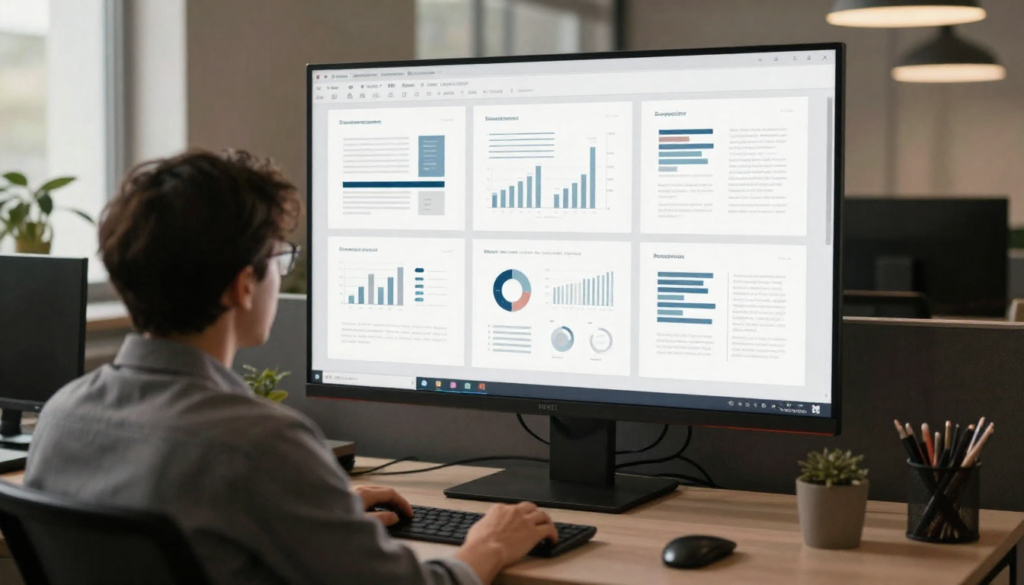
Before we dive into the utility, it’s worth understanding the leap we’ve taken. In the early days of the internet, searching for a PDF was a purely literal process. You hit Ctrl+F, typed a keyword, and hoped the author used the same terminology you did. If you were looking for a payment schedule but the writer used an installment timeline, you were out of luck. Then came Optical Character Recognition (OCR), which turned scanned images into text. Helpful, but it didn’t understand the text.
The current generation of AI PDF summarizers leverages Large Language Models (LLMs), the same tech that powers advanced chatbots. The difference is that these models are now wrapped around sophisticated document parsers.
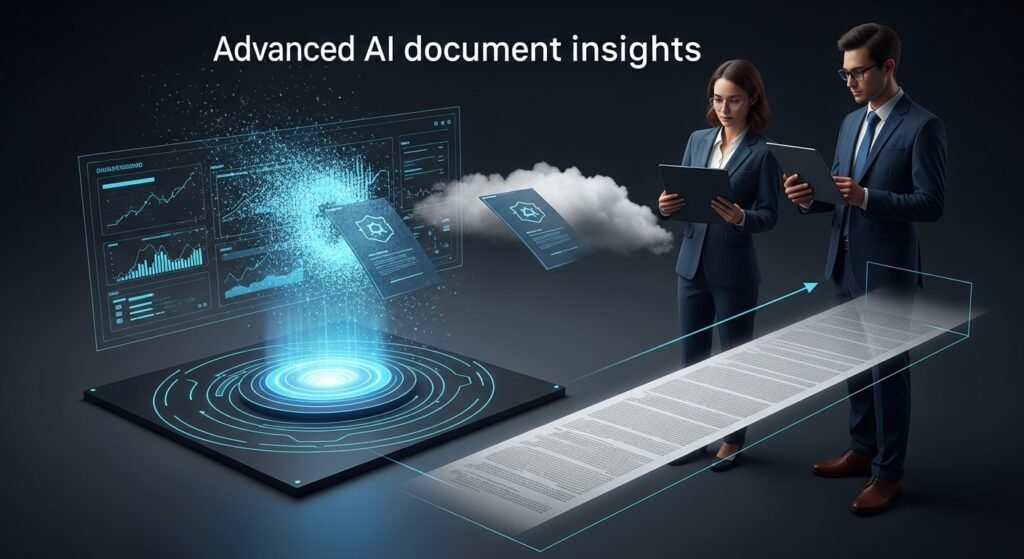
When you upload a file to a quality AI summarizer, it doesn’t just look for keywords. It reads the document, builds a semantic map of the concepts, identifies relationships between clauses (e.g., “Clause A overrides Clause B”), and synthesizes the core narrative.
I’ve tested dozens of these tools in real-world scenarios, from dissecting dense academic medical journals to parsing complex SaaS agreements. The best ones don’t just shorten the text; they explain it.
The Real-World Use Cases: Where It Shines

The theoretical benefits are obvious, saving time. But in practice, where does an AI PDF summarizer actually earn its keep?
1. Academic and Technical Research
If you are a student or a researcher, you know the pain of the literature review. You might have fifty PDFs open on your desktop. An AI summarizer can ingest these and output a table comparing the methodologies and conclusions of all fifty papers. I’ve seen this cut review time from days to hours. It’s particularly good at identifying the gap in research that the authors are trying to solve that others haven’t.
2. Corporate and Legal Due Diligence
Here is where things get high-stakes. When reviewing contracts, speed is often the enemy of accuracy. However, AI summarizers are incredibly effective at flagging. You can prompt the AI to: “Summarize this document and highlight any clauses regarding termination liability or intellectual property ownership.” Instead of hunting for these needles in the haystack, the AI brings the needles to the top. It doesn’t replace a lawyer’s review, but it ensures the lawyer focuses on the right parts first.
3. Financial Earnings Reports
Financial documents are notorious for burying the lead. A 10-K annual report might be 100 pages of optimistic fluff with three paragraphs of risk factors hidden in the middle. AI is notoriously good at stripping away the corporate PR jargon and delivering the unvarnished financial reality and risk factors.
The Limitations: Why You Can’t “Set It and Forget It”
If this article sounds like an unabashed endorsement, let me put the brakes on. I have seen these tools make mistakes that would be funny if they weren’t so dangerous. Understanding the limitations is just as important as understanding the features.
The Hallucination Problem
LLMs can sometimes hallucinate, making up facts that weren’t in the source text. While specialized summarizers are much better at grounding their responses in the provided document (a technique called Retrieval-Augmented Generation or RAG), they aren’t infallible. I once tested a tool on a fictional legal case I created, and it confidently invented a precedent that didn’t exist. Always, always verify the summary against the text, especially for numbers, dates, and names.
The “Black Box” of Security
This is the biggest elephant in the room. When you upload a sensitive internal document to a free, browser-based AI summarizer, where does that data go? In many cases, your document is being used to train the model.
- The Risk: You might be uploading proprietary trade secrets or PII (Personally Identifiable Information).
- The Solution: Look for tools that offer enterprise-grade security or zero-retention policies. If you are dealing with HR files or confidential IP, stick to locally hosted tools or well-vetted enterprise solutions (like Adobe AI Assistant or Microsoft Copilot) that have clear contractual guarantees about data privacy.
Context Window Limits
AI models have a limit on how much text they can remember at once (the context window). While these limits are expanding (some now handling 200k+ tokens), complex documents with hundreds of pages, intricate tables, and complex footnotes can still confuse the AI. It might miss a crucial caveat on page 80 that modifies a statement on page 10.
How to Get the Best Results: A Pro’s Strategy
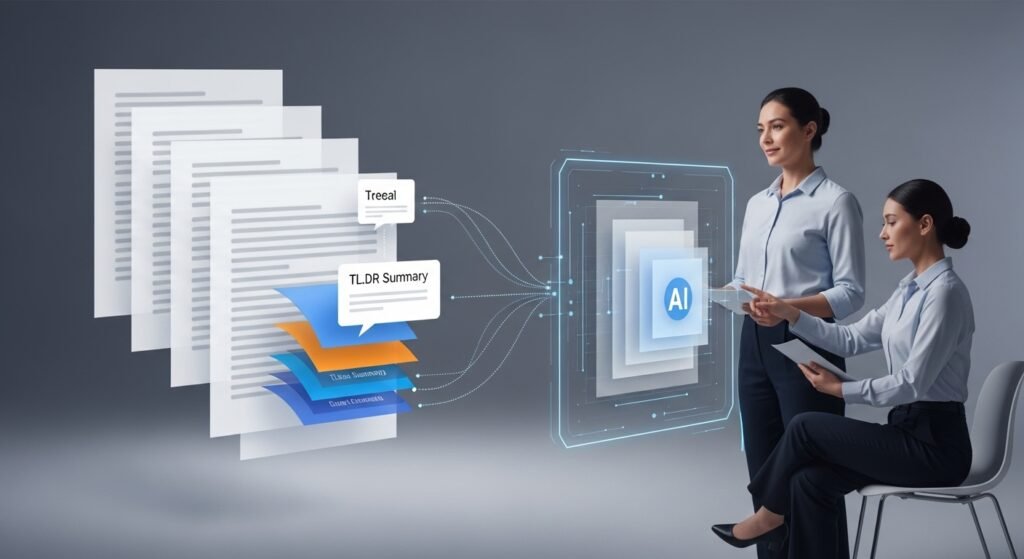
Getting a generic summary is easy; getting a useful one requires a bit of prompt engineering. Based on my experience, here is the workflow that yields the best results:
- Start with the “TL;DR”: Ask for a three-bullet-point summary. If this doesn’t align with what you thought the document was about, you might have the wrong document or a poorly parsed file.
- Be Specific with Roles: Don’t just say summarize this. Tell the AI who you are.
- Bad prompt: “Summarize this PDF.”
- Good prompt: “Act as a senior risk manager. Summarize this document and list the top 5 operational risks mentioned.”
- Break It Down: If the document is massive, ask the AI to summarize chapter by chapter or section by section. This reduces the chance of the AI losing context.
- Ask for Citations: This is non-negotiable for professional use. Always ask the AI to cite the page numbers for the points it makes. If a tool can’t provide page numbers, don’t trust it for critical work.
The Future of Document Intelligence
We are moving quickly from summarization to conversation. The next evolution of these tools isn’t just reading a static summary; it’s chatting with your documents.
Imagine opening a 200-page policy document and asking, “Does our company allow remote work for employees in the UK, and if so, what are the tax implications?” The AI scans the text, understands the context of geography and employment law, and gives you a specific answer.
This shift transforms PDFs from static archives into interactive databases. It’s a capability that is already here in tools like Claude (which excels at handling large file uploads) and specialized enterprise readers.
The Bottom Line
The AI PDF summarizer is not a replacement for reading; it is a triage tool. It helps you decide what is worth reading deeply. In a world where we are bombarded with more text than any human can process, having a digital assistant to pre-filter the noise is invaluable.
If you treat it as a junior analyst who is smart but needs supervision, you’ll find it indispensable. If you treat it as an infallible oracle, you’re going to get burned. Use it to cut through the noise, reclaim your evenings, and focus your mental energy on the decisions that actually matter.
FAQs
Q: What is the best AI tool for summarizing PDFs?
A: There isn’t one best tool for everyone. For general users, ChatPDF or Adobe’s integrated AI are excellent starter. For heavy research or coding, tools leveraging Claude 3 or GPT-4 often perform better due to larger context windows.
Q: Is it safe to upload confidential documents to an AI summarizer?
A: It depends on the platform. Many free tools use your data to train their models. For confidential work, strictly use enterprise-grade tools (like Microsoft Copilot or Adobe) that guarantee zero data retention and adhere to strict privacy standards.
Q: Can AI summarize scanned PDFs?
A: Yes, provided the tool has OCR (Optical Character Recognition) capabilities. Most modern AI summarizers include OCR, but the accuracy drops if the scan is low quality or handwritten.
Q: Do AI summarizers work with images and charts in the PDF?
A: This is a rapidly improving area. Advanced multimodal models (like GPT-4o) can see and describe charts, but standard text-based summarizers might skip over visual data or misinterpret graphs.
Q: Will AI eventually replace the need to read documents?
A: No. AI is excellent at synthesis and extraction, but it lacks human judgment and contextual understanding. It should be used to speed up the process, not to bypass critical thinking entirely.

Related Posts