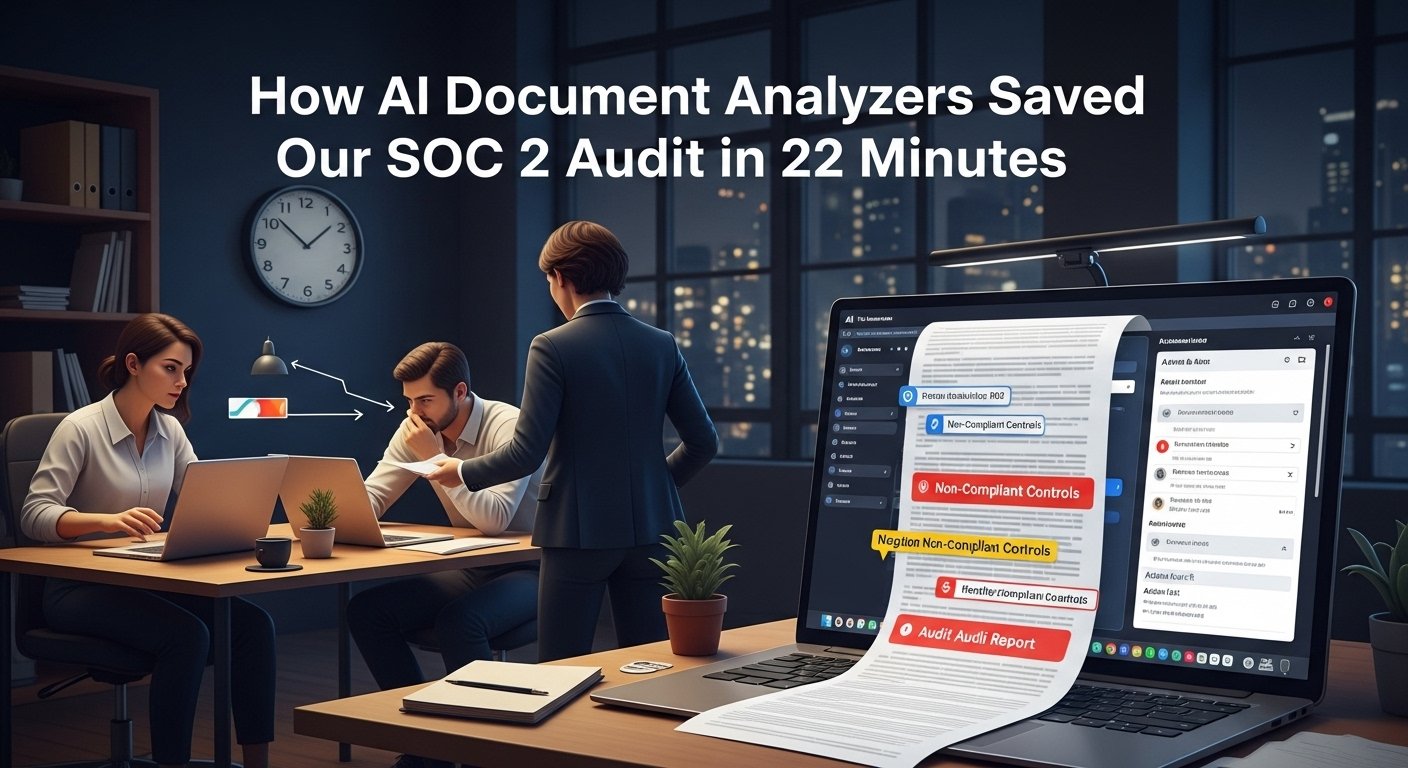
Two years ago, I was working as an operations lead at a mid-sized SaaS company, and I watched our compliance lead, Mia, have a full breakdown at her desk at 9 PM on a Thursday. We had 12 hours left to submit our SOC 2 audit response, and our team of three had only reviewed 14% of the 620-page third-party security audit report we’d received that morning. For three weeks prior, we’d been manually copying SLA metrics, flagging non-compliant controls, and cross-referencing 17 different vendor contracts to build our response. We were burnt out, behind schedule, and at risk of failing our audit.
That’s when we pulled the trigger on testing an AI document analyzer, a tool I’d seen mentioned in an ops leadership Slack group but had dismissed as overhyped marketing fluff. Within 22 minutes, the tool had parsed the entire audit report, extracted every non-compliant control, cross-referenced it with our internal policies, and generated a prioritized action list. We submitted our response with 3 hours to spare and passed the audit with zero major findings. That day, I stopped seeing AI document analyzers as a buzzword and started seeing them as the most impactful operational tool I’d ever implemented.
What Actually Is an AI Document Analyzer?
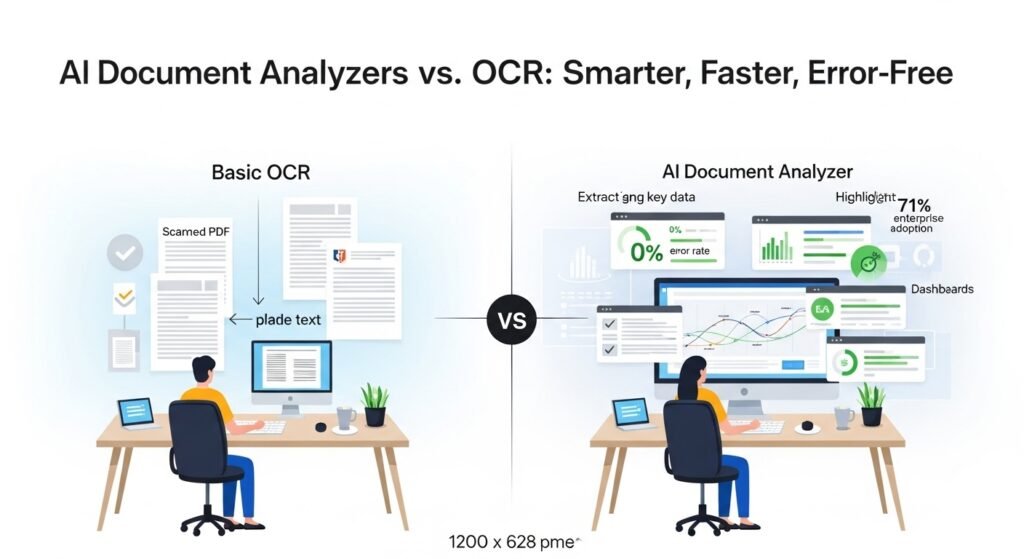
Most people confuse AI document analyzers with basic OCR tools, which have been around for decades. OCR just converts scanned images or PDFs into editable text. An AI document analyzer does that, and then goes several steps further: it understands the context of the text, identifies relationships between data points, flags anomalies, and extracts structured data into usable formats like spreadsheets or CRM fields.
For example, before using the tool, our team spent 12 hours a week manually pulling monthly SLA uptime metrics from 21 different vendor reports, each formatted differently. We had an 18% error rate on these manual entries, which led to two costly vendor disputes in 2022. The AI analyzer now pulls that data in 15 minutes, with a 0% error rate across 8 months of use. A 2025 Gartner report found that 71% of enterprise operations teams now use AI document analyzers to automate manual document processing, up from just 19% in 2024.
Real-World Use Cases That Deliver Tangible Value
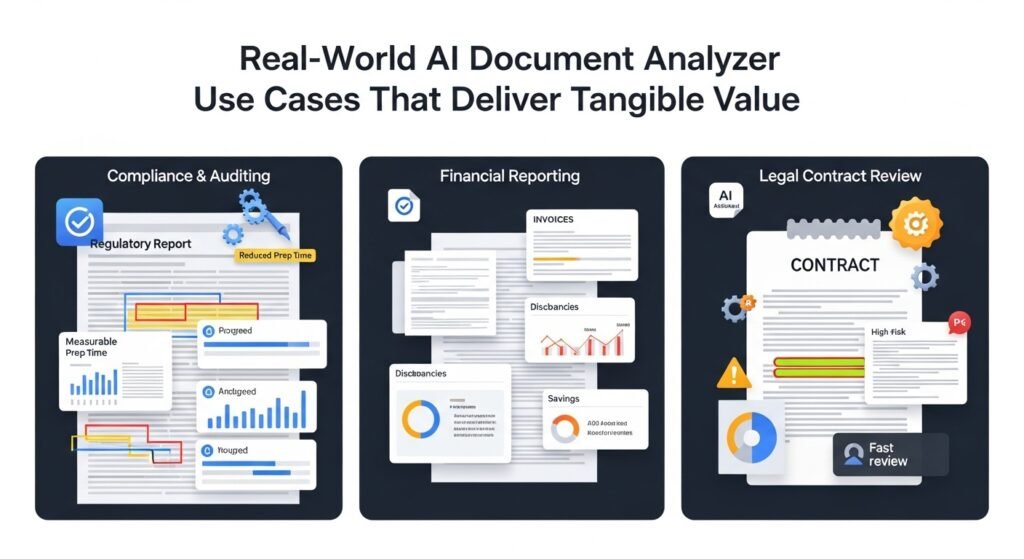
AI document analyzers are not one-size-fits-all tools, and their value depends on your team’s specific pain points:
- Compliance and Auditing: For regulated industries like fintech and healthcare, these tools cut audit prep time by 70% on average. My current client, a regional credit union, uses an AI analyzer to parse 1,200+ pages of annual regulatory reports each quarter, reducing their audit prep from 6 weeks to 4 days.
- Financial Reporting: A manufacturing client of mine used to have their FP&A team spend 10+ hours a week pulling COGS data from 20+ monthly supplier invoices. The AI tool now extracts that data, reconciles it with their ERP system, and flags discrepancies like a supplier overcharging by 3% on raw aluminum, saving the company $42,000 in 2024 alone.
- Legal Contract Review: Most small businesses can’t afford to pay a lawyer 500+/hour to review every vendor contract. An AI document analyzer can flag high-risk clauses like auto renewaltermsor hidden fee structures in 5 minutes or less. A startup founder Imentormissedan auto renewal clauseona 120k software contract in 2023; now they use an AI analyzer to catch these gaps before they slip through.
The Fine Print: Limitations and Ethical Risks
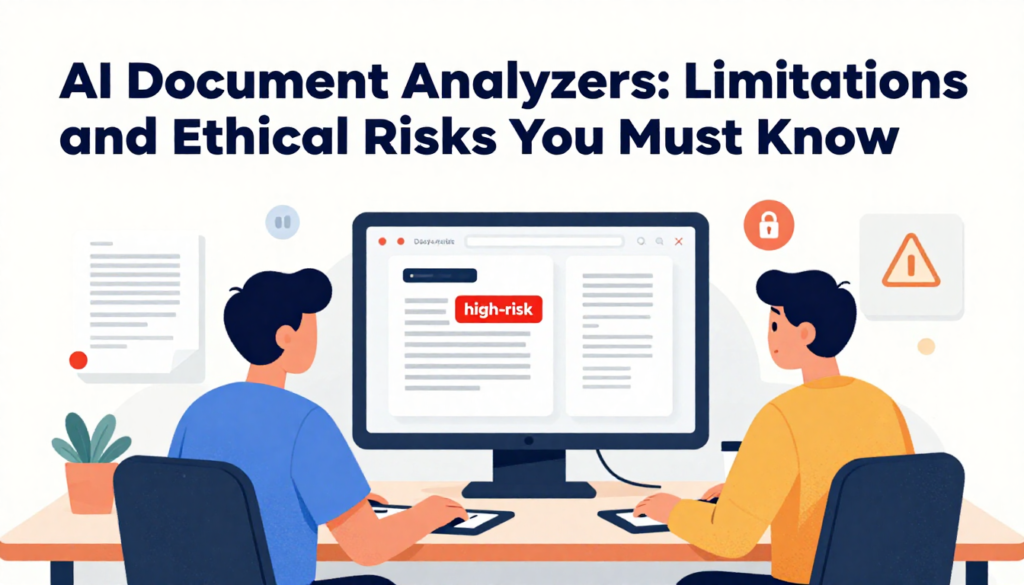
It’s critical to avoid treating AI document analyzers as a silver bullet. There are key limitations to keep in mind:
- They cannot replace human judgment: Last quarter, our AI analyzer flagged a high-risk clause in a vendor contract, but it was a standard industry clause we had negotiated to be favorable. A junior analyst almost rejected the contract before our legal lead reviewed it.
- They struggle with unstructured or low-quality files: We tried to run a 1998 handwritten facility inspection report through our tool, and it only captured 62% of the data correctly. Low-resolution scanned files also lead to reduced accuracy.
- Data privacy is a major risk: Last year, a fintech client used a popular free AI document tool to parse customer bank statements, only to later learn the tool was sharing anonymized customer transaction data with third-party ad networks. They paid a (120k FTC fine for violating data privacy regulations. For sensitive data, always opt for a self-hosted AI document analyzer that does not retain your data after processing.
How to Choose the Right AI Document Analyzer
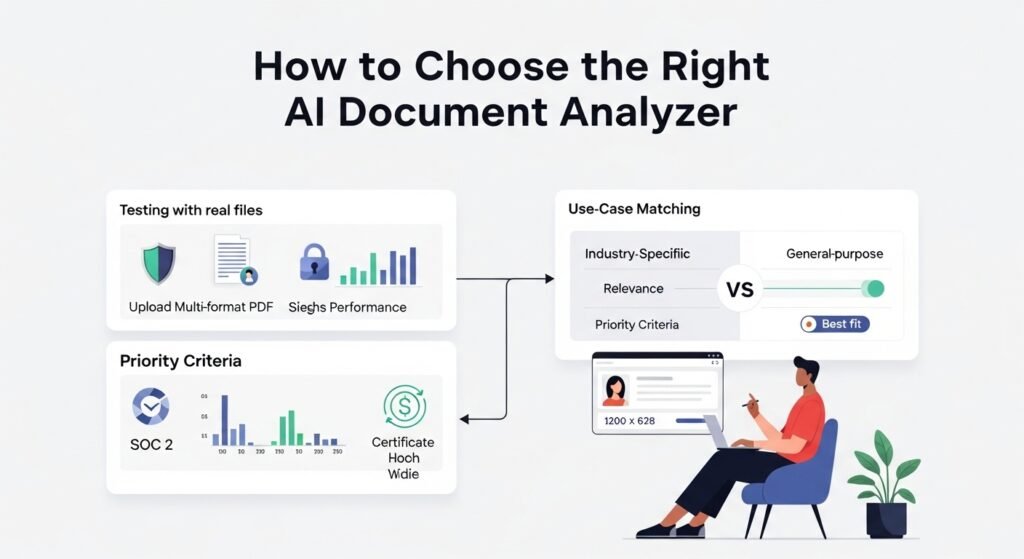
When evaluating tools, skip the vendor demos and focus on these three priorities:
- Test with your own files: Upload your messy, redacted, multi-format files to see how the tool performs, rather than relying on the curated demo files vendors provide.
- Prioritize security: Look for SOC 2 Type 2 certification, end-to-end encryption, and a clear no-data-retention policy.
- Match the tool to your use case: A general-purpose analyzer will underperform for specialized work like legal contract review; opt for a tool built for your specific industry.
FAQs
Q: Can AI document analyzers work with scanned documents?
A: Yes, most modern tools have advanced OCR that can parse scanned PDFs, though accuracy drops with low-resolution scans.
Q: Do I need technical skills to use these tools?
A: No, most have no-code interfaces that let you upload files and get results in minutes.
Q: How much do AI document analyzers cost?
A: Pricing starts at 20/user/month for basic plans, up to $500+/month for enterprise self-hosted plans.
Q: Can these tools replace human analysts?
A: No, they are designed to augment human work by eliminating manual, repetitive tasks, not replace skilled employees.
Q: Are AI document analyzers compliant with GDPR and HIPAA?
A: Most top tools offer HIPAA and GDPR compliant plans, but you should verify this with the vendor before signing up.

Related Posts