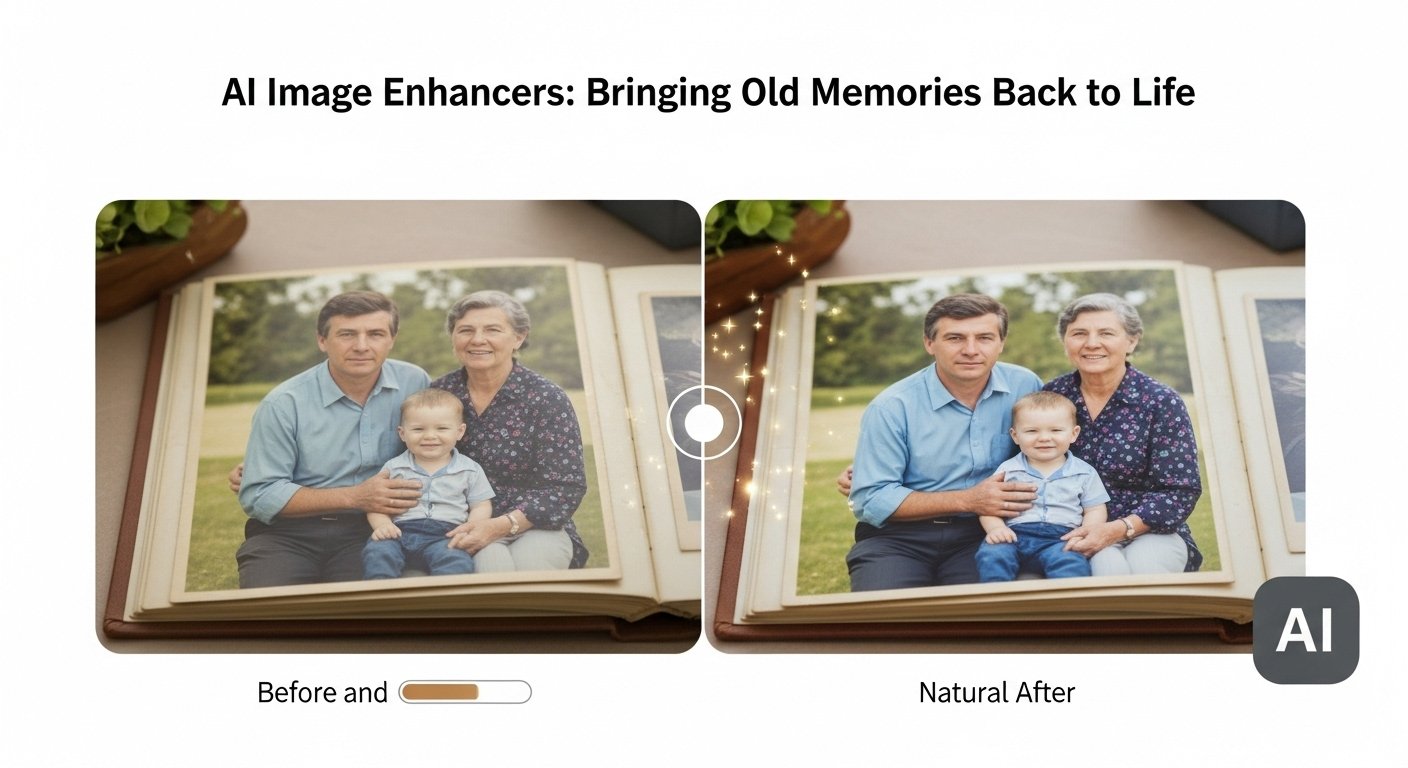
I still remember the frustration of scrolling through my grandmother’s old photo albums last summer. Decades of precious memories were trapped in faded, blurry snapshots that barely captured the moments they were meant to preserve. Each photo held a story, but the quality made it feel like those memories were slipping away. Traditional photo editing software helped to some extent, but the results always looked artificial, like putting makeup on a problem rather than truly fixing it.
That’s when I discovered AI image enhancers, and they completely changed the game. These tools use intelligent algorithms to restore color, sharpen details, and bring clarity to old or low-quality images in ways that feel natural and authentic. Suddenly, I could breathe new life into those cherished memories, turning blurry, faded photos into vibrant, detailed images that genuinely honored the moments they captured. AI has truly transformed how I approach photo restoration and quality improvement.
What Exactly Is an AI Image Enhancer?
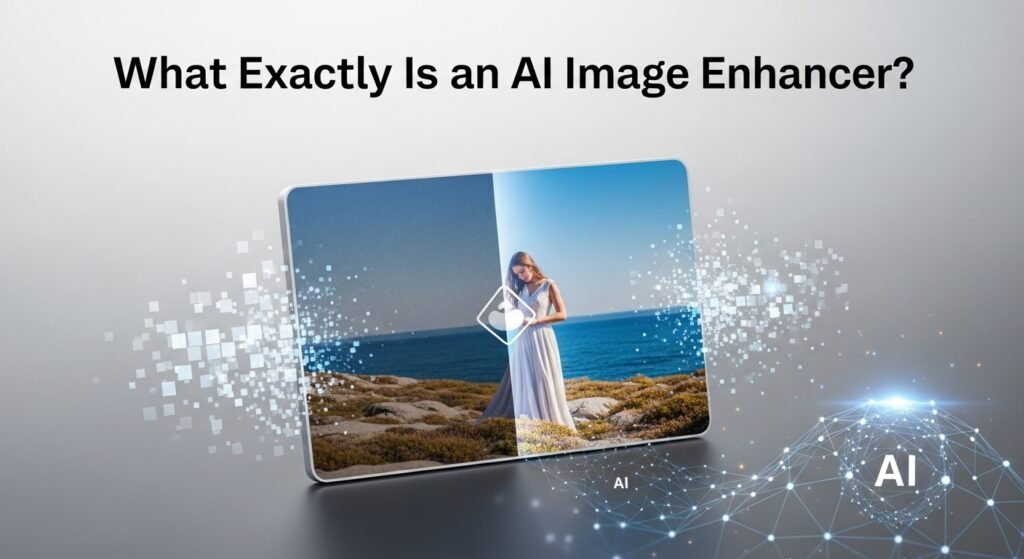
An AI image enhancer uses machine learning algorithms trained on millions of high-quality images to intelligently improve photograph quality. Unlike traditional filters that apply uniform adjustments, these tools analyze each pixel contextually, understanding what should be there versus what actually appears.
Think of it like the difference between a paint-by-numbers approach and having a skilled artist touch up your work. The technology recognizes faces, textures, lighting patterns, and structural elements, then reconstructs missing or degraded information based on learned patterns.
How These Tools Actually Work
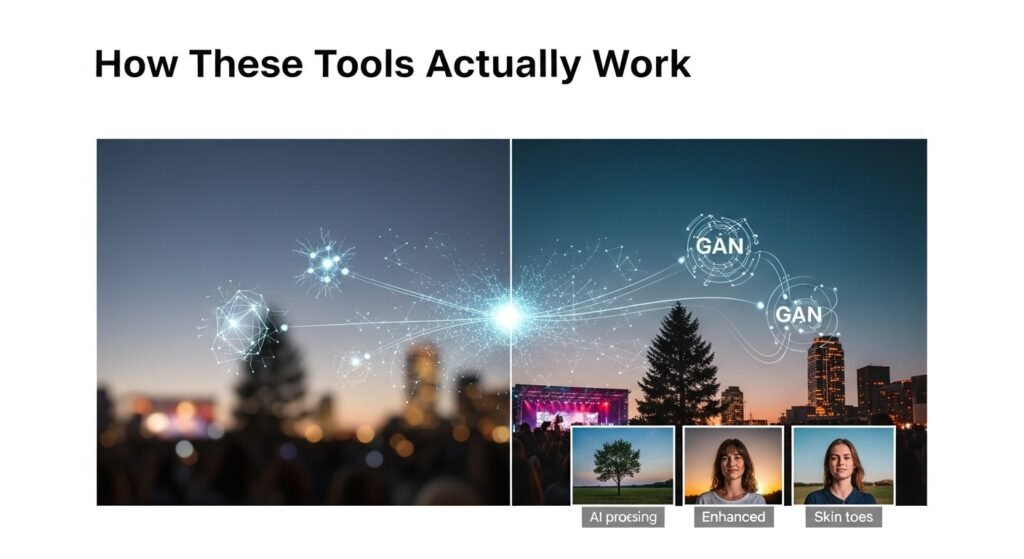
The technology relies primarily on neural networks, particularly convolutional neural networks (CNNs) and generative adversarial networks (GANs). Without getting too technical, imagine two systems working together, one generates enhanced versions while another critiques the results, pushing for increasingly realistic improvements.
When you upload a blurry landscape photo, the system doesn’t just sharpen edges randomly. It identifies trees, clouds, and buildings and applies appropriate enhancement strategies for each element. Foliage gets treated differently from architectural lines, which get treated differently from skin tones.
I’ve tested numerous platforms extensively, and the best ones produce results that genuinely surprise me. A photograph I took during a dimly lit concert practically unusable in its original form, came out looking like it was shot with professional equipment and proper lighting.
Real-World Applications Worth Knowing
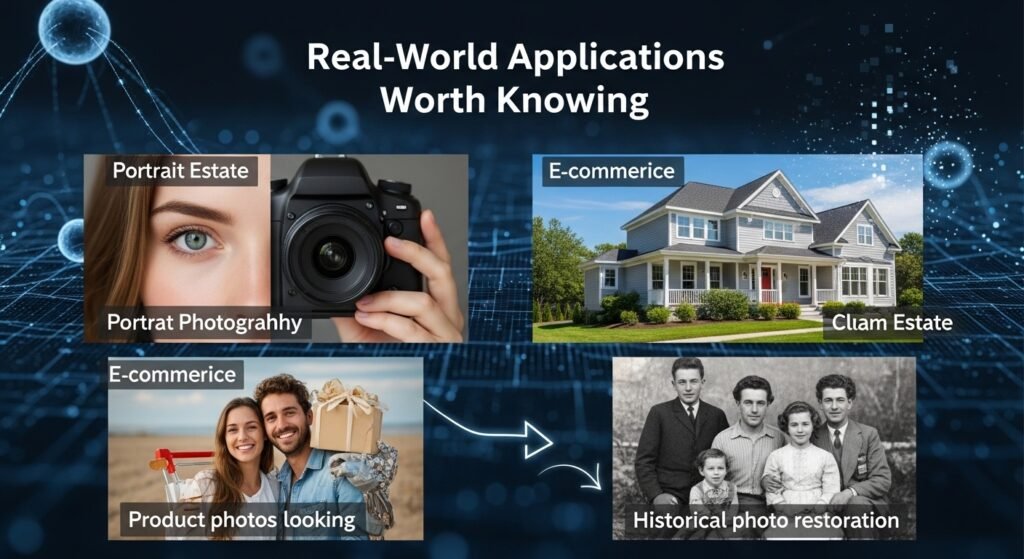
Portrait Photography
Professional photographers increasingly use AI enhancement as part of their workflow. Skin retouching becomes more natural, eyes appear sharper without that artificial over-processed look, and subtle details emerge that weren’t visible in the original capture.
Real Estate Marketing
Property listings with enhanced images consistently outperform those with standard photos. I’ve spoken with several real estate agents who report faster sales after implementing AI-enhanced imagery across their portfolios.
E-commerce Product Photos
Online retailers face constant pressure to display products attractively. AI enhancement helps smaller businesses compete with companies that have dedicated photography studios and expensive equipment.
Historical Photo Restoration
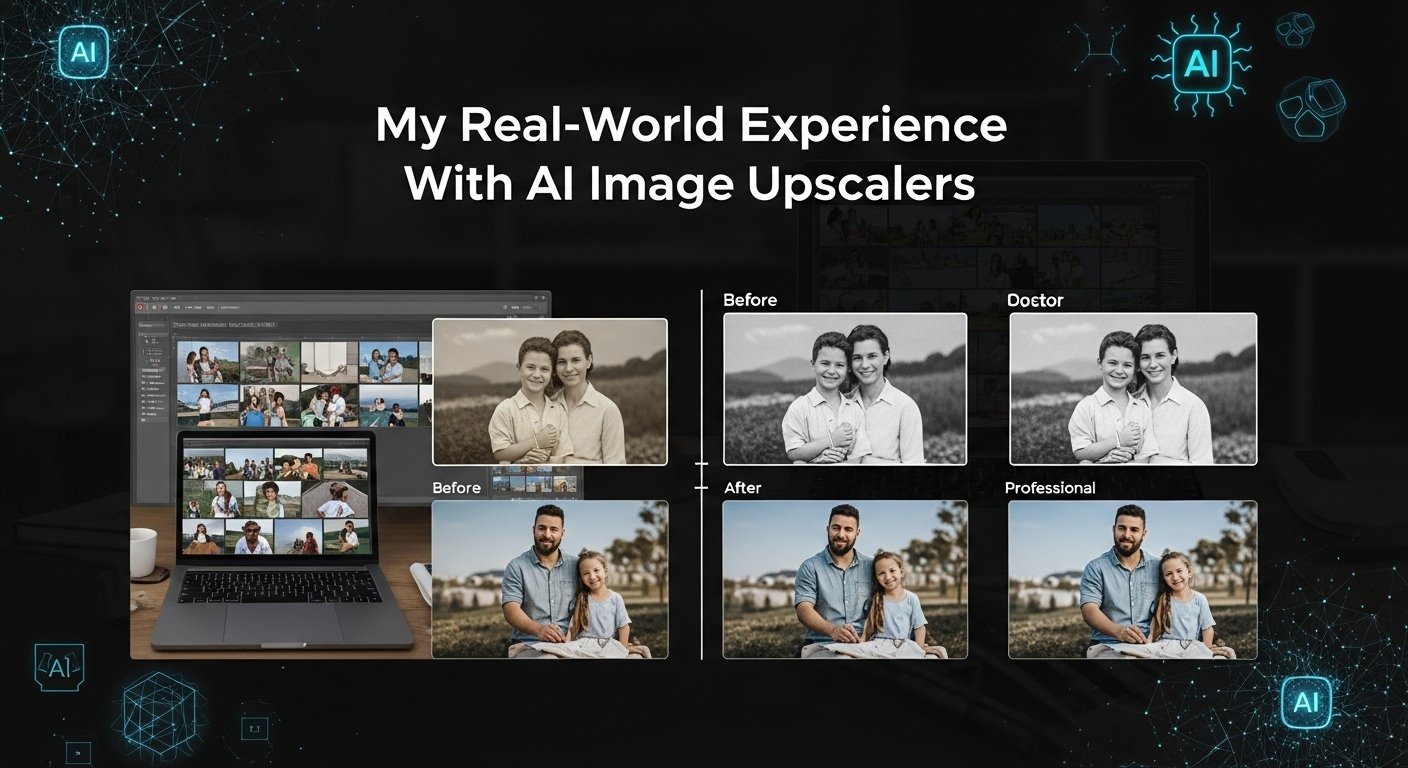
Perhaps the most emotionally rewarding application. Those faded family photos I mentioned? After running them through quality AI enhancers, I printed enlargements that now hang in my mother’s living room. Barely recognizable faces became clear and expressive again.
Popular AI Image Enhancement Platforms
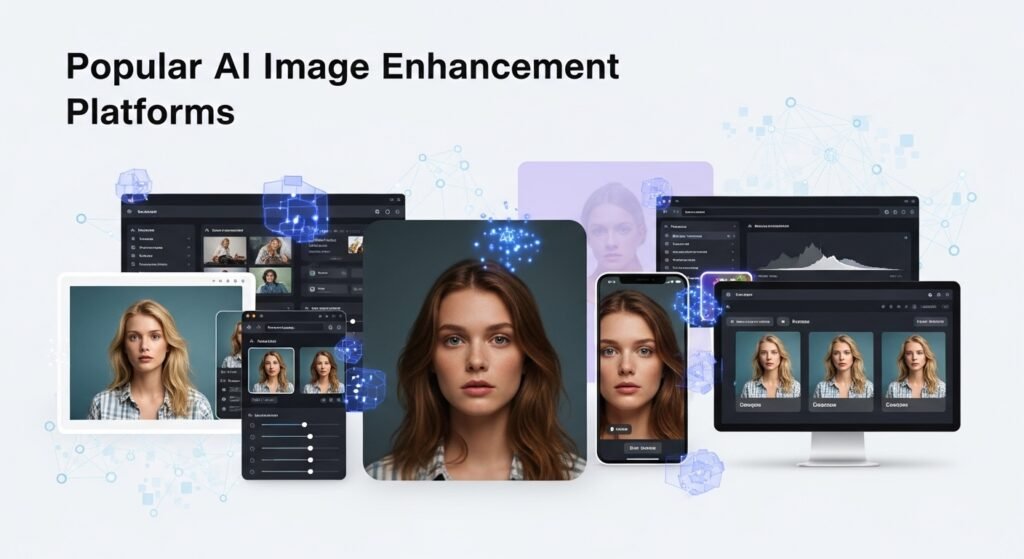
Several standout options have proven reliable in my experience:
Topaz Labs offers desktop software with exceptional control over enhancement parameters. It’s particularly strong for professional photographers who need fine-tuned adjustments.
Let’s Enhance works entirely online, making it accessible for quick improvements without software installation. Their upscaling capabilities particularly impressed me during testing.
Remini specializes in face enhancement and works surprisingly well on smartphone-captured images. The mobile app makes it convenient for casual users.
Adobe’s Neural Filters integrates enhancement tools directly into Photoshop, appealing to existing Adobe subscribers who prefer keeping everything within familiar software.
Limitations You Should Understand
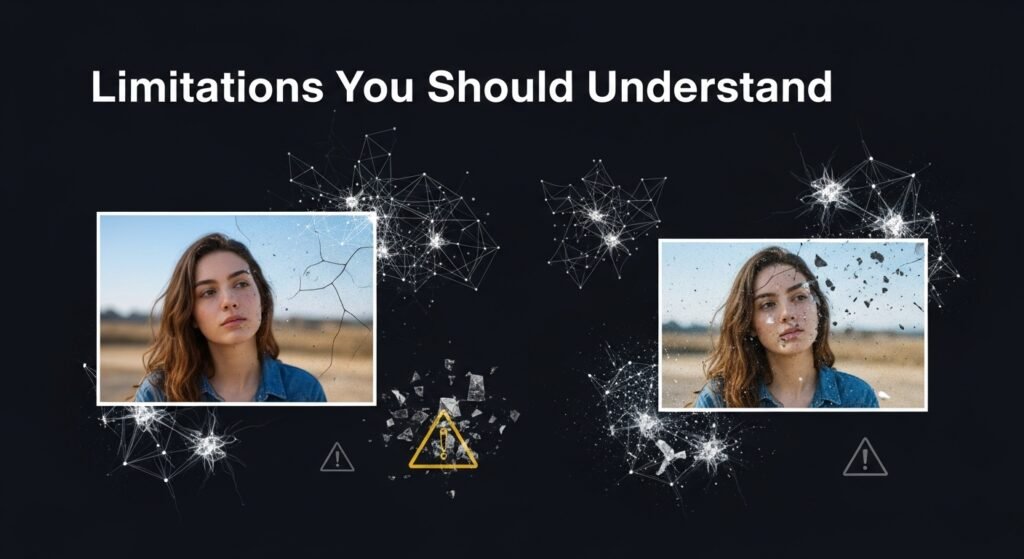
Let’s be realistic, AI image enhancers aren’t magical. They have genuine constraints worth acknowledging before setting expectations.
Severely degraded images often produce unsatisfactory results. If the original data is essentially destroyed, no algorithm can perfectly reconstruct what was never captured. The technology makes educated guesses based on training data, which sometimes leads to artifacts or incorrect interpretations.
I’ve noticed particular struggles with uncommon subjects. Training datasets typically contain common objects and scenes, so unusual items or rare perspectives might receive generic treatment that doesn’t quite fit.
Processing large batches remains time-consuming, especially for high-resolution outputs. Cloud-based services depend on internet speeds and server loads, occasionally causing frustrating delays during peak usage periods.
Tips for Getting the Best Results
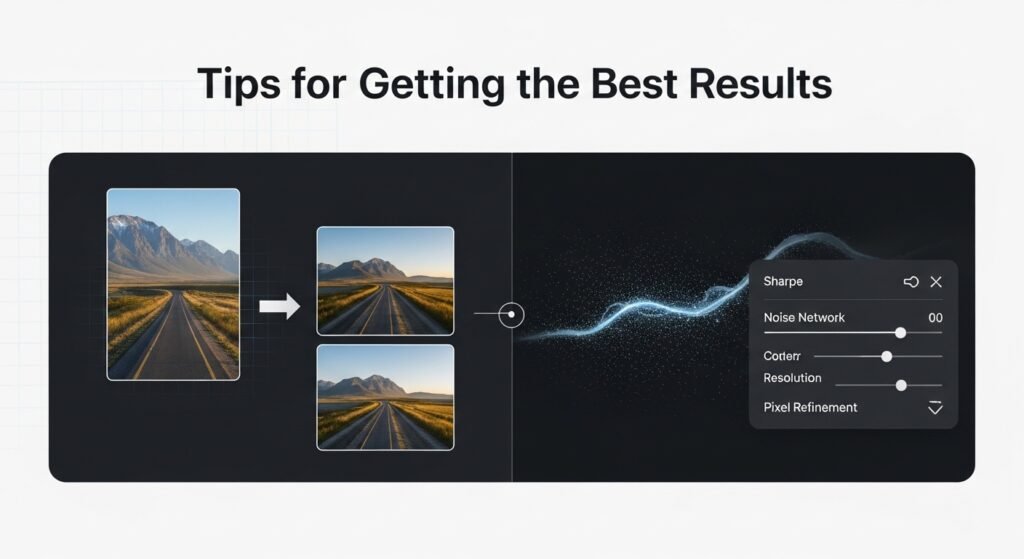
After experimenting extensively, I’ve developed some practical strategies:
Start with the highest quality source file available. Enhancing a heavily compressed JPEG produces worse results than working from RAW files or less-compressed formats.
Manage expectations regarding upscaling limits. Doubling or tripling resolution generally works well; attempting tenfold increases typically introduces visible artifacts.
Consider running multiple passes with different tools. Sometimes, combining one platform’s noise reduction with another’s sharpening produces superior outcomes.
Always compare the original and enhanced versions side-by-side before finalizing. Occasionally, enhancement algorithms introduce subtle changes to color balance or contrast that require correction.
Ethical Considerations
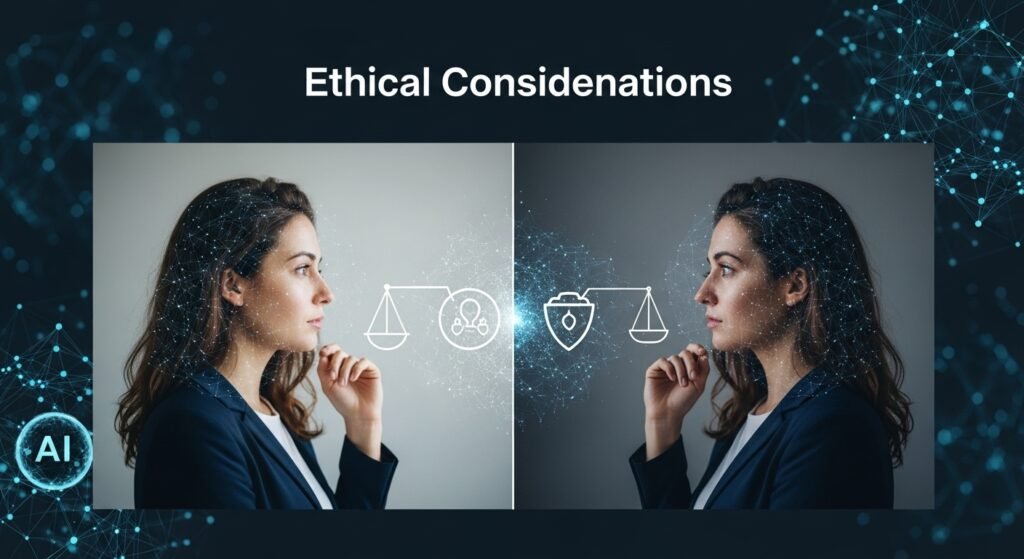
The power to dramatically alter images raises legitimate concerns. Enhanced photos used in journalism could potentially mislead audiences. Dating profiles with heavily enhanced images create unrealistic expectations. Historical photo alterations might misrepresent actual events.
Responsible use means being transparent about enhancements when context matters. Personal photo improvement differs significantly from manipulating images presented as unaltered documentation.
The Future Looks Promising
Recent developments suggest even more impressive capabilities are approaching. Real-time video enhancement, better handling of motion blur, and more accurate facial reconstruction are actively being refined by researchers worldwide.
What excites me most is increasing accessibility. Tools that once required expensive hardware and technical expertise now run smoothly on average computers and smartphones, democratizing professional-quality image improvement.
Final Thoughts
AI image enhancers represent a genuine leap forward in photography technology. They rescue otherwise unusable photos, elevate amateur captures toward professional quality, and breathe new life into cherished memories fading with time.
Like any powerful tool, they work best when used thoughtfully, with realistic expectations and ethical awareness. But within those boundaries, they deliver remarkable results that seemed impossible just a few years ago.
FAQs
Q: Are AI image enhancers free to use?
A: Many offer free tiers with limitations. Premium features typically require subscriptions ranging from $10-50 monthly.
Q: Will enhancement remove watermarks?
A: Most legitimate tools won’t remove watermarks, and attempting this violates copyright protections.
Q: How much can images be enlarged?
A: Quality results typically achieve 2-4x enlargement; beyond that, artifacts become noticeable.
Q: Do enhanced images look natural?
A: Quality platforms produce natural-looking results, though over-processing can create artificial appearances.
Q: Can AI fix completely blurry photos?
A: Moderate blur improves significantly; extreme blur remains challenging with mixed results.
Q: Is my uploaded image data private?
A: Privacy policies vary. Check terms carefully, especially for sensitive photographs.

Related Posts