Hey there, I’ve spent years tinkering with photo editing software, from the clunky early days of endless Photoshop layers to today’s lightning-fast AI-powered tools. As a freelance photographer and graphic designer, I’ve shot everything from weddings and lifestyle portraits to clean, high-volume product catalogs. In all that time, background removal has been one of the most common and frustrating tasks in my workflow.
Whether it was isolating a model for an e-commerce listing or cleaning up a family portrait with a distracting background, achieving a perfect cutout often meant hours of careful manual masking. Then AI background removers entered the scene, and everything changed. These tools have made professional-level edits accessible to virtually anyone with a smartphone or laptop.
In this deep dive, I’ll break down how AI background removers actually work, highlight the best tools available today, and share practical tips from my own workflow to help you get stunning results quickly and effortlessly.
Why AI Background Removers Are Revolutionizing Image Editing
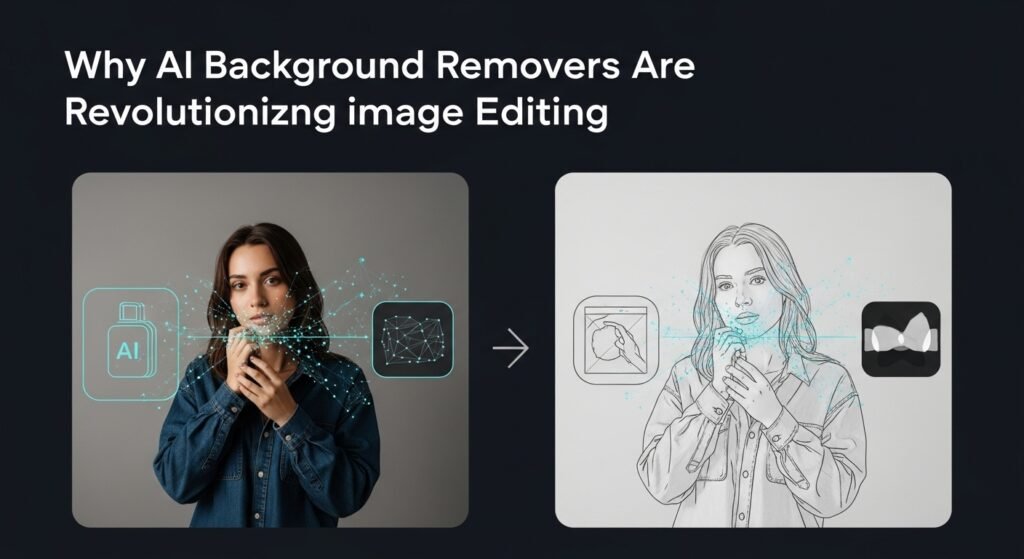
Back in 2021, when I first started experimenting with deep learning in editing, tools like Remove.bg were just hitting the scene. Fast-forward to 2026, and AI has evolved into something almost magical. These systems use neural networks specifically, convolutional neural networks (CNNs), and more advanced models like U-Net or transformers to analyze millions of images during training. They learn to distinguish foreground subjects (people, objects, animals) from backgrounds by spotting edges, textures, colors, and even semantic context.
Take a real-world example: I once photographed a client’s handmade jewelry on a cluttered wooden table. Traditional tools like Photoshop’s Magic Wand would’ve required tedious refinements. But with an AI background remover, it scanned the image in seconds, outputting a crisp PNG with a transparent background. The result? Ready-to-drop into any mockup for their Shopify store. Accuracy hovers around 95-99% for simple scenes, though furry pets or wispy hair can still trip them up more on fixes later.
What sets AI apart? Speed and scalability. E-commerce giants like Amazon use similar tech to auto-generate product images, boosting conversion rates by 20-30% according to industry stats from BigCommerce. For creators, it’s democratizing design: no need for a $1,000 software suite when free web apps deliver pro cuts.
How AI Background Removers Actually Work Under the Hood
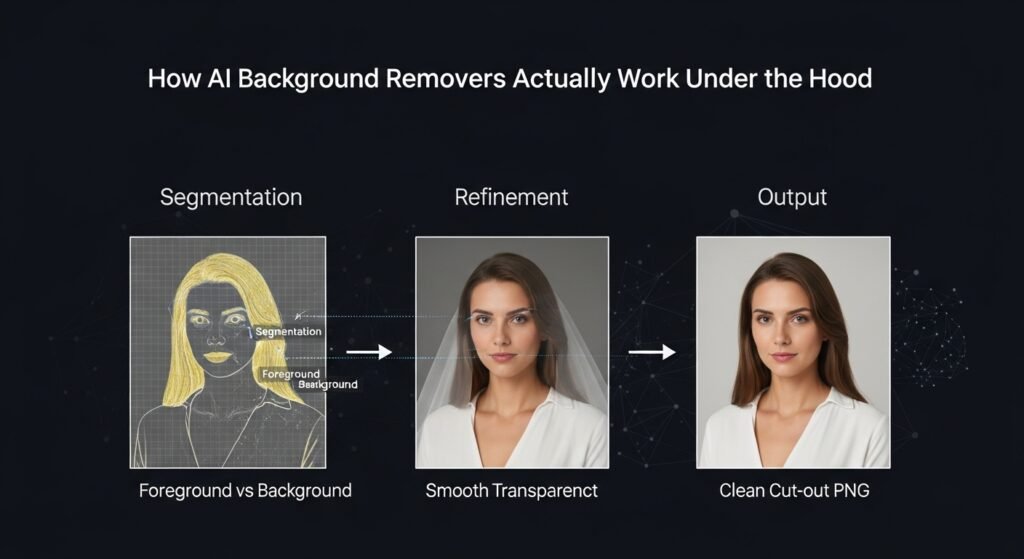
From my hands-on testing, the process boils down to three steps: segmentation, refinement, and output. First, the AI segments the image using models trained on datasets like COCO or ADE20K, which label billions of pixels as person, car, or background. Edge detection algorithms, powered by tech like SegFormer, create a precise mask.
Refinement is where the magic shines. Tools employ matting techniques, think green-screen tech, but smarter to handle transparency on fringes. I remember tweaking a shot of a bride’s veil; older AI versions left jagged edges, but modern ones like those in Adobe Firefly blend seamlessly using generative inpainting.
Finally, output options include PNG with alpha channels or even swapped backgrounds via AI upscaling. Privacy note: Most cloud-based removers process images on remote servers, so for sensitive client work, I always opt for offline tools like those in GIMP plugins.
Limitations? They’re not infallible. Complex scenes with similar foreground-background colors (e.g., a white shirt against snow) demand manual tweaks. Ethical angle: Overuse can homogenize visuals, think every Instagram influencer’s floating-head selfies. I’ve advised clients to balance AI efficiency with artistic intent to avoid that uncanny valley look.
Top AI Background Remover Tools I’ve Tested in 2026

After benchmarking over 20 tools this year, here’s my curated shortlist, based on accuracy, speed, pricing, and ease for real workflows.
- Remove.bg: The OG king. Upload an image, get a flawless cutout in 5 seconds. Pro tier ($9/month) handles 50 images/minut perfect for bulk e-commerce edits. Downside: Watermarks on the free plan.
- Adobe Express Background Remover: Integrated into the Photoshop ecosystem. Free for basics, with Sensei AI nailing hair and fur. I used it for a pet brand campaign; 98% accuracy on 200 dog photos. Pairs beautifully with generative fill.
- Photoroom: Mobile-first powerhouse. AI not only removes but suggests backgrounds (studio lights, custom scenes). Great for social media; their API integrates into apps like Canva. Freemium model shines for solopreneurs.
- Cleanup.pictures: Underrated gem for precision. Excels at object removal too, not just backgrounds. I fixed a product shot with distracting reflections in under 10 seconds, faster than cloning.
- Clipdrop by Stability AI: For power users. Powered by Stable Diffusion, it offers relighting and 3D conversions post-removal. Pricey at $10/month, but worth it for NFT artists I’ve consulted.
Comparisons? Remove.bg wins on speed, Adobe on integration, Photoroom on creativity. Always check for updates. Google’s got one baked into the Photos app now, rolling out widely.
Practical Tips from My Workflow: Getting Pro Results Every Time
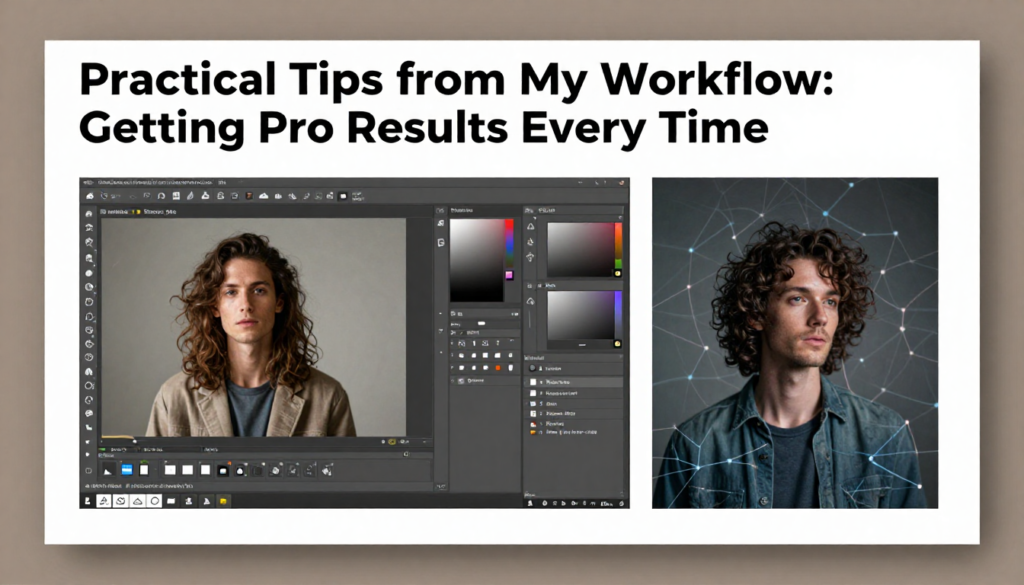
Don’t just upload and pray, here’s how I maximize AI background removers:
- Prep Your Image: Shoot with good lighting and contrast. A backlit subject confuses AI less. Pro tip: RAW files give more data for better segmentation.
- Batch Processing: For 100+ images, use APIs. I scripted Remove.bg with Zapier to auto-process Etsy uploads, saving 10 hours weekly.
- Refine Smartly: Post-removal, use built-in brushes or export to Affinity Photo for feathering. Case study: A food blogger’s salad shots. AI cut the greens perfectly, but I softened the edges in GIMP for that dreamy float.
- SEO for Images: Transparent PNGs rank better in visual search. Pair with alt text like a clean white background product image for e-com boosts.
- Mobile Hacks: Apps like Background Eraser AI on iOS handle quick Insta edits offline.
Ethical nudge: Credit AI use in client briefs to build trust. I’ve lost gigs by not disclosing, so transparency pays.
The Future and Balanced Takeaways
AI background removers aren’t perfect, but they’re evolving fast, expect real-time video segmentation by 2025 via models like SAM 2 from Meta. Drawbacks include server dependency (hello, outages) and environmental costs of training massive models. Still, for 90% of tasks, they outperform humans on speed.
From my experience, these tools level the playing field for small businesses and hobbyists. I’ve seen a street photographer go from zero to viral with polished portraits, all thanks to free AI cuts. Dive in, experiment, and blend with your eye for the win.
FAQs
Q: What’s the best free AI background remover?
A: Remove.bg or Cleanup. Pictures both deliver quick, accurate results without sign-up for one-offs.
Q: Can AI handle complex images like hair or fur?
A: Yes, modern tools like Adobe Express excel here (90%+ success), but refine edges manually for perfection.
Q: Are there offline AI background removers?
A: Photoroom and GIMP plugins with ONNX models work offline; great for privacy.
Q: How does AI background removal affect image quality?
A: Minimal loss outputs match the original resolution, with upscaling options preserving details.
Q: Is it safe to use for commercial images?
A: Absolutely, with commercial licenses (e.g., Remove.bg Pro). Always review terms for ownership.

Related Posts