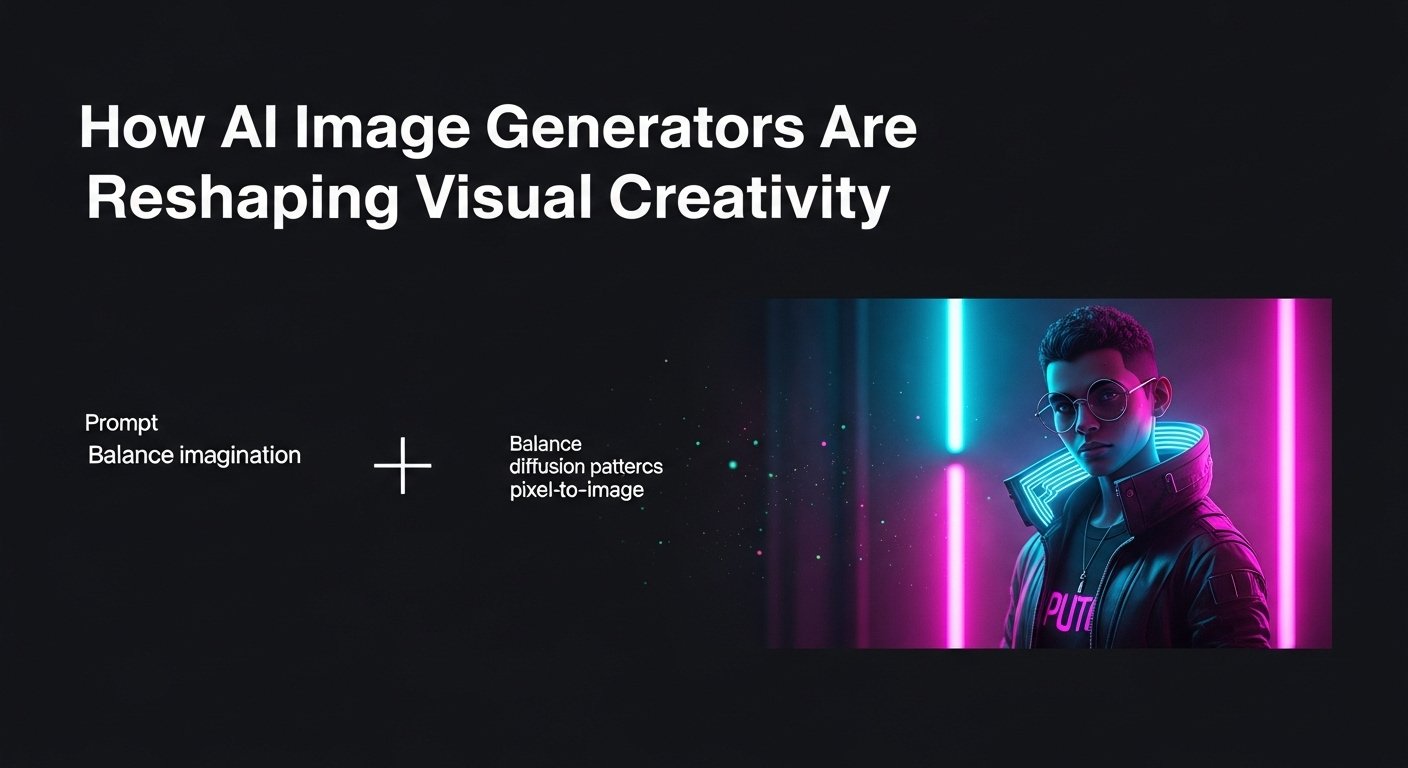
A few years ago, the idea of typing a sentence like a cyberpunk raccoon wearing a trench coat, sipping coffee under neon rain and getting a photorealistic image back would’ve sounded like science fiction. Today, it’s not only possible, but it’s also happening on laptops and phones around the world. AI image generator tools have exploded into mainstream use, reshaping how artists, marketers, educators, and even hobbyists create visuals.
As someone who’s spent the better part of the last three years testing, critiquing, and integrating these tools into real creative workflows, I can say this: they’re not magic, but they’re close. And understanding how they work, what they’re good at, and where they fall short is essential for anyone navigating today’s visual landscape.
How Do These Tools Actually Work?
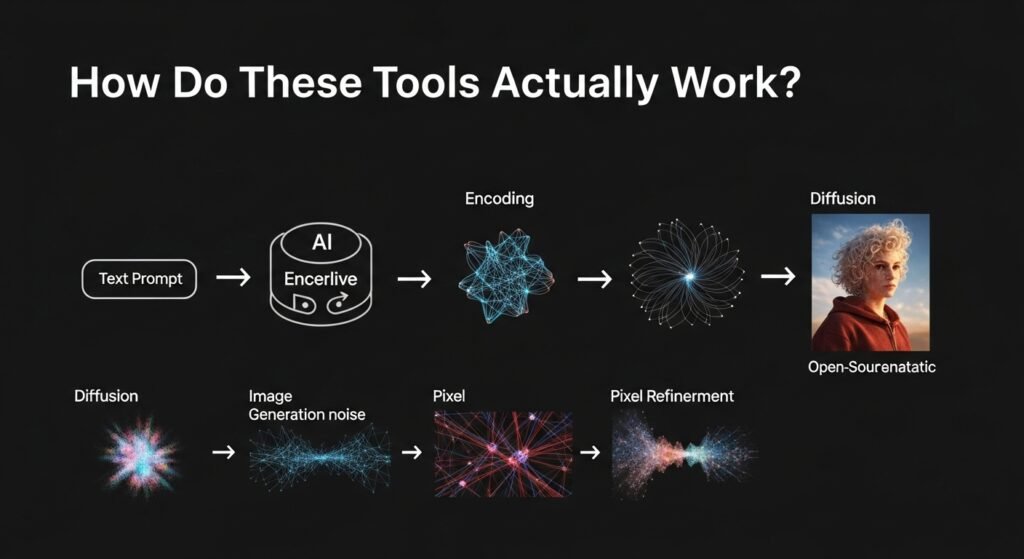
At their core, AI image generators are trained on massive datasets of images paired with text descriptions, think hundreds of millions of photos, illustrations, and digital art pulled from across the web (with varying degrees of consent, more on that later). Using deep learning models, particularly diffusion models, these systems learn the statistical relationships between words and visual elements.
Here’s a simplified version of the process:
- Text Input: You type a prompt vintage car floating above clouds, sunset, cinematic lighting.
- Encoding: The AI parses your words, linking them to learned visual concepts.
- Image Generation: Starting from random noise, the model gradually refines pixels over hundreds of steps, guided by the text, until a coherent image emerges.
- Output: In seconds, you get a unique image that matches your description, sometimes eerily well.
The most widely used models today, like Stable Diffusion, DALL·E 3 (by OpenAI), and Midjourne,y each have distinct styles and strengths. Midjourney leans toward painterly, artistic results; DALL·E 3 integrates tightly with ChatGPT and excels at understanding complex prompts; Stable Diffusion is open-source, meaning developers can tweak and run it locally, offering more control but requiring technical know-how.
Real-World Use Cases: Beyond the Hype
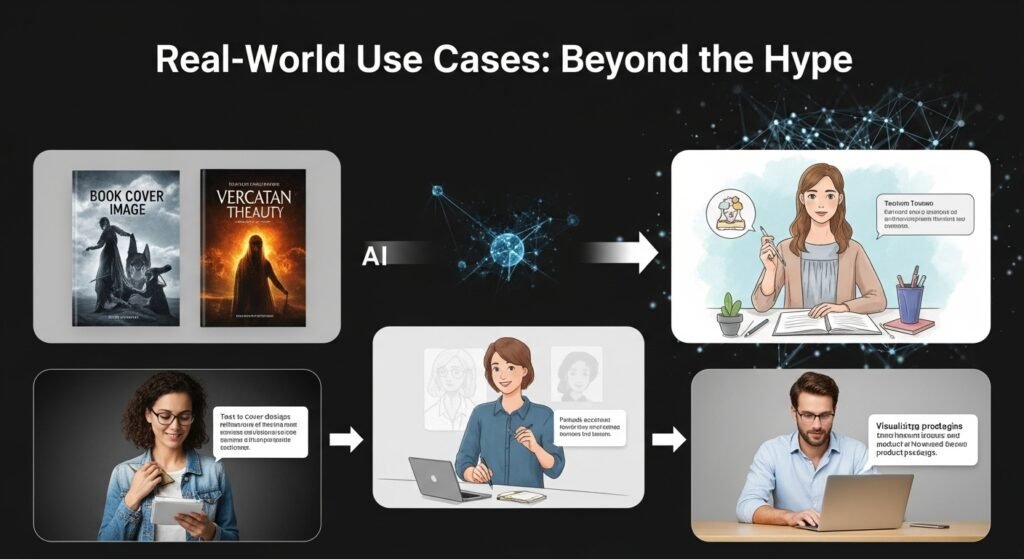
I’ve seen firsthand how these tools are being used not just for fun, but for tangible results.
Take Sarah, a freelance book cover designer I worked with last year. She used Midjourney to generate initial concepts for a fantasy novel series. Instead of spending hours sketching rough ideas, she generated dozens of atmospheric scenes in minutes, then refined her favorite using Photoshop. The client loved the speed and variety, and Sarah saved nearly 60% of her concept time.
In education, teachers are creating custom illustrations for lesson plans. One history teacher I spoke with generates period-accurate clothing and settings to help students visualize ancient civilizations. It’s not about replacing textbooks; it’s about making abstract concepts feel real.
Even small businesses are jumping in. A local bakery used DALL·E to mock up seasonal packaging designs before committing to print costs. No need to hire an illustrator for early-stage brainstorming.
The Ethical Tangle: Who Owns This Art?
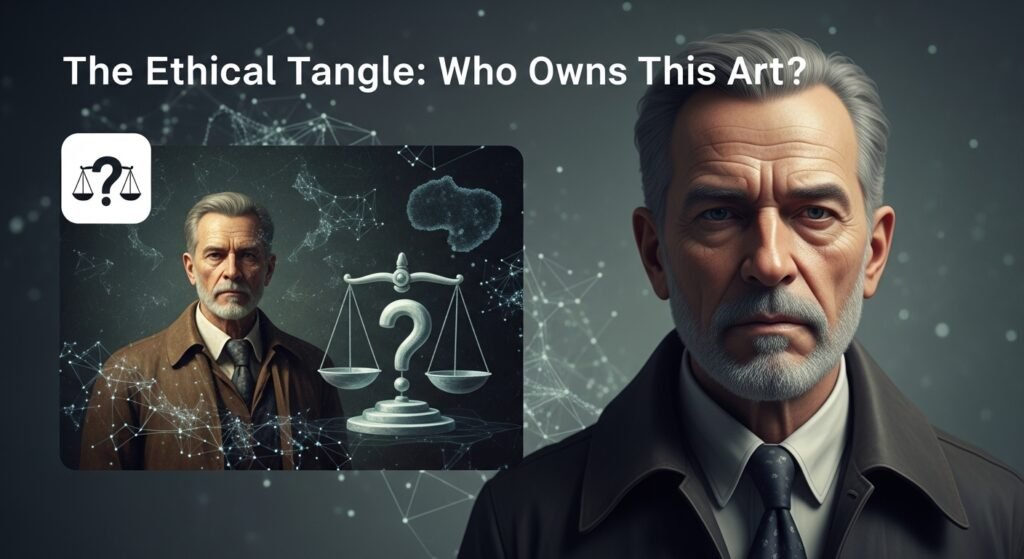
One of the biggest debates swirling around AI image generation is copyright and consent. Most models were trained on images scraped from the internet without explicit permission from the original artists. That means a tool might replicate the style of a living artist, say, someone known for whimsical watercolor animals, without their knowledge or compensation.
I tested this myself. I input a prompt mimicking the style of a contemporary illustrator whose work I admire: in the style of [Artist Name], cute fox in a library, soft pastel colors. The output was uncanny, nearly indistinguishable from her actual portfolio. That felt… uncomfortable. Not illegal, perhaps, but ethically murky.
Some platforms are responding. Adobe’s Firefly, for example, is trained only on licensed and public domain content, aiming for a more ethical foundation. Others, like Shutterstock, now offer opt-out registries so artists can exclude their work from training data.
Still, the legal landscape is evolving. In 2023, a U.S. court ruled that AI-generated images cannot be copyrighted because they lack human authorship, a landmark decision that could shape future policy.
Limitations You Should Know About
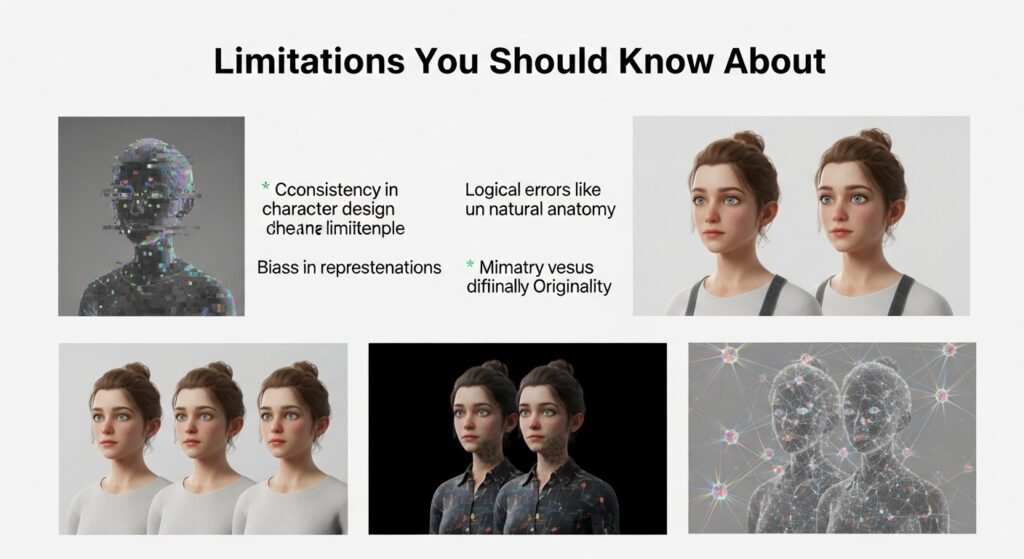
For all their power, these tools aren’t flawless. Anyone relying on them exclusively will hit walls.
First, consistency. Try generating a character and keeping their face identical across multiple scenes. Good luck. While newer tools offer seed values and reference images to improve continuity, it’s still a challenge for storytelling or branding.
Second, logical errors. AI doesn’t understand physics or anatomy the way humans do. Ask for a man holding two tennis rackets, one in each hand, and you might get six fingers, or a racket growing out of his elbow. These glitches alled hallucinations, are less frequent now but still common in complex scenes.
Third, bias. Because training data reflects the internet’s uneven representation, AI often defaults to Western, male, or stereotypical depictions. Prompt for “CEO” and you’ll likely get a middle-aged white man in a suit unless you specify otherwise.
Finally, originality vs. mimicry. These tools remix existing patterns; they don’t innovate in the human sense. They’re brilliant synthesizers, but not true creators. Rely too much on them, and your work risks feeling generic, derivative.
Practical Tips for Getting Started
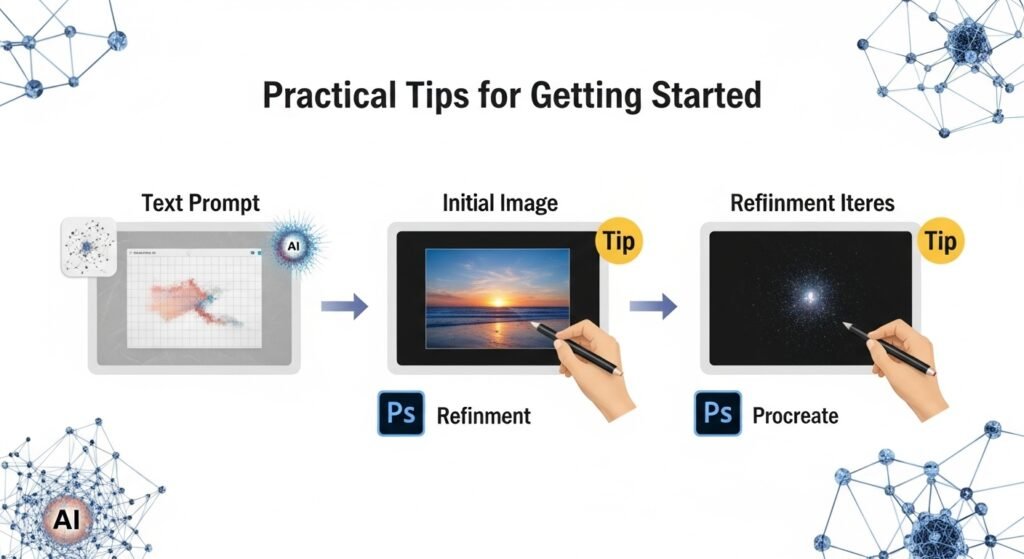
If you’re curious, here’s how to dive in without drowning:
- Start simple: Use descriptive language: cinematic, ultra-detailed, soft lighting. Avoid vague terms like cool or nice.
- Be specific: Instead of a dog, try a golden retriever puppy playing in autumn leaves, golden hour, shallow depth of field.
- Iterate: Treat the first result as a draft. Refine your prompt based on what’s missing.
- Combine tools: Use AI for ideation or base layers, then edit in Photoshop, Procreate, or other software.
- Credit when appropriate: If you publish AI-assisted work, consider disclosing it, especially in journalism or academic contexts.
The Bigger Picture
AI image generators aren’t replacing artists. They’re changing the workflow. Like the camera didn’t kill painting, or the word processor didn’t erase writers, these tools shift roles rather than eliminate them. The value now lies in curation, editing, intentionality, and the human touch behind the machine.
And let’s be honest: access matters. For people without formal art training or expensive software, these tools democratize creativity. A teenager in Nairobi can generate concept art for a video game. A nonprofit can illustrate reports without a design budget.
But with great power comes responsibility. We need clearer guidelines on attribution, consent, and transparency. And we must protect the rights of artists whose work fuels these systems.
FAQs
Q: Can I sell images made with AI generators?
A: Generally, yes, but check the platform’s terms. DALL·E and Midjourney allow commercial use, but avoid generating trademarked characters or real people.
Q: Are AI-generated images copyrighted?
A: In the U.S., purely AI-generated images aren’t eligible for copyright. However, if you significantly modify the image, the final work may qualify.
Q: Which AI image tool is best for beginners?
A: DALL·E 3 via ChatGPT is user-friendly and understands natural language well. Midjourney offers higher aesthetic quality but requires Discord.
Q: Can AI replace graphic designers?
A: Not fully. AI speeds up ideation but lacks strategic thinking, client communication, and brand consistency skills that humans excel at.
Q: How do I avoid biased outputs?
A: Be explicit in your prompts. Specify diversity in gender, ethnicity, age, and setting to counter default biases.

Related Posts