I spent last Tuesday evening manually extracting data from a 200-page regulatory filing for a client audit. By 11 PM, I was cross-referencing three different PDF versions, highlighting passages, and copying text that kept breaking into weird line fragments. My eyes were shot, and I’d missed two critical clauses that cost me an hour of backtracking. That’s when I realized my old “Ctrl+F and hope” approach to PDFs had officially expired. We’ve all been there.
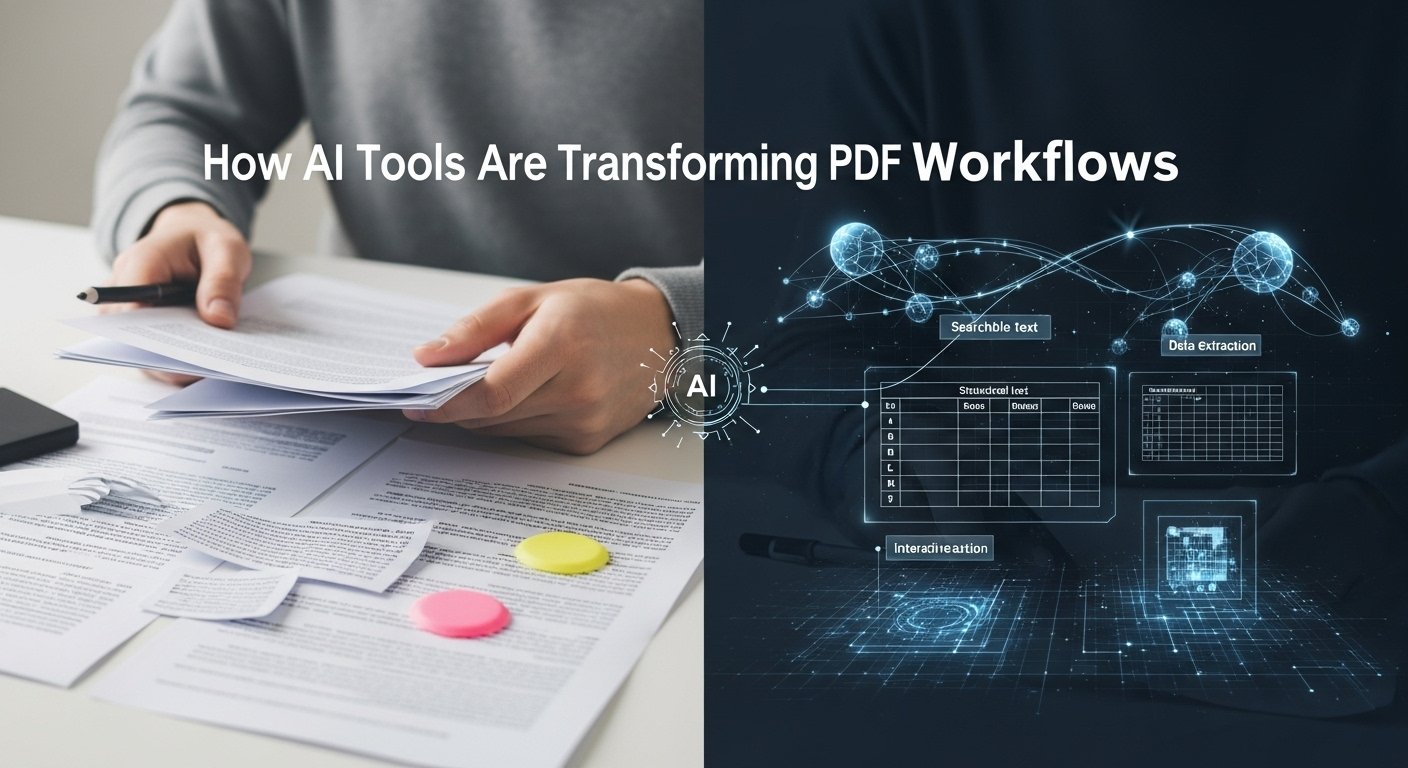
PDFs are supposed to be the universal document standard, but they’re often where information goes to hide, trapped in static pages, scanned images, or convoluted tables. The promise of AI tools for PDF files isn’t just about convenience; it’s about turning these digital paperweights into interactive, searchable, and genuinely useful assets.
After testing dozens of platforms across various use cases, including legal contract reviews, academic research, and messy invoice processing, I’ve narrowed down what actually works from what’s just flashy marketing.
The Reality Check: What AI PDF Tools Actually Do
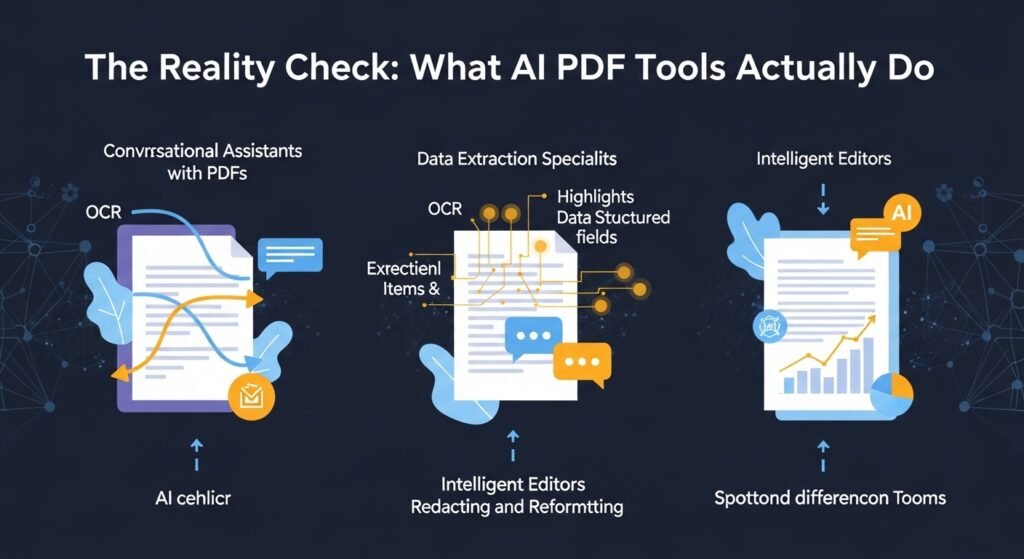
Let’s clear something up: AI doesn’t magically understand your PDF like a human does. These tools use a combination of optical character recognition (OCR), natural language processing, and large language models to parse text, identify structure, and generate responses based on patterns. The good ones get you 90% of the way there. The bad ones hallucinate citations and misread tables spectacularly.
I learned this the hard way while vetting tools for a healthcare consultancy last spring. We needed something that could pull patient consent themes from thousands of scanned forms. One highly-rated tool confidently invented entire paragraphs that sounded plausible but didn’t exist anywhere in the source documents. That’s not just annoying, it’s a liability.
Category 1: The Conversational Analysts
These are the tools that let you chat with your document. Upload a PDF, ask questions, get summaries. Think of them as a research assistant who’s actually read the whole thing.
Adobe Acrobat AI Assistant is the obvious incumbent. Integrated directly into the software most companies already use, it’s surprisingly robust for summarizing sections and answering specific questions.
I used it on a 90-page technical specification document last month, and it correctly identified non-compliance issues in the warranty language that I’d skimmed over. The catch? It struggles with heavily designed documents, think annual reports with graphics everywhere. It also keeps everything in Adobe’s ecosystem, which might not work for firms with strict data residency rules.
PDF.ai and ChatPDF occupy similar territory but with different personalities. PDF.ai feels built for speed, great for students jamming through research papers. It gives you page citations for every answer, which saved my nephew’s literature review last semester. The limitation both share: they choke on scanned image PDFs without a proper OCR layer. You’ll need to pre-process those elsewhere.
Category 2: The Data Extraction Specialists
If you’re in finance, logistics, or any field drowning in structured forms, this is where AI gets transformative. These tools don’t just read; they pull specific fields, validate them, and export to your systems.
Rossum is what my logistics client uses to process freight invoices. It’s not cheap, but it learns your document formats. After training it on about 50 examples, it started capturing line-item charges with 98% accuracy, cutting their AP processing time by 70%. The setup curve is real, though. Their AI initially misread a custom surcharge field because it was positioned inconsistently across carriers. It took three weeks of feedback loops to stabilize.
For smaller operations, Nanonets offers a more accessible entry point. I tested it for a nonprofit that needed to extract donor information from event registration PDFs. The no-code interface meant their volunteer coordinator could build a workflow without calling IT. It fumbled on handwritten email addresses, something Rossum also struggles with, but for printed text, it’s remarkably reliable at a fraction of the enterprise cost.
Category 3: The Editors That Actually Understand Context
Traditional PDF editors let you move text boxes around. AI-enhanced editors help you rewrite, translate, or reformat intelligently.
Foxit PDF Editor’s AI features fly under the radar but deserve attention. Its “AI Redact” function doesn’t just black out text; it suggests what should be redacted based on pattern recognition of social security numbers, confidential project names, etc. I ran last year’s board meeting minutes through it, and it caught two instances of someone’s personal phone number in the footer that I would have missed. The translation tool is also context-aware, handling legal terminology better than Google Translate, though it still stumbles on regional slang.
UPDF AI is the newer player that’s been gaining traction among solopreneurs. It combines editing with a chat interface and cloud sync. I used it to reformat a client proposal on my tablet during a flight. The AI suggested restructuring headings for clarity, which I initially dismissed as meddling, but the client later complimented the flow. The downside? Its OCR is slower than Adobe’s, and the mobile app drains battery like crazy.
Category 4: The Verification and Comparison Tools
This is the unsung hero category. When you’re dealing with contract versions or regulatory updates, spotting differences matters more than generating summaries.
Luminance (primarily legal-focused) uses AI to flag anomalous clauses. A lawyer friend at a mid-size firm swears it cut their junior associate review time in half. It highlighted a liability cap change between contract versions that was buried in a definition section, something a tired human might gloss over. It’s pricey and overkill for occasional use, but for high-stakes document review, it’s like having a paranoid expert on standby.
For non-legal use cases, Draftable AI offers a more general comparison engine. I’ve used it to track changes in product spec sheets from manufacturers. It visualizes differences in tables far better than Adobe’s compare tool, which often treats table cells as separate artworks. The AI component explains why a change might be significant, though sometimes its explanations are comically obvious (“Price increased by $5, which may impact budget”).
The Limitations Nobody Talks About
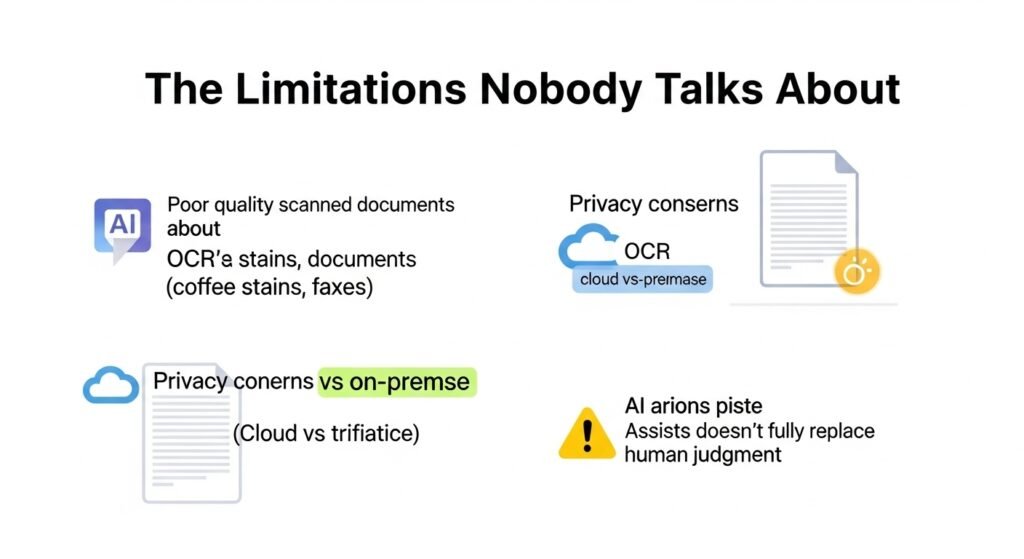
Here’s where I need to pump the brakes. These tools are not infallible, and the marketing rarely mentions the caveats. Scanned document quality remains the biggest variable. A crisp, 300 DPI scan with clear fonts? Most tools handle it. A faxed, coffee-stained invoice from 2021? Expect gibberish. I still pre-process critical scans through ABBYY FineReader for its superior OCR before feeding them to AI analysis.
It’s an extra step, but it beats explaining to a client why the AI invented a $50,000 line item. Data privacy is another minefield. That healthcare project I mentioned? We couldn’t use cloud-based tools due to HIPAA. We ended up with an on-premise solution from Kofax that cost triple the SaaS alternatives but kept data in-house. Always check where your documents are processed. That free PDF.ai tier? It’s probably using your data for model training.
Over-reliance is a professional risk. I caught myself trusting an AI summary of a commercial lease last fall and nearly missed a subtle subordination clause that would have cost my client negotiating leverage. Now I use AI for first-pass reviews only, always followed by manual verification of flagged sections. The AI is my intern, not my replacement.
The Ethical Tension
There’s a quiet debate in the legal and academic worlds about AI-generated document analysis constituting practice or scholarship. If an AI misses a case law reference, who’s liable? Most tools’ terms of service push responsibility onto the user, but that doesn’t comfort the professional whose license is on the line.
I’ve also noticed bias in how these tools interpret ambiguous language. In a test run of employment contracts, one tool consistently interpreted flexible clauses in favor of the employer. The training data likely skewed corporate. It’s a reminder that AI reflects its diet.
What’s Actually Worth Your Time in 2026
If you’re a knowledge worker drowning in research, Adobe Acrobat AI Assistant for integration, and ChatPDF for multi-doc projects.
If you process structured forms: Nanonets for cost-effectiveness, Rossum for enterprise scale.
If you edit and collaborate: Foxit for security features, UPDF for cross-device flexibility.
If you verify and compare: Draftable AI for general use, Luminance for legal-specific needs.
The best tool is the one you’ll actually use. I’ve seen firms license expensive platforms that sit idle because the learning curve was too steep. Start with a specific pain point, trial one tool, and measure the time saved. My rule: if it doesn’t save me at least 5 hours a month, it’s not worth the subscription.
FAQs
Q: Can AI PDF tools handle handwritten notes?
A: Barely. Standard OCR drops below 60% on cursive. For handwritten forms, you need specialized tools like MyScript or human transcription. AI is not magic.
Q: Are these tools secure for confidential documents?
A: It depends. Cloud-based tools carry inherent risk. Look for SOC 2 Type II certification and zero-knowledge architecture. For sensitive data, on-premise solutions like Kofax or ABBYY are safer but costlier.
Q: How much do they typically cost?
A: Consumer plans start around $10-20/month (UPDF, ChatPDF). Business tiers run $50-200/user/month (Rossum, Luminance). Enterprise contracts can hit five figures annually. Always pilot before committing.
Q: Do they work with non-English PDFs?
A: Most support major languages, but accuracy varies. Asian languages with complex layouts (think vertical Japanese text) still trip up most platforms. Test with your specific language and font set.
Q: Will AI replace document review jobs?
A: No, but it’ll change them. Junior paralegals and data entry roles are shrinking. The demand is shifting to AI-savvy professionals who can validate outputs and handle exceptions. Learn the tools or get left behind.

Related Posts