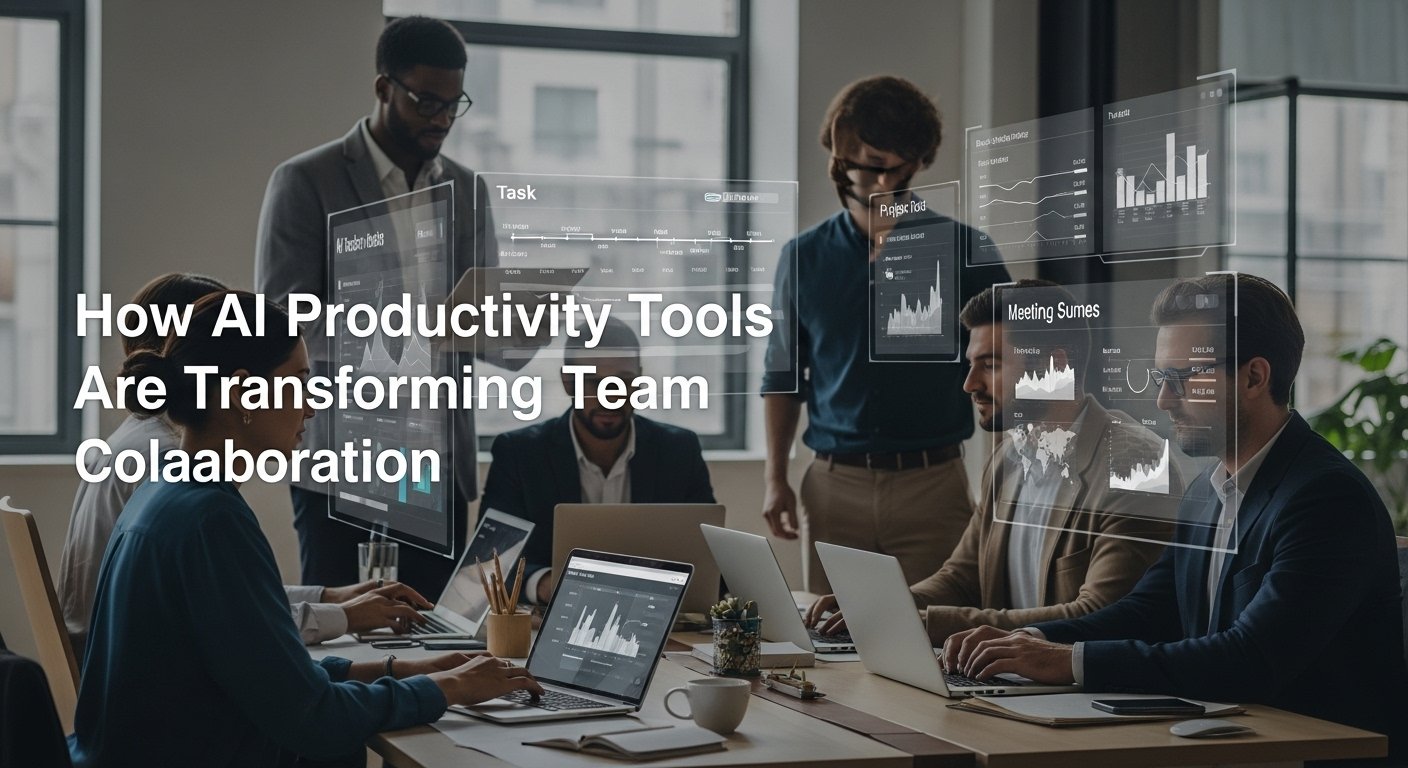
As someone who has spent over a decade managing cross-functional teams across tech and marketing environments, I’ve seen firsthand how the right tools can dramatically shape team dynamics and outcomes. In earlier years, collaboration often meant endless meetings, scattered documents, and constant follow-ups just to keep everyone aligned. Over the past three years, however, the rapid rise of AI-powered productivity tools has fundamentally changed how teams plan, communicate, and execute work.
These tools now assist with everything from task prioritization and project forecasting to meeting summaries and real-time collaboration. I’ve been directly involved in implementing several of these solutions, and the impact has been measurable: faster turnaround times, clearer accountability, and reduced friction between teams.
Of course, adoption hasn’t been without challenges, from resistance to change to learning curves. In this guide, I’ll walk you through the current landscape of AI productivity tools for teams, sharing practical insights from real-world use, the obstacles we faced, and the results we’ve actually achieved.
The Evolution of Team Productivity Tools
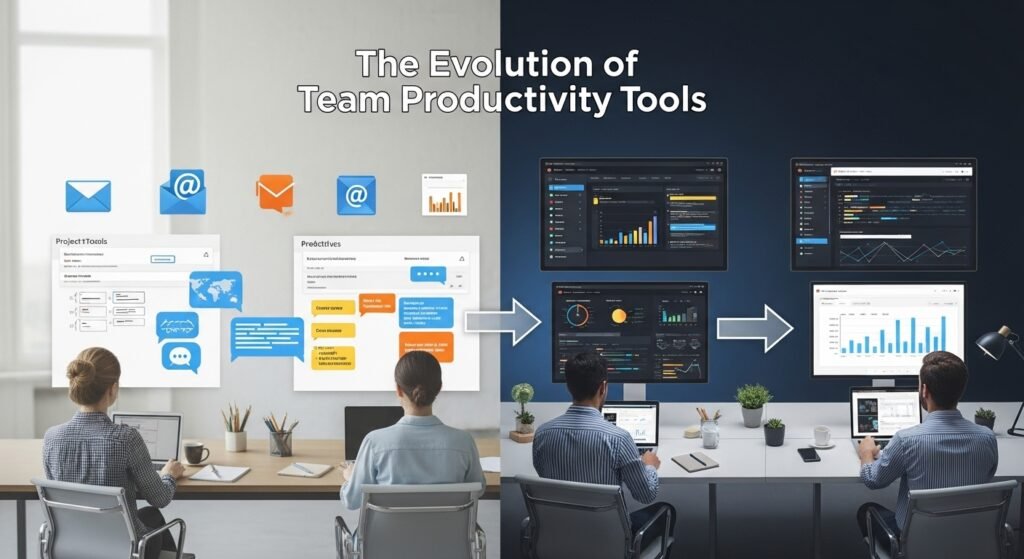
When I first started managing teams, we relied on basic project management software like Trello and Asana, communication platforms like Slack, and good old-fashioned email threads. While effective, these tools often created information silos and required constant manual updates. Fast forward to today, and AI has woven itself into the fabric of these platforms, automating repetitive tasks, surfacing relevant information, and even predicting project roadblocks before they happen.
Why Teams Need AI Productivity Tools
Modern teams, especially remote and hybrid teams, face unique challenges:
- Communication overload
- Task mismanagement
- Missed deadlines
- Inconsistent knowledge sharing
- Decision paralysis due to information overload
AI productivity tools address these pain points by acting as intelligent assistants embedded within workflows. They don’t replace human judgment; instead, they enhance it.
Top AI Productivity Tools for Teams in 2026
Based on my team’s experience and extensive testing across multiple organizations, here are the most impactful AI productivity tools currently available for teams.
1. Notion AI
Notion has evolved from a simple note-taking app into a full-fledged workspace powered by AI. With Notion AI, team members can:
- Generate meeting agendas and notes automatically
- Draft documents, blog posts, or proposals in seconds
- Summarize long discussions or documents
- Brainstorm ideas with AI-assisted suggestions
In our marketing team, we used Notion AI to automate weekly status reports. Previously, each team member spent 30–45 minutes compiling updates. Now, they simply input bullet points, and Notion AI formats a professional report in under five minutes. That’s a 75% time savings across the team weekly.
2. Microsoft 365 Copilot
For teams embedded in the Microsoft ecosystem, Copilot is a game-changer. Integrated across Word, Excel, PowerPoint, Outlook, and Teams, Copilot acts as an intelligent assistant that understands the context of your documents and conversations.
Real-world example: During a product launch, our product managers used Copilot in Excel to instantly generate pivot tables and charts from raw data. What used to take hours now takes minutes. In Teams meetings, Copilot provides real-time summaries and action items, ensuring nothing falls through the cracks even when someone misses a meeting.
3. ClickUp with AI Features
ClickUp has rapidly become a favorite among project managers. Its AI capabilities include:
- Auto-generating task descriptions
- Suggesting project timelines based on historical data
- Writing PRDs (Product Requirements Documents) and SOPs
- Intelligent task prioritization
We implemented ClickUp AI for our product development team. The AI’s ability to auto-assign tasks based on team members’ past performance and current workload reduced managerial overhead by 40%. Team members also appreciated the AI-generated stand-up summaries that pulled key updates from daily logs.
4. Slack with Slack AI
Slack, the backbone of team communication for many organizations, now includes Slack AI, a suite of features designed to cut through noise and surface value.
Key features include:
- Thread summaries (so you don’t have to read through 200 messages)
- Channel recaps for when you return from leave
- Smart notifications that prioritize what’s truly important
- AI-generated message suggestions
One of our client-service teams tested Slack AI during a particularly chaotic quarter. The channel recaps alone saved each team member approximately 1.5 hours per week. That might not sound like much, but across a 10-person team, that’s 15 hours reclaimed weekly time that was reinvested into strategic work.
5. Airtable AI
Airtable combines the flexibility of spreadsheets with the power of databases and now, AI. Teams use Airtable AI for:
- Automating data entry and categorization
- Generating content within records
- Forecasting project timelines and resource needs
- Building dynamic reports
Our content team uses Airtable AI to manage editorial calendars. The AI suggests optimal publishing dates based on historical engagement data and automatically tags content by theme. This has made our planning process significantly more data-driven and efficient.
Implementing AI Tools in Your Team: Best Practices
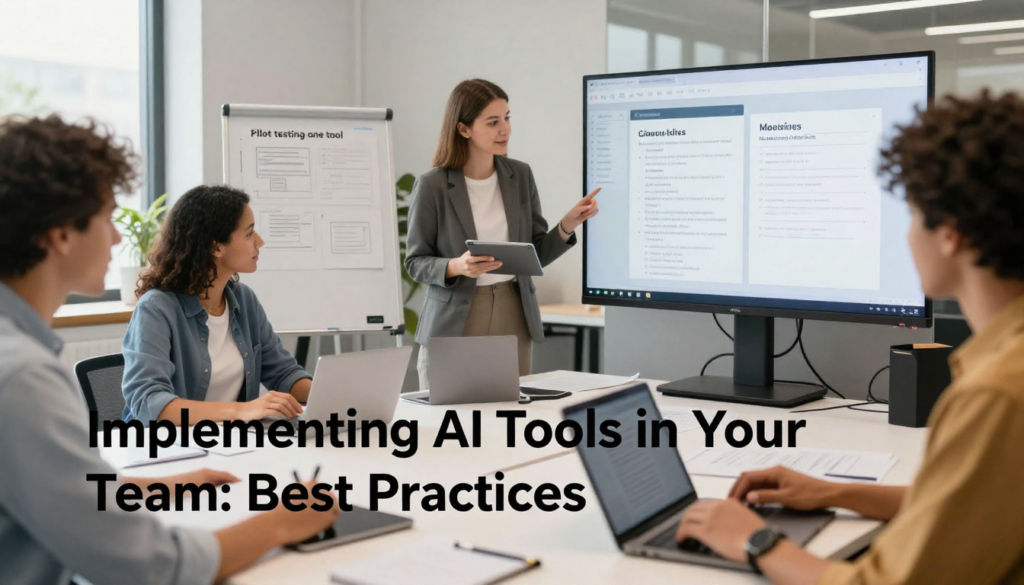
From my experience, simply introducing a tool isn’t enough. Successful adoption requires thoughtful implementation.
Start Small
Don’t overhaul everything at once. Pick one team and one tool. Run a 30-day pilot. Collect feedback. Iterate.
We piloted Notion AI with our marketing team before rolling it out company-wide. This allowed us to identify edge cases and train early adopters who became internal champions.
Provide Training
AI tools are only as good as the people using them. Invest time in training sessions, not just how to click buttons, but how to think with the tool. Encourage teams to experiment and share best practices in a shared document or Slack channel.
Set Clear Guidelines
Define what AI can and cannot do. For example, we established that AI-generated content must always be reviewed by a human before going live. This maintains quality and accountability.
Monitor Usage and ROI
Track metrics like time saved per task, reduction in meeting duration, or number of automated workflows. This data helps justify the investment and identify areas for improvement.
Challenges and Ethical Considerations

AI tools aren’t a panacea. We’ve encountered several challenges:
- Over-reliance: Some team members started using AI for everything, losing critical thinking skills.
- Data privacy: We had to ensure that sensitive company data wasn’t being sent to third-party AI models. Always review the tool’s data policy.
- Hallucinations: AI can sometimes generate incorrect information. We implemented a human-in-the-loop policy for any AI-generated output.
- Bias: AI models can reflect biases in training data. We regularly audit outputs for fairness and accuracy.
The Future of AI Productivity Tools
We’re still in the early days. In the next 12–18 months, we expect to see:
- More personalized AI assistants for individual team members
- Cross-platform AI that works seamlessly across tools (e.g., from Slack to Notion to Google Docs)
- Predictive analytics that anticipate team burnout or project risks
- Real-time multilingual translation for global teams
Final Thoughts
AI productivity tools aren’t about replacing team members—they’re about empowering them. When used thoughtfully, these tools free teams from mundane tasks, reduce cognitive load, and create space for creativity, strategy, and connection.
The key is to remain intentional. Choose tools that align with your team’s workflow, invest in adoption, and always keep the human element at the center.
FAQs
Q: Are AI productivity tools expensive?
A: Pricing varies. Many tools offer tiered plans. For small teams, entry-level plans are often affordable. Enterprise solutions can be costlier but usually come with dedicated support and advanced features.
Q: Can AI tools replace team meetings?
A: No. While AI can summarize meetings and extract action items, face-to-face (or video) interaction remains essential for brainstorming, relationship-building, and complex decision-making.
Q: How do I ensure data security with AI tools?
A: Choose tools with strong encryption and clear data policies. Avoid inputting sensitive or proprietary information into public AI models unless the vendor guarantees that data isn’t stored or used for training.
Q: Will AI make some jobs obsolete?
A: Some repetitive tasks may be automated, but roles will likely evolve rather than disappear. Teams will need skills in AI oversight, prompt engineering, and data interpretation.
Q: How long does it take to see results after implementing AI tools?
A: Most teams notice efficiency gains within 2–4 weeks. Full adoption and optimization may take 2–3 months.

Related Posts