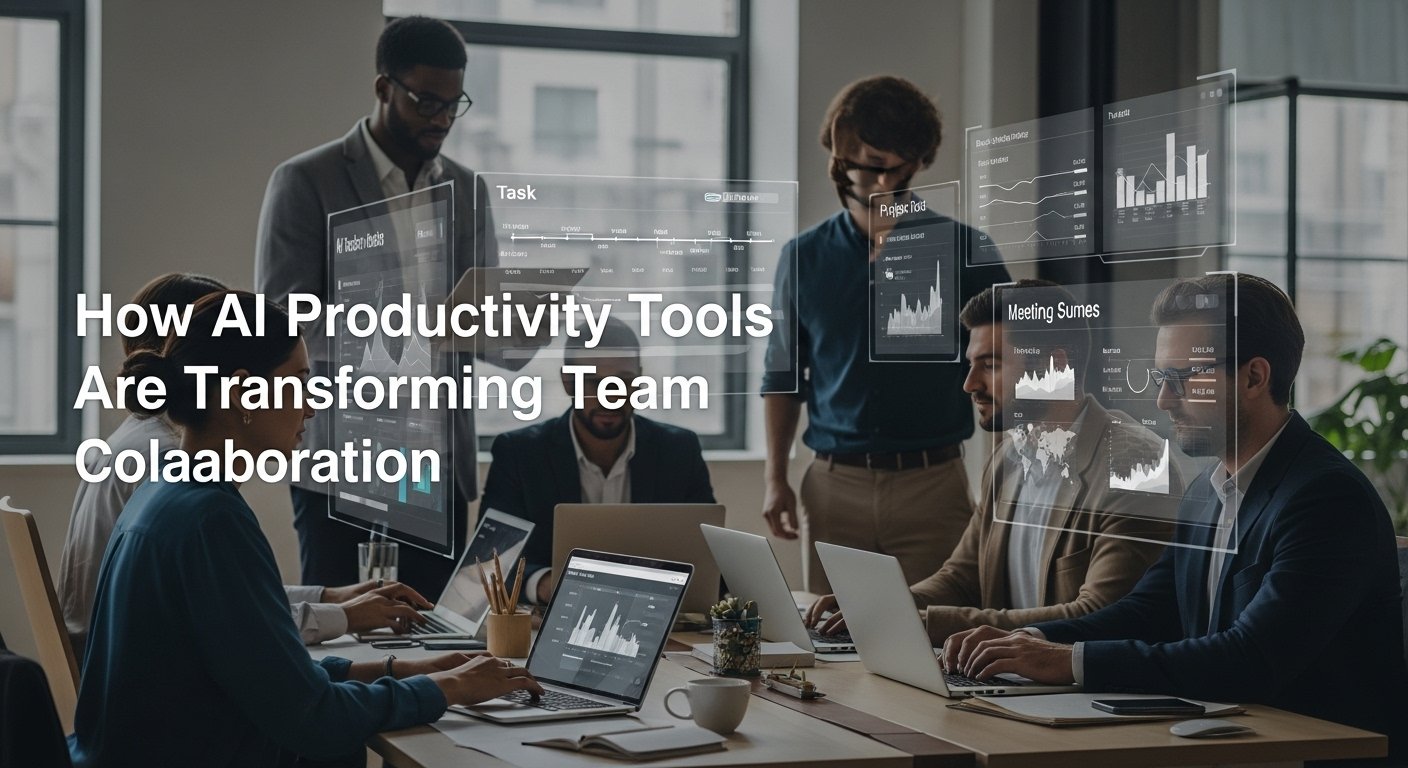
As someone who has spent over a decade managing cross-functional teams across tech and marketing environments, I’ve seen firsthand how the right tools can dramatically shape team dynamics and outcomes. In earlier years, collaboration often meant holding endless meetings, managing scattered documents, and conducting constant follow-ups to keep everyone aligned. Over the past three years, however, the rapid rise of AI-powered productivity tools has fundamentally changed how teams plan, communicate, and execute work.
These tools now assist with everything from task prioritization and project forecasting to meeting summaries and real-time collaboration. I’ve been directly involved in implementing several of these solutions, and the impact has been measurable: faster turnaround times, clearer accountability, and reduced friction between teams.
Of course, adoption hasn’t been without challenges, from resistance to change to learning curves. In this guide, I’ll walk you through the current landscape of AI productivity tools for teams, sharing practical insights from real-world use, the obstacles we faced, and the results we’ve actually achieved.
The New Toolkit: More Than Just Answering Questions
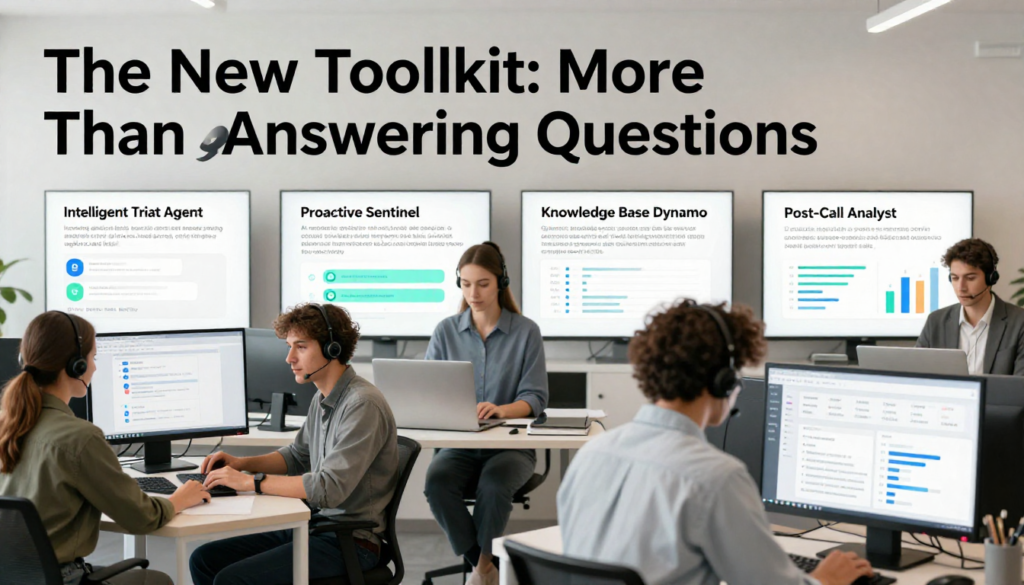
The modern landscape of AI for support is a suite of specialized tools, each tackling a specific friction point.
1. The Intelligent Triage Agent: This is where it often starts. Advanced Natural Language Processing (NLP) now does more than scan for keywords. It can read the emotional tone, urgency, and true intent of an incoming email or chat message. I worked with a mid-sized e-commerce company that implemented this. Instantly, their system began routing complex “where’s my refund?” complaints (fraught with emotion) directly to their most seasoned billing agents, while simple update my address requests were automated. Customer satisfaction on complex tickets soared because they weren’t first subjected to a scripted bot. The AI handled the logistics, not the emotion.
2. The Proactive Sentinel: This is my favorite evolution. AI tools now monitor user behavior in real-time. Say a user fails to complete the same step in your software setup three times in a row. Instead of them having to reach out, a contextual help bubble can appear: “Seeing you’re having trouble with the CSV upload. Here’s a quick video guide.” This shifts support from reactive to proactive, preventing frustration before it even becomes a ticket. It’s like having a perceptive assistant watching over every customer’s shoulder, ready to offer a quiet hint.
3. The Knowledge Base Dynamo: Static FAQ pages are relics. AI now powers dynamic, self-learning knowledge bases. Tools like these analyze every ticket, chat, and search query to identify gaps. They can then suggest new articles, flag outdated ones, and crucially surface the exact paragraph a support agent needs while they’re on a live chat. In one case study, a SaaS company found that this cut their average handle time by 40%. The agent spends less time searching and more time empathizing and solving.
4. The Post-Call Analyst: The conversation doesn’t end when the call does. Speech-to-text AI transcribes every call, then sentiment analysis tools grade the interaction. But it goes deeper. They can automatically detect if a compliance disclaimer was mentioned, if a competitor’s name came up (alerting the sales team), or if the agent promised a follow-up by a certain date (and then automatically creates a task for them). This turns every customer interaction into a mine of actionable data.
The Human in the Loop: This Isn’t About Layoffs

Here’s the critical insight from the front lines: the most successful implementations I’ve seen have a fiercely human-in-the-loop philosophy. The AI’s job is to augment, not automate, the human connection.
Think of it this way: AI handles the volume; humans handle the value. It filters the routine, provides the data, and suggests solutions, freeing up your best agents to tackle the nuanced, high-stakes, or emotionally charged issues where empathy, creative problem-solving, and brand judgment are irreplaceable. Your top-tier support staff become more like consultants and less like data clerks. Morale improves, turnover drops, and customer loyalty deepens.
Real-World Pitfalls and Ethical Considerations

It’s not all plug-and-play magic. Getting this wrong can burn customer trust faster than anything.
- The Transparency Rule: You must be clear when a customer is talking to a bot. A simple I’m an AI assistant helping out today manages expectations. Deception is a shortcut to anger.
- The Escalation Imperative: The path to a human agent must be obvious, immediate, and seamless. No dead ends. The AI should even be smart enough to say, “This is getting complex. Let me connect you with my colleague, Sam, who can dive deeper.”
- Bias and Blind Spots: AI models are trained on data. If your historical ticket data has biases, the AI will perpetuate them. Regular audits are non-negotiable. We once caught an AI consistently downgrading the urgency of tickets with certain dialects; it was a training data issue, not a tool flaw.
- The Context Chasm: The worst AI experiences happen when context isn’t carried over. If a customer explains their problem to a bot for five minutes and then gets transferred to a human who asks, “So, what seems to be the problem?” you’ve failed. Systems must be integrated to share the conversation history.
Looking Ahead: The Integrated Support Ecosystem
The future isn’t a single, monolithic AI. It’s an integrated ecosystem. Your triage bot talks to your knowledge base, which informs your proactive help system, which feeds data to your quality assurance AI. The customer experiences this not as “AI,” but simply as a startlingly helpful, efficient, and consistent support journey.
For businesses looking to start, my advice is always the same: Start with a pain point, not the technology. Is it overwhelming ticket volume? Start with triage and deflection. Is it long resolution times? Empower your agents with an AI knowledge partner. Implement incrementally, measure relentlessly, and keep the human agent’s experience and the customer’s dignity at the absolute center of your design.
The goal of AI in customer support is no longer to mimic a human. It’s to handle everything a human shouldn’t have to, so they can excel at what only a human can.
FAQs
Q: Will AI replace all customer support jobs?
A: No. It’s shifting the role from repetitive task-handler to complex problem-solver and relationship-builder. The job becomes more skilled, not obsolete.
Q: How much does it cost to implement?
A: It varies wildly. Many robust tools offer SaaS subscriptions starting at a few hundred dollars a month, making them accessible to small businesses. Enterprise suites cost more but integrate deeply.
Q: Can small businesses benefit from this?
A: Absolutely. Many AI tools (like chatbots or help desk augmentations) are scalable and affordable. They can help a small team look and operate like a much larger one.
Q: Is the data from AI support conversations secure?
A: It should be. You must vet vendors on their data encryption, compliance standards (like GDPR), and privacy policies. Never use a tool that claims ownership of your customer interaction data.
Q: How do you measure the ROI of AI support tools?
A: Look at metrics like First Contact Resolution (FCR) rate, Average Handle Time (AHT), customer satisfaction (CSAT) scores, and, most importantly, the reduction in repetitive, low-complexity tickets your human team has to touch.

Related Posts