I remember a Tuesday about three years ago when I realized I had spent nearly six hours doing nothing but moving data from one spreadsheet to another. I wasn’t working in the sense of creating value; I was acting as a high-paid human bridge between two software programs that refused to talk to each other. That was the moment I stopped looking at automation as a nice-to-have luxury and started seeing it as a survival mechanism.
In the current business climate, the phrase “AI automation” gets thrown around like a buzzword salad. But for those of us in the trenches running departments, managing agencies, or scaling startups, it’s much more practical than the hype suggests. It’s about reclaiming the 30% of our day lost to “work about work.”Here is what I’ve learned about building intelligent workflows that actually stick, without losing the human soul of your business.
The Myth of the “Set It and Forget It” Workflow

The biggest mistake I see companies make is treating automation like a magic wand. They buy a subscription to an expensive platform, trigger a few basic if this, then that sequences, and expect their overhead to vanish. In reality, automation is more like gardening. You have to prep the soil (your data), plant the seeds (the logic), and then prune the weeds (the errors) regularly.
A broken automation is often more dangerous than a manual process because it happens at scale. I once saw a marketing firm accidentally send 5,000 “Draft” emails to their entire lead list because a trigger wasn’t properly filtered. The lesson? Start small. Automate the most boring, repetitive task first, the one that requires zero emotional intelligence,e and build out from there.
The Core Pillars of Modern Business Automation
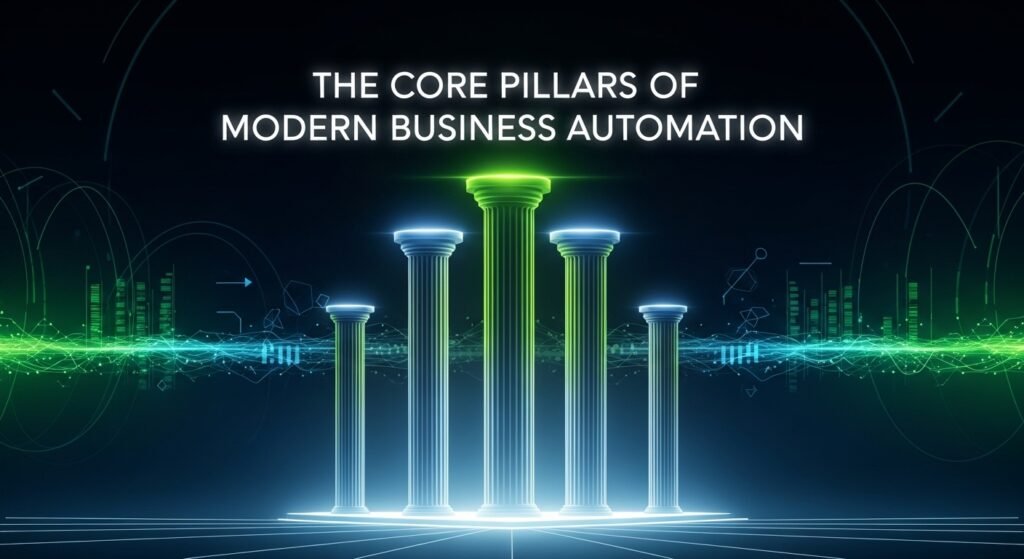
When we talk about automation tools today, we are looking at three distinct layers:
- The Connectors (The Central Nervous System): Tools like Zapier or Make (formerly Integromat) are the glue. They allow your CRM to talk to your Slack, which talks to your Project Management tool. These are essential because most software is still siloed.
- The Intelligent Processors: These tools don’t just move data; they understand it. This includes OCR (Optical Character Recognition) for automated invoicing or sentiment analysis tools that categorize customer support tickets based on how angry the customer sounds.
- The Native AI Features: This is where your existing stack, such as HubSpot, Notion, or Salesforce, has integrated machine learning directly into the interface. These are often the easiest to implement because they don’t require third-party connections.
Real-World Application: The “Zero-Touch” Onboarding

Let’s look at a case study I helped implement for a boutique consulting firm. Their onboarding process used to take four days of back-and-forth emails.
We rebuilt it using an automated workflow:
- The Trigger: A client signs a contract in DocuSign.
- The Action: Zapier automatically creates a folder in Google Drive, generates a “Welcome” project in Asana with a pre-set template of tasks, and pings the accounting team in Slack to issue the first invoice.
- The “Intelligent” Step: An automated script pulls the client’s industry from their website and populates the Asana project with relevant industry case studies for the team to review.
The result? The onboarding time dropped from four days to four minutes. The human team only stepped in for the “Kickoff Call,” the part where empathy, strategy, and relationship-building actually matter.
The “Garbage In, Garbage Out” Problem
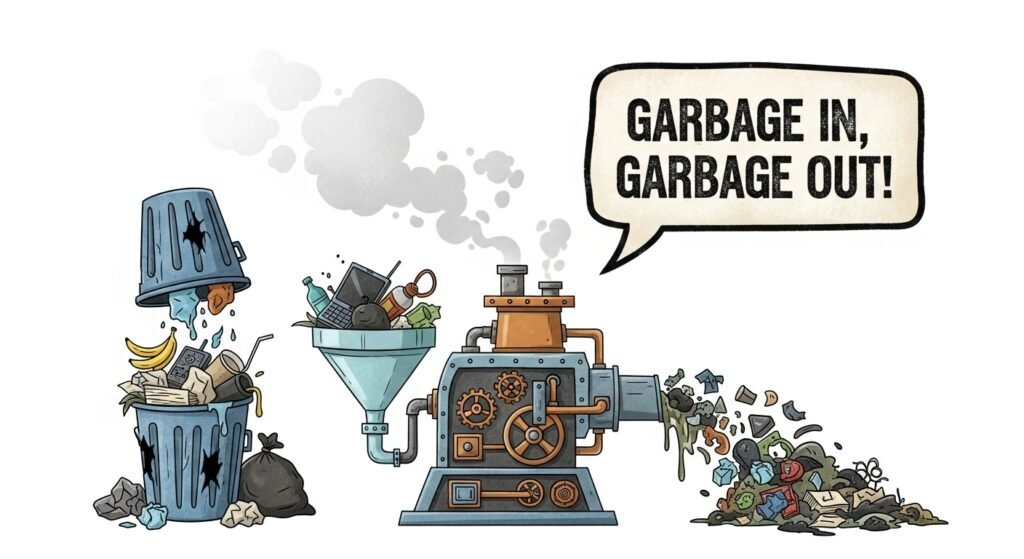
You cannot automate a mess. If your manual process is confusing, your automated process will simply be a faster version of that confusion. Before you touch a single tool, you need to map your workflow on a whiteboard (or a digital equivalent like Miro).
If you can’t draw the process with a pen and paper, you aren’t ready to automate it. I’ve spent more time helping clients simplify their logic than I have actually setting up the software. We often find that steps 3 and 4 are redundant, or that a human approval node is needed to prevent errors from cascading down the line.
Balancing Efficiency with the “Human Touch”

There is an ethical and brand-related risk to over-automation. We’ve all been on the receiving end of a LinkedIn message that was clearly sent by a bot. It’s cold, slightly off-key, and immediately kills any desire to connect.
In my experience, the best workflows use automation to prepare a human to be great, rather than replacing the human entirely. For example, instead of having an AI write and send a response to a customer complaint, use it to summarize the customer’s history and draft a suggested response for a human agent to edit and approve.
This “Human-in-the-Loop” (HITL) model is the gold standard. It provides the speed of technology with the nuance of human judgment. It also protects you from the uncanny valley effect, where customers feel they are being managed by an algorithm rather than cared for by a brand.
The Challenges: Why Some Automations Fail
It’s not all productivity gains and high ROIs. There are significant hurdles:
- API Limits: Software companies often limit how much data you can move, which can lead to hidden costs.
- Maintenance: Every time a software updates its UI or its API, your zaps might break. You need someone to own the “Automation Audit” once a month.
- The Learning Curve: There is a real technical barrier to entry for complex logic. While no-code is getting easier, understanding webhooks and “JSON” is still a massive advantage.
Looking Ahead: Predictive Workflows
We are currently moving from reactive automation (doing a task after a trigger) to predictive automation. Soon, your CRM won’t just tell you that a lead hasn’t been contacted; it will analyze the lead’s behavior and suggest the exact time and channel (SMS vs. Email) to reach out, based on historical success patterns.
However, as we move into this era, the value of human intuition actually increases. As the doing becomes automated, the thinking, the strategy, the creative direction, and the ethical oversight become the only true competitive advantage.
Final Thoughts
Automation isn’t about working less; it’s about working on things that matter. When you strip away the data entry, the scheduling ping-pong, and the file-shuffling, you’re left with the core of your profession. For me, that meant getting back to writing and strategy. For you, it might mean more time for product development or client relationships.
Start where the friction is highest. Be patient with the learning curve. And never, ever automate your “Thank You” notes. Some things still require a soul.
FAQs
Q: Is AI automation too expensive for small businesses?
A: Not necessarily. Many tools like Zapier or Zoho Flow have free or low-cost tiers. The real cost is usually the time spent setting them up. However, the ROI in saved labor hours usually pays for the software within the first three months.
Q: Will automating my business make it feel robotic to my customers?
A: Only if you automate the front-facing interactions poorly. Use automation for back-end tasks (data entry, project creation) and use it to empower your front-end staff to provide faster, more personalized service.
Q: Do I need to know how to code to use these tools?
A: Most modern automation tools are “No-Code” or “Low-Code.” You don’t need to write Python, but you do need to understand logical thinking ,basically, how to create a clear flowchart of your business processes.
Q: How do I know which task to automate first?
A: Look for the “Three R’s”: Repetitive Tasks, Rules-based (no subjective judgment needed), and relatively high-volume. Data entry and meeting scheduling are usually the best starting points.
Q: What happens if the automation breaks?
A: This is a common fear. Most platforms have error-notification systems that will email you if a run fails. It’s essential to have a manual fallback plan and to review your most critical automations at least once a month to ensure they are still functioning as intended.

Related Posts