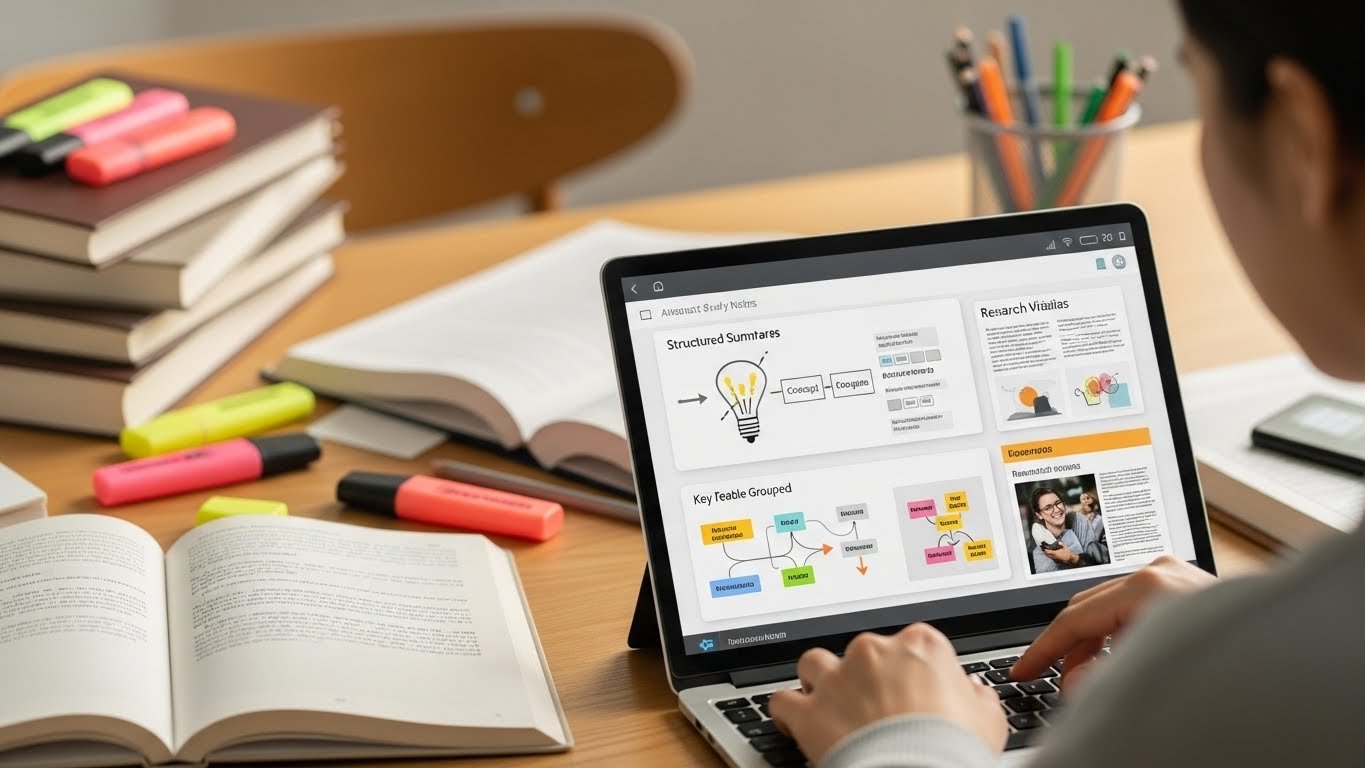
Perplexity AI: The Google Killer for Students
Best for: Quick, reliable research with cited sources
If you’ve ever wasted hours sifting through Wikipedia, Reddit threads, and questionable blog posts for a research paper, Perplexity AI is a lifesaver.
How it works:
- Ask a question (e.g., “What are the economic impacts of remote work post-2020?”)
- It pulls real-time, cited sources from academic journals, news sites, and expert articles.
- Gives a concise summary with links to sources.
Why students love it:
- No more “I can’t find sources”: It surfaces credible references instantly.
- Great for debate prep: Quickly gather pros/cons on any topic.
- Better than Google: No ads, no SEO spam, just straight answers.
Limitations:
- The free version has a daily query limit.
- Sometimes over-simplifies complex topics (always cross-check sources).
Pro tip: Use it to generate a research outline before diving into full papers.
Elicit The AI Research Assistant for Academics
Best for: Finding and summarizing academic papers
If you’ve ever stared at a blank screen thinking, “I need 10 sources for my psychology paper by tomorrow,” Elicit is your new best friend.
How it works:
- Type a research question (e.g., “How does social media affect teenage mental health?”)
- It scrapes academic databases (Google Scholar, PubMed, arXiv) and returns relevant papers with summaries.
- You can filter by date, relevance, or citation count.
Why students love it:
- Saves hours of manual searching: No more clicking through endless “Related Articles” links.
- Summarizes key findings: Helps you decide if a paper is worth reading in full.
- Great for literature reviews: Quickly identifies gaps in existing research.
Limitations:
- The free version has limited searches.
- Some summaries are too brief; always read the full paper for critical analysis.
Pro tip: Use Elicit to find opposing viewpoints for a well-rounded argument.
AI for Writing & Editing: From Blank Page to Polished Paper
Grammarly: The Swiss Army Knife of Writing
Best for: Grammar, clarity, and plagiarism checks
Grammarly has been around for years, but its AI-powered upgrades make it indispensable for students.
How it works:
- Real-time grammar & spelling checks (no more “their” vs. “there” mistakes).
- Clarity & conciseness suggestions (cuts fluff, improves flow).
- Plagiarism detector (compares against billions of web pages).
- Tone detector (helps adjust formality for essays vs. emails).
Why students love it:
- Catches mistakes Word/Google Docs miss (e.g., passive voice, wordiness).
- Works everywhere – Browser extension, Word, Google Docs, and even email.
- The free version is powerful enough for most students.
Limitations:
- Over-editing can make writing sound robotic – Use suggestions as guidelines, not rules.
- Premium is pricey (~$12/month), but worth it for heavy writers.
Pro tip: Use the “Goals” feature to set your intent (e.g., Academic, Persuasive) for tailored feedback.
QuillBot The Paraphrasing & Summarizing Powerhouse
Best for: Rewriting sentences, avoiding plagiarism, summarizing texts
If you’ve ever struggled with paraphrasing a source or condensing a 10-page article into key points, QuillBot is a game-changer.
How it works:
- Paraphraser: Rewrites sentences in different styles (formal, simple, creative).
- Summarizer: Condenses long articles into bullet points or short paragraphs.
- Citation generator: Helps format references in APA, MLA, Chicago, etc.
Why students love it:
- Avoids accidental plagiarism: Helps rephrase sources in your own words.
- Great for note-taking: Summarizes lecture slides or research papers quickly.
- Free version is solid (premium unlocks more modes).
Limitations:
- Overuse can make writing sound unnatural: Always review and tweak.
- Not a replacement for understanding: If you don’t grasp the original text, paraphrasing won’t help.
Pro tip: Use QuillBot to rewrite your own rough drafts for better clarity.
AI for Productivity & Time Management: Stop Procrastinating

Notion AI: The All-in-One Study Hub
Best for: Organizing notes, schedules, and research in one place
Notion is already a student favorite for note-taking, but its AI features take it to the next level.
How it works:
- AI-powered note-taking: Summarizes meeting notes, lecture recordings, or research.
- Smart databases: Organize assignments, deadlines, and sources in one place.
- Automated to-do lists: Break down big tasks into actionable steps.
- Flashcard generator: Turns notes into study cards for Anki or Quizlet.
Why students love it:
- One app for everything: No more juggling Google Docs, Trello, and Evernote.
- AI helps structure projects: Suggests outlines for essays or study plans.
- Collaboration-friendly: Share notes with study groups.
Limitations:
- Steep learning curve – Takes time to set up templates.
- The free version has limited AI queries.
Pro tip: Use Notion’s “AI Q&A” to ask questions about your notes (e.g., What were the key points from Lecture 3?).
Otter.ai The Lecture Transcription Tool
Best for: Recording and transcribing lectures, meetings, and interviews
If you’ve ever zoned out in a lecture or struggled to keep up with fast-talking professors, Otter.ai is a lifesaver.
How it works:
- Records audio (via phone or laptop) and transcribes in real-time.
- Identifies speakers: (useful for group discussions).
- Searchable transcripts: Find key points without rewatching the whole lecture.
- Export to Word/Google Docs for easy note-taking.
Why students love it:
- Never miss a detail: Review lectures later at 2x speed.
- Great for language learners: Helps with pronunciation and comprehension.
- The free plan allows 300 minutes/month (enough for most students).
Limitations:
- Accuracy drops with heavy accents or background noise.
- Not a replacement for active listening. Still take your own notes for retention.
Pro tip: Use Otter.ai to generate study guides from recorded lectures.
AI for Math & STEM: From Confusion to Clarity
Wolfram Alpha: The Ultimate Computational Engine
Best for: Solving math problems, step-by-step explanations, data analysis
If you’re in STEM, economics, or any field with heavy calculations, Wolfram Alpha is like having a genius tutor in your pocket.
How it works:
- Solves equations (algebra, calculus, statistics) with step-by-step solutions.
- Generates graphs & visualizations (e.g., plot a function, analyze data).
- Answers factual questions (e.g., What’s the GDP of Germany?).
- Converts units, solves physics problems, and more.
Why students love it:
- No more staring at blank paper: Shows how to solve problems, not just the answer.
- Great for checking homework: Verify your work before submission.
- Free for basic use (Pro version unlocks more features).
Limitations:
- Not a replacement for learning. Use it to understand, not just copy answers.
- Some advanced features require Pro (~$5/month).
Pro tip: Use Wolfram Alpha to generate practice problems for exam prep.
Photomath: The Math Problem Solver in Your Phone
Best for: Instant solutions to math problems (with explanations)
Stuck on a trigonometry problem at 2 AM? Photomath scans handwritten or printed equations and shows you how to solve them.
How it works:
- Scan a math problem (via camera or upload).
- Gets instant solution + step-by-step breakdown.
- Covers algebra, calculus, statistics, and more.
Why students love it:
- Saves hours of frustration: No more Googling “how to solve quadratic equations.”
- Teaches, doesn’t just give answers: Explains each step clearly.
- Free for basic use (premium unlocks more subjects).
Limitations:
- Not all problems are supported (e.g., some word problems).
- Over-reliance can hurt learning – Use it to check work, not avoid thinking.
Pro tip: Use Photomath to identify where you went wrong in your own solutions.
AI for Creativity & Presentation: Stand Out in Class

Canva AI Design Stunning Presentations in Minutes
Best for: Creating professional slides, posters, and infographics
If you’ve ever spent hours tweaking PowerPoint slides, Canva’s AI features will save you time and impress your professors.
How it works:
- Magic Design: Upload a document, and AI generates a full slide deck in seconds.
- Text-to-image: Describe an image (e.g., a futuristic city at night), and AI generates it.
- Branding tools: Keeps colors/fonts consistent across projects.
- Video & animation: Adds dynamic elements to presentations.
Why students love it:
- No design skills needed: Looks professional with zero effort.
- Great for group projects: Everyone can contribute easily.
- The free version is powerful: (Pro unlocks more templates).
Limitations:
- Some AI-generated images look generic. Customize for uniqueness.
- Overuse can make presentations look “template-y.”
Pro tip: Use Canva AI to create visual study aids (e.g., mind maps, timelines).
Descript The AI Video & Podcast Editor
Best for: Editing presentations, recording lectures, or creating multimedia projects
If your professor assigns a video project or you want to record a study session, Descript makes editing as easy as editing a Word doc.
How it works:
- Transcribes audio/video: Edit by deleting text (it cuts the audio automatically).
- AI voice cloning: Fix mistakes by typing new words (AI generates your voice).
- Remove filler words: (“um,” “uh”) with one click.
- Green screen effect: Replace backgrounds without a physical setup.
Why students love it:
- No more clunky editing software: Perfect for beginners.
- Great for language learners: Slow down audio, add subtitles.
- Free plan is generous: (3 hours of transcription/month).
Limitations:
- Voice cloning isn’t perfect: Sounds slightly robotic.
- Advanced features require Pro: (~$12/month).
Pro tip: Use Descript to create study podcasts from lecture recordings.
The Ethical Dilemma: How to Use AI Without Cheating

AI is a powerful tool, but it’s not a shortcut to success. Here’s how to use it ethically and effectively:
✅ Do:
- Use AI to brainstorm ideas, not write entire papers.
- Cite AI tools: if your professor allows it (e.g., “I used Grammarly for grammar checks”).
- Verify AI-generated facts: Don’t trust summaries without checking sources.
- Use AI to learn, not replace learning: If you don’t understand the material, AI won’t help.
❌ Don’t:
- Submit AI-generated text as your own: (plagiarism detectors like Turnitin can flag it).
- Rely on AI for critical thinking: It can’t replace your analysis.
- Use AI to cheat on exams: Most professors are catching on.
Real-world example:
A friend of mine used QuillBot to paraphrase a source for a history paper. He didn’t check the output, and his professor noticed the unnatural phrasing, leading to a plagiarism warning. Lesson? Always review AI work before submitting.
Final Verdict: Which AI Tools Should You Use?
| Use Case | Best AI Tool | Free Version? | Best For |
|---|---|---|---|
| Research | Perplexity AI | Yes (limited) | Quick answers with sources |
| Academic Papers | Elicit | Yes (limited) | Finding & summarizing studies |
| Writing & Editing | Grammarly + QuillBot | Yes (both) | Grammar, clarity, paraphrasing |
| Note-Taking | Notion AI | Yes (limited) | Organizing notes & schedules |
| Lecture Transcripts | Otter.ai | Yes (300 min/mo) | Recording & transcribing lectures |
| Math Help | Wolfram Alpha + Photomath | Yes (both) | Step-by-step problem solving |
| Presentations | Canva AI | Yes | Designing slides & posters |
| Video Editing | Descript | Yes (3 hrs/mo) | Editing recordings & projects |
FAQs: AI Tools for Students
Q: Are AI tools allowed in schools?
A: Most schools allow AI for productivity (grammar checks, research) but ban it for cheating (submitting AI-written essays). Always check your institution’s policy.
Q: Can professors detect AI-generated text?
A: Yes, tools like Turnitin, Copyscape, and GPTZero can flag AI-written content. Some professors also notice unnatural phrasing or a lack of depth.
Q: Is it cheating to use AI for homework?
A: It depends. Using AI to generate ideas, check grammar, or summarize sources is fine. Copy-pasting AI text as your own work is cheating.
Q: What’s the best free AI tool for students?
A: Grammarly (writing), Perplexity (research), and Photomath (math) are the best free options.
Q: Can AI replace studying?
A: No. AI is a tool to help you learn faster, but it can’t replace critical thinking, memorization, or deep understanding.
Q: How do I avoid over-relying on AI?
- Use AI for feedback, not answers (e.g., ask “How can I improve this paragraph?” instead of “Write my essay.”).
- Always review AI output: don’t blindly trust it.
- Set time limits (e.g., I’ll use AI for 20 minutes, then work alone.).
Q: What’s the best AI tool for non-English speakers?
A: Grammarly (grammar), Otter.ai (transcription), and DeepL (translation) are excellent tools for enhancing English skills.
Q: Can AI help with exam prep?
A: Yes! Use Anki (flashcards), Wolfram Alpha (practice problems), and Notion AI (study schedules) to prepare efficiently.
Q: Are there AI tools for group projects?
A: Notion (collaboration), Canva (design), and Descript (video editing) are perfect for teamwork.
Q: What’s the biggest mistake students make with AI?
A: Using it as a crutch instead of a tool. AI should enhance your work, not replace it.

Related Posts