
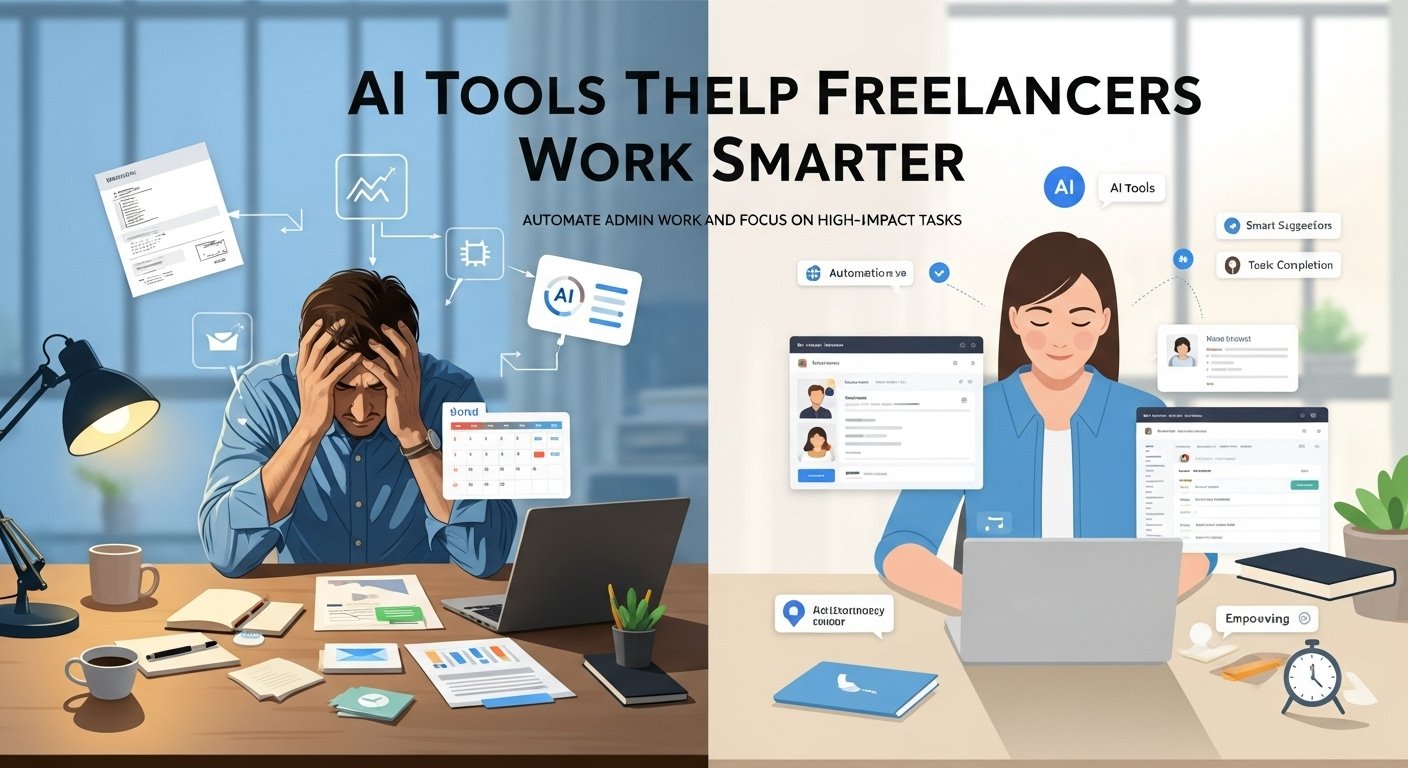
Running a freelance business means wearing dozens of hats, often all in the same day. One moment you’re crafting a client pitch deck, the next you’re buried in invoices, emails, and follow-ups, and somewhere in between you’re supposed to find time for actual billable work. I’ve been there, burning the candle at both ends, working weekends, and still feeling like I was constantly playing catch-up. No matter how long the hours were, it never felt like enough.
That started to change when I began strategically incorporating AI tools into my workflow. Not because I wanted to work more or take on endless projects, but because I wanted to work smarter. The right tools helped me automate repetitive tasks, streamline admin work, and free up mental space for creative and high-impact tasks. Here’s what I’ve learned about the AI tools that genuinely move the needle for busy freelancers, not hype, just practical results.
Reclaiming Your Writing Time
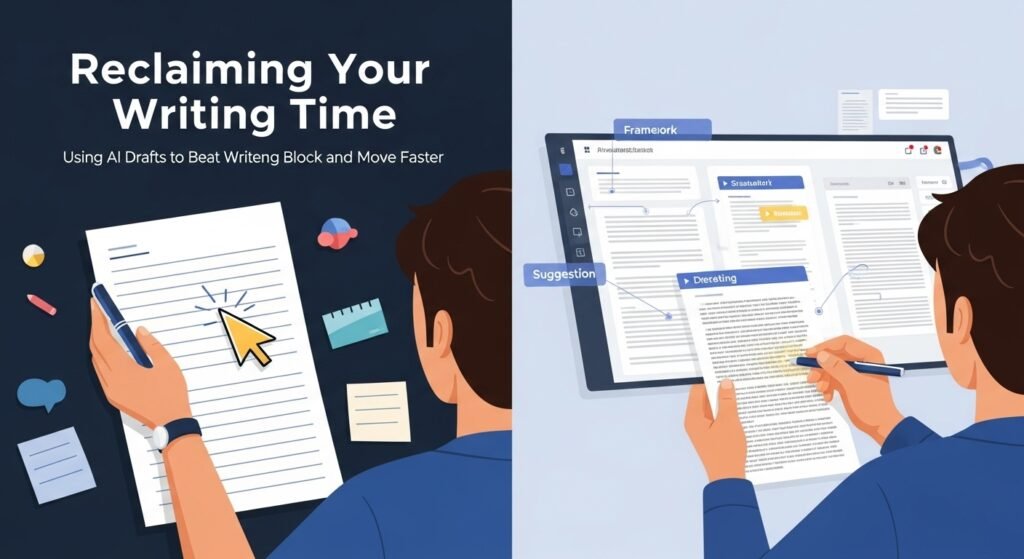
Writing eats up a disproportionate amount of time for most freelancers. Whether it’s crafting proposals, drafting client emails, creating content, or polishing reports, the cognitive load adds up fast. This is where large language models have become genuinely transformative. Tools like ChatGPT and Claude have become my go-to assistants for first drafts and brainstorming.
I use them to draft client proposals when I’m staring at a blank page, not to produce something ready to send, but to break through that initial paralysis. I’ll describe what I need, let the AI generate a framework, and then reshape it with my voice and expertise. What used to take me two hours of staring at a blinking cursor now takes thirty minutes of iteration and refinement.
For content creation specifically, Jasper (formerly Jarvis) and Copy.ai offer templates tailored to marketing copy, blog posts, and social media content. A client once needed five different versions of a product description for various platforms. With a well-crafted prompt, I generated all five variations in under fifteen minutes, then spent another twenty refining them. The alternative would have been starting from scratch five times.
The key insight here is that these tools excel at volume and speed, but they need your expertise to deliver quality. The AI can give you a solid foundation, but you still need to bring the strategic thinking, brand knowledge, and quality control that justify your rates.
Visual Content Without the Learning Curve
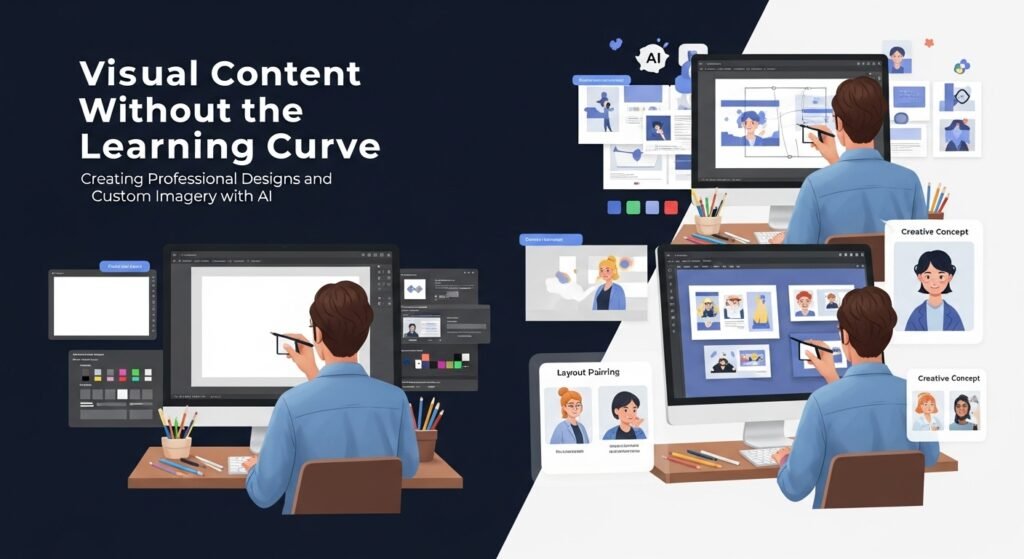
Design has traditionally been either a major time sink or an expensive outsourcing line item for freelancers who don’t have graphic design training. AI-powered design tools have fundamentally changed this calculus. Canva’s Magic Write and design suggestions have become invaluable for creating social media graphics, presentations, and basic marketing materials.
When I needed to create Instagram carousel posts for a client but had zero design training, Canva’s AI suggestions guided me through layout choices, color palettes, and font pairings that actually looked professional. What would have taken me hours of YouTube tutorials and frustrating experimentation came together in about forty-five minutes.
For clients who need custom imagery, Midjourney and DALL-E 3 have opened doors that were previously closed to non-artists. I’ve used them to generate concept art for presentations, unique illustrations for blog posts, and even product mockups for client proposals.
The results aren’t always perfect; they can struggle with hands, text, and specific brand elements, but for initial concepts and creative explorations, they’re remarkably effective. A recent client presentation that would have required stock photo purchases and extensive searching came together with AI-generated imagery that perfectly captured the vibe they were looking for.
Audio and Video Production Simplified
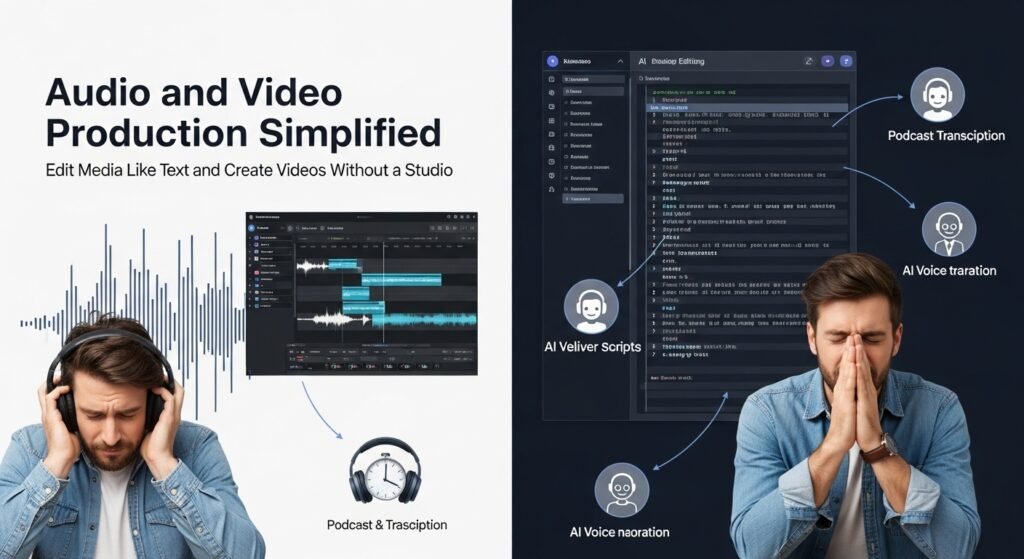
Video content has become essential for many freelancers, yet professional editing remains a significant barrier. AI-powered tools have dramatically lowered this barrier without sacrificing quality. Descript has been genuinely revolutionary for my podcast and video work. Its ability to transcribe audio automatically, then let you edit the transcript to edit the actual audio/video, feels almost magical.
I once recorded a forty-minute podcast interview, had a full transcript within minutes, and edited out fifteen minutes of filler and tangents by simply deleting text. The traditional approach would have meant listening to the entire recording twice and manually cutting audio files. For video creation without appearing on camera, tools like Synthesia and HeyGen allow you to generate AI avatars that deliver your script.
I’ve used these for client training videos where the client needed a talking-head style video, but my availability didn’t align with their timeline. The results aren’t indistinguishable from real video yet, but for internal communications and certain marketing applications, they’re entirely viable. Voice cloning tools like ElevenLabs have also proven surprisingly useful.
I’ve used them to generate narration for client presentations when my own voiceover didn’t fit the tone they wanted, or when recording conditions weren’t ideal. The ethical implications are that real consent and transparency matter, but when used responsibly, these tools solve legitimate production challenges.
Administrative Automation That Actually Works
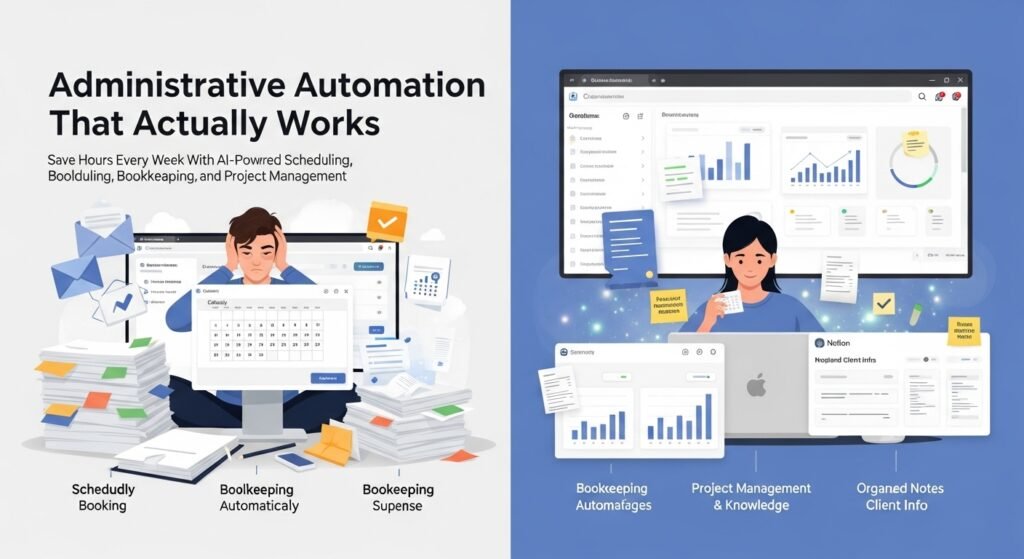
The unglamorous side of freelancing, scheduling, bookkeeping, and project management eats hours every week. AI tools in this space offer real-time savings, though they require more setup and discipline to implement effectively. Calendar management tools like Calendly have eliminated the back-and-forth of scheduling meetings. Instead of trading emails to find a time that works, I send a Calendly link, and clients book directly into my availability.
This seemingly small change saves me roughly three to five hours monthly when you factor in the reduction in scheduling-related email traffic. For bookkeeping, tools like Wave and FreshBooks have incorporated AI features that automatically categorize transactions, extract information from receipts, and flag potential discrepancies.
I still review everything manually, trust but verify, but the initial categorization that used to take me hours now happens automatically. QuickBooks Self-Employed has saved me countless hours during quarterly tax prep by automatically tracking mileage and categorizing business expenses.
Notion’s AI capabilities have made it my second brain for project documentation and knowledge management. I use it to draft meeting notes, summarize lengthy documents, and organize client information in ways that would require manual effort with traditional tools.
Making It Work in Practice
The biggest challenge with AI tools isn’t finding them; it’s integrating them into your workflow without becoming distracted by the tools themselves. I’ve learned a few lessons the hard way.
First, start with one tool and master it before adding another. When I first discovered the AI tool ecosystem, I signed up for a dozen services simultaneously and ended up using none of them effectively. Now I add one tool at a time, giving myself at least two weeks to establish the habit before considering the next.
Second, be selective about which tasks you automate. Not everything benefits from AI assistance. Work that requires your unique creative perspective, strategic thinking, or personal relationship building usually suffers when you delegate it to algorithms. Reserve AI for tasks where speed and volume matter more than nuance.
Third, maintain quality control. AI makes mistakes. It can hallucinate information, produce generic content, and miss context that matters to your specific client. Every output needs your review before it reaches clients or goes public.
The Realistic View
AI tools aren’t going to put you out of business, but freelancers who ignore them may find themselves at a competitive disadvantage. At the same time, these tools are assistants, not replacements for your expertise and judgment. The freelancers who benefit most treat AI as a way to amplify their existing strengths rather than a shortcut around developing genuine skills.
The time savings are real. I’ve recovered roughly ten to fifteen hours weekly through strategic AI implementation. But that time has gone into higher-value work and, honestly, into avoiding burnout. For freelancers juggling multiple clients and endless to-do lists, that balance can make all the difference.
FAQs
Q: Are AI tools expensive for freelancers on a tight budget?
A: Many excellent AI tools offer free tiers with generous limits. ChatGPT’s free version, Canva’s design tools, and Descript’s basic transcription cover substantial needs without cost. Paid plans typically range from $10 to $50 monthly, often recoverable through a single hour of reclaimed time.
Q: Will clients be upset if they know I’m using AI?
A: Transparency generally works better than secrecy. Most clients appreciate efficiency, especially when it means faster delivery or better rates. The key is framing AI as a productivity tool that enhances your service rather than a replacement for your expertise.
Q: Can AI tools replace human freelancers entirely?
A: Current AI tools excel at certain tasks but struggle with nuanced judgment, relationship management, and truly original creative thinking. For complex, high-stakes work, clients still value human expertise, accountability, and the ability to understand context beyond what’s explicitly stated.
Q: How do I choose which AI tools to learn first?
A: Start with tools that address your biggest time sink. If you spend hours weekly on scheduling, try Calendly first. If writing eats your time, begin with ChatGPT or Claude. The most effective tool is the one you’ll actually use consistently.
