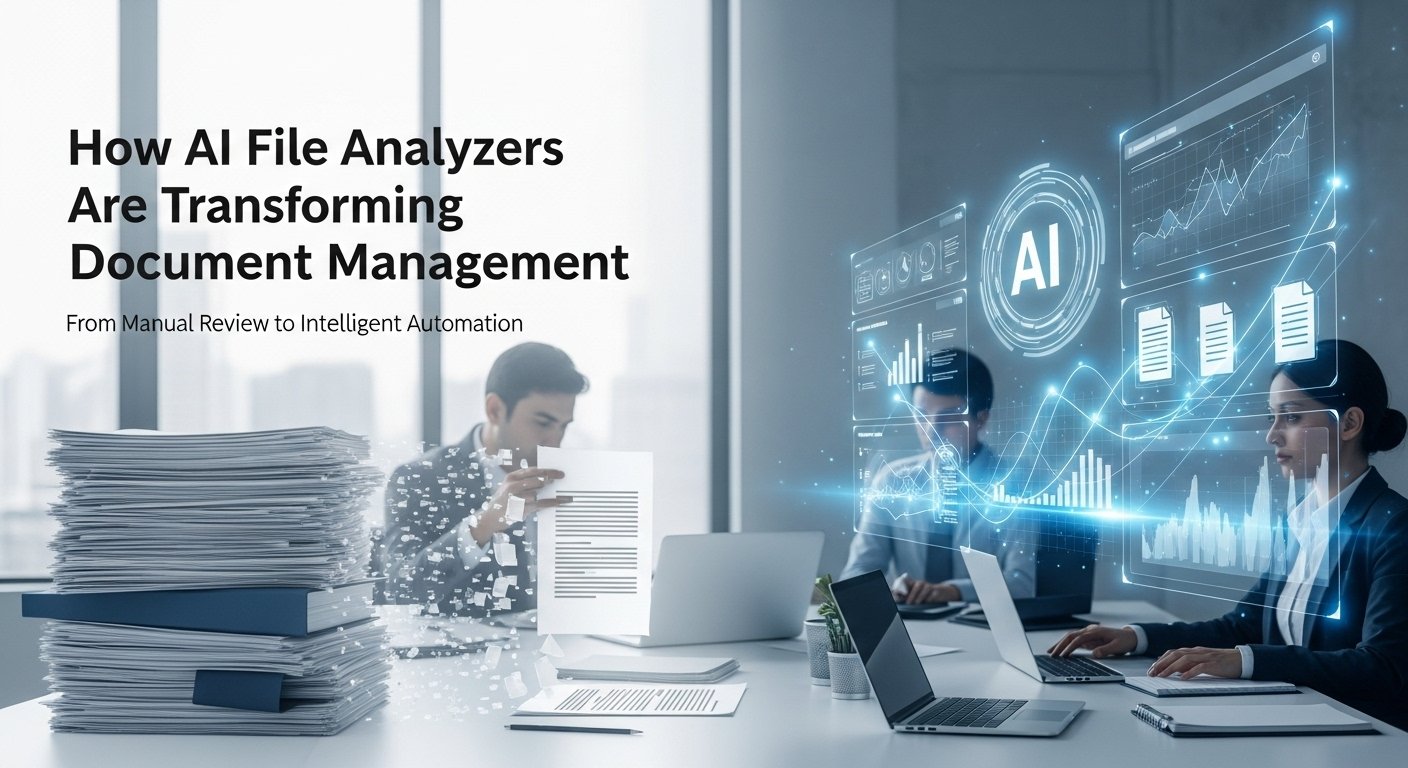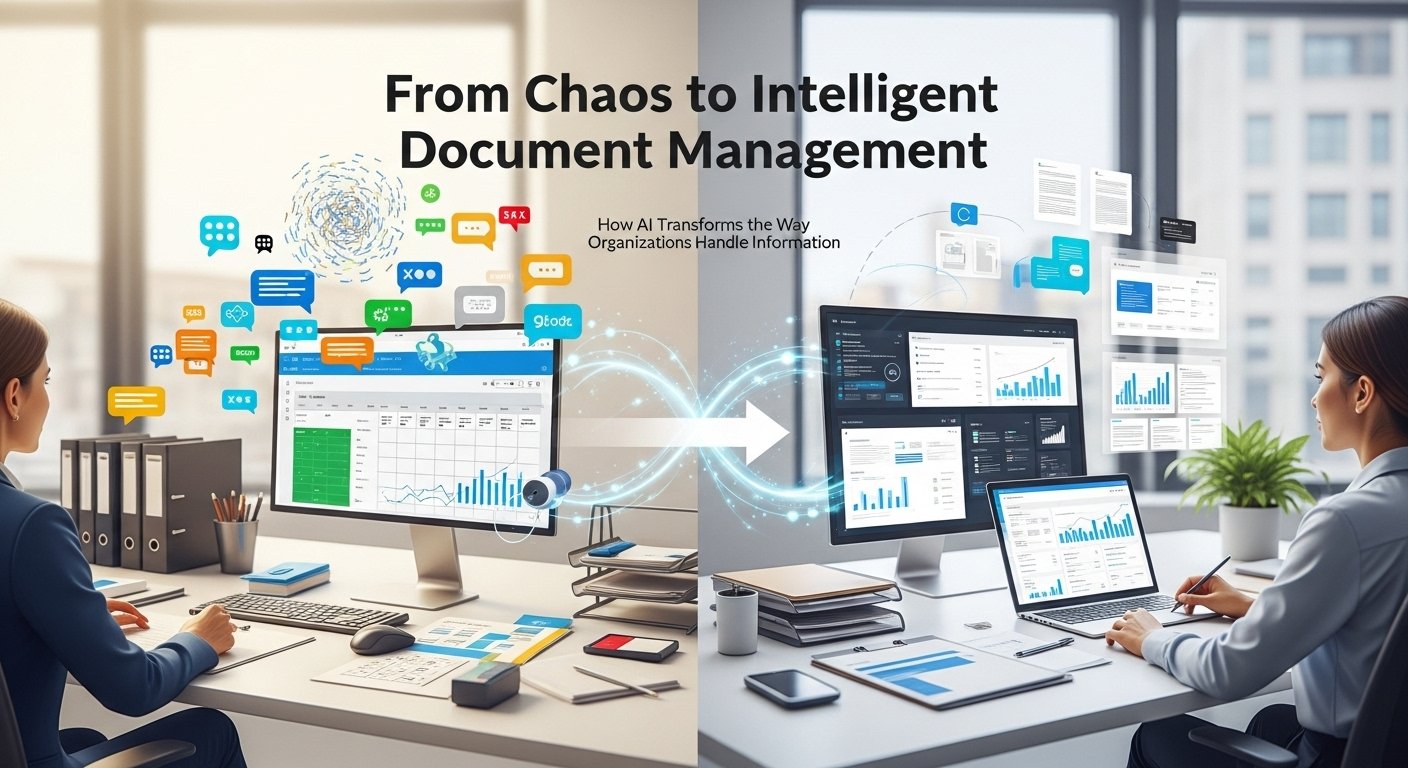
If you’ve ever spent hours digging through digital or physical folders just to find a single contract, invoice, or report, you’re not alone. For years, document management was a tedious, error-prone chore. I remember working at a mid-sized legal firm early in my career, where we still relied on shared drives, color-coded Excel sheets, and frantic Slack messages like “Has anyone seen the Q3 compliance update?” It was messy, inefficient, and frankly, unsustainable. Then came AI-powered document tools and everything changed.
Over the past few years, I’ve worked with teams across industries, such as legal, healthcare, finance, and even education, helping them transition from clunky manual systems to intelligent document management platforms. What I’ve seen isn’t just incremental improvement; it’s a complete shift in how organizations handle information. These aren’t just digital filing cabinets; they’re smart assistants that read, understand, organize, and even predict what you need before you ask.
Why Traditional Document Management Falls Short
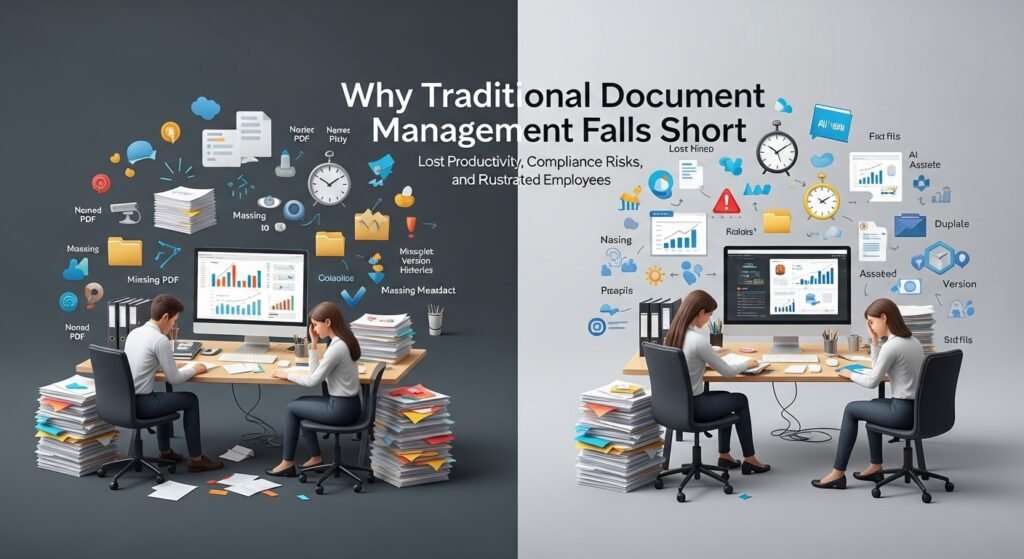
Before diving into the solutions, let’s acknowledge the problem. Most legacy systems treat documents as static files. You upload a PDF, name it something like “Contract_v2_FINAL_revised.pdf,” and pray you’ll remember what it is later. Metadata is often missing, or inconsistent, search functions are basic (if they exist), and version control? Forget about it.
The result? Lost productivity, compliance risks, duplicated work, and frustrated employees. A 2023 McKinsey report estimated that knowledge workers spend up to 20% of their time just searching for internal information. That’s one full day every week gone. Enter AI.
How AI Transforms Document Management
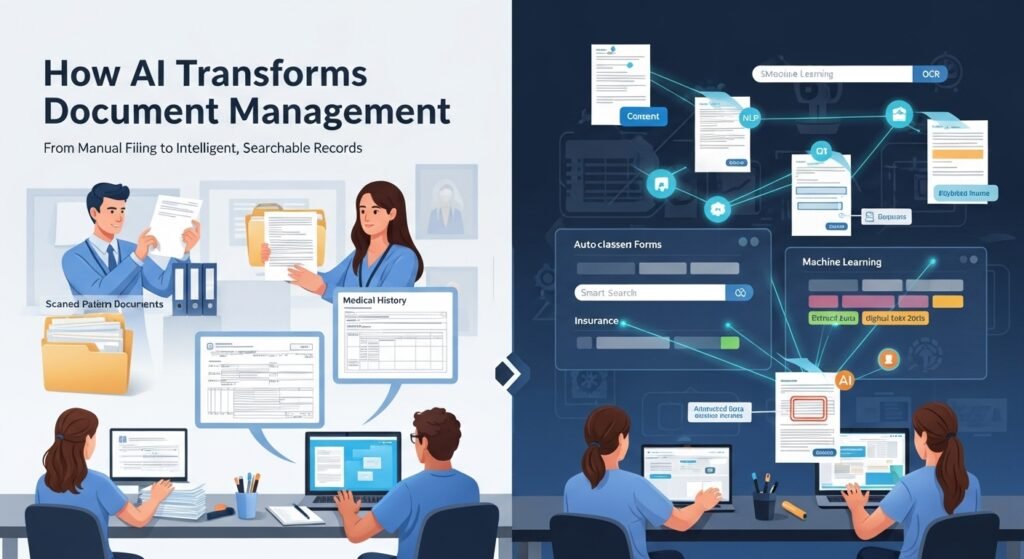
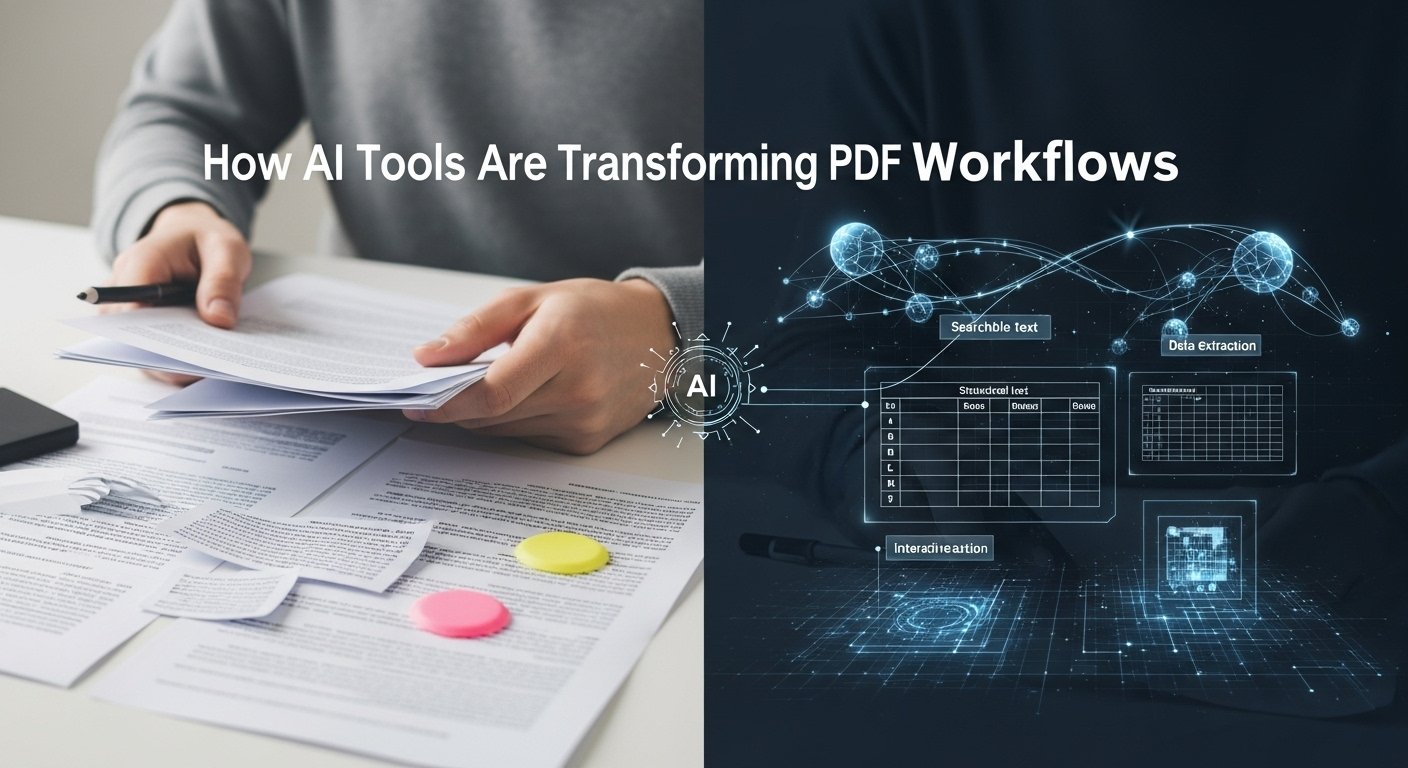
Modern AI tools don’t just store documents; they understand them. Using natural language processing (NLP), machine learning, and optical character recognition (OCR), these systems can extract meaning from text, identify key entities (like names, dates, and clauses), and categorize content automatically. Take DocuWare, for example. I helped a regional hospital implement its platform last year. Before, patient intake forms were scanned and dumped into generic folders.
Finding a specific form meant knowing the patient’s name, approximate date, and hoping the scan was legible. With DocuWare’s AI engine, forms are now auto-classified by type (consent, insurance, medical history), key data is extracted and indexed, and staff can pull up any record with a simple keyword search, even if they only remember part of the patient’s name or a symptom mentioned. It wasn’t magic; it was machine learning trained on thousands of historical documents. But to the nurses and admins using it? It felt like magic.
Real-World Applications Across Industries

The power of AI-driven document management isn’t limited to healthcare. Let’s look at a few other use cases:
Legal Firms: Lawyers deal with mountains of contracts, briefs, and case law. Tools like Kira Systems and Luminance use AI to review and analyze contracts in seconds, flagging unusual clauses, identifying obligations, and comparing versions. One law partner told me it cut their due diligence time by 60% during a major merger. That’s not just efficiency, it’s billable hours saved and faster client service.
Finance & Accounting: Invoices, receipts, tax forms,s finance teams drown in paperwork. Platforms like Dext and Receipt Bank (now part of Dext) use AI to scan and extract line-item data from receipts and bills, then sync directly with accounting software like QuickBooks or Xero. No more manual data entry. During tax season, this means fewer errors and faster filings.
Education: Even schools are adopting AI tools. Universities use platforms like Gradescope to manage student submissions, where AI helps group similar answers and speeds up grading for large classes. Professors get more time to focus on teaching—not formatting spreadsheets.
Key Features That Make a Difference
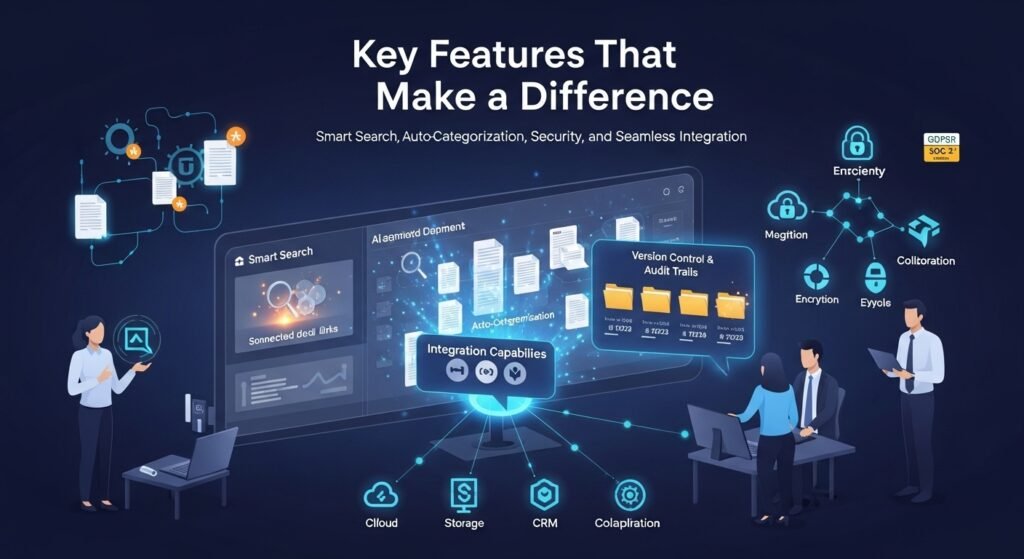
Not all AI document tools are created equal. From hands-on experience, here are the features that actually matter:
- Smart Search: Beyond keywords. Think semantic search, finding documents based on meaning, not just matching words. Looking for contracts expiring soon? The system should pull agreements ending in the next 30 days, even if the word expiring isn’t in the title.
- Auto-Categorization: AI should learn over time. Upload a new type of document, label it once, and the system should start classifying similar ones automatically.
- Version Control & Audit Trails: Critical for compliance. Every edit, access, or deletion should be logged. AI can flag suspicious activity, like someone downloading hundreds of files after hours.
- Integration Capabilities: A standalone tool is useless if it doesn’t talk to your existing stack. Look for seamless integration with cloud storage (Google Drive, Dropbox), CRM systems (Salesforce), and collaboration tools (Microsoft Teams, Slack).
- Security & Compliance: Especially important in regulated industries. Ensure the tool supports encryption, role-based access, and complies with standards like GDPR, HIPAA, or SOC 2.
Ethical Considerations and Limitations

As powerful as these tools are, they’re not perfect. I’ve seen cases where AI misclassified sensitive documents because training data lacked diversity. One manufacturing client had issues when their system failed to recognize handwritten safety reports from non-native English speakers. Bias in AI models is real and dangerous when it affects access to critical information.
Privacy is another concern. Uploading confidential contracts or medical records to a third-party AI platform requires trust. Always vet vendors thoroughly. Ask about data ownership, retention policies, and whether your documents are used to train public models.
And let’s be clear: AI doesn’t replace human judgment. It augments it. I’ve watched junior analysts rely too heavily on AI summaries and miss nuanced details in contracts. The best outcomes happen when humans and machines work together. AI handles the heavy lifting; people provide context and oversight.
The Future Is Adaptive, Not Just Automated
The next wave of AI document tools isn’t just about managing files; it’s about anticipating needs. Imagine a system that knows you’re preparing for a board meeting and automatically pulls last quarter’s financials, recent performance metrics, and relevant emails. Or a legal assistant who drafts routine contracts based on past templates and approved language.
We’re already seeing glimpses of this with tools like Notion AI and Microsoft Copilot integrated into Word and SharePoint. These aren’t sci-fi; they’re available today, and they’re reshaping workflows in real time.
But adoption isn’t automatic. Success depends on change management, training, and choosing the right tool for your team’s actual needs, not just the flashiest demo.
Final Thoughts
AI tools for managing documents are no longer a luxury; they’re a necessity for staying competitive. They save time, reduce errors, improve compliance, and free up employees to do higher-value work. But like any technology, their impact depends on how thoughtfully they’re implemented.
From my experience, the organizations that benefit most aren’t the ones with the biggest budgets; they’re the ones willing to rethink their processes, invest in training, and keep humans at the center of the workflow.
Because at the end of the day, documents aren’t just files. They’re knowledge, decisions, and commitments. And now, thanks to AI, we finally have the tools to manage them like the valuable assets they are.
FAQs
Q: What are AI tools for managing documents?
A: AI document management tools use artificial intelligence to organize, search, classify, and extract data from digital documents automatically.
Q: How does AI improve document search?
A: AI enables semantic search, understanding context and meaning, so you can find documents using natural language queries, not just exact keywords.
Q: Are AI document tools secure?
A: Reputable tools offer encryption, access controls, and compliance certifications, but always review a vendor’s security policies before adoption.
Q: Can AI handle handwritten documents?
A: Yes, many tools use advanced OCR and machine learning to interpret handwriting, though accuracy varies based on legibility and training data.
Q: Do I need technical skills to use these tools?
A: Most modern platforms are user-friendly and require minimal technical knowledge, especially those with drag-and-drop interfaces and guided setup.
Q: Which industries benefit most from AI document management?
A: Legal, healthcare, finance, education, and government sectors see significant gains due to high document volumes and compliance demands.
Q: Can AI tools integrate with existing software?
A: Yes, leading tools integrate with cloud storage, accounting software, CRMs, and productivity suites like Microsoft 365 and Google Workspace.

Related Posts