Look, I remember the days when productivity software meant little more than a faster typewriter and maybe a clunky, hard-to-use database. Fast forward to today, and the toolbox has completely exploded. We’re no longer talking about spreadsheets on steroids; we’re talking about AI tools that genuinely feel like having an extra pair of hands, a tireless research assistant, and a hyper-organized personal secretary rolled into one.
Having lived through the shift from paper calendars to bloated project management systems and constant notification overload, I’ve seen firsthand how this new wave of tools is changing the texture of office work. The biggest shift isn’t speed alone; it’s how work feels. Instead of grinding through repetitive tasks, professionals can now focus on thinking, decision-making, and creative problem-solving.
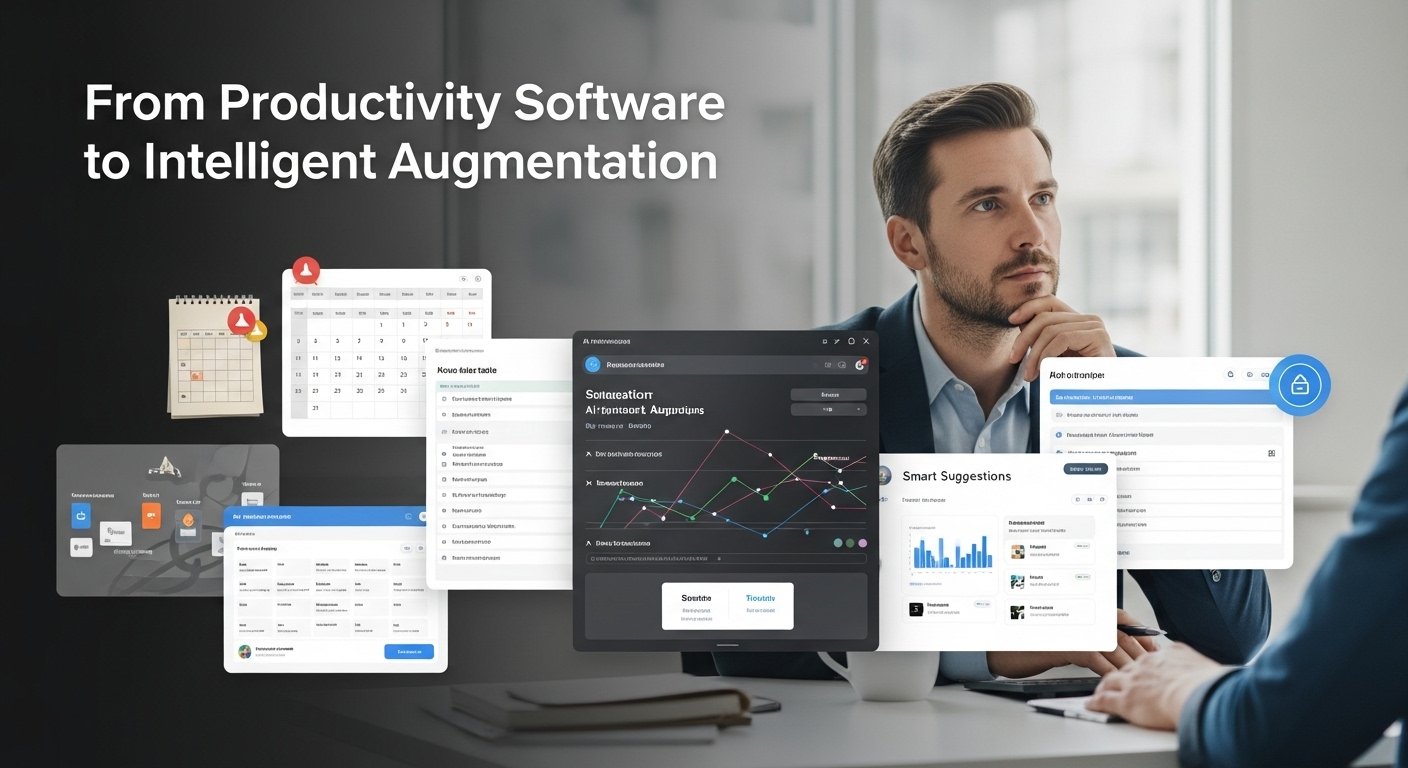
AI-powered productivity tools are less about replacing people and more about intelligent augmentation, helping teams and individuals work with more clarity, less friction, and far better results.
Beyond the Hype: What These Tools Actually Do Well
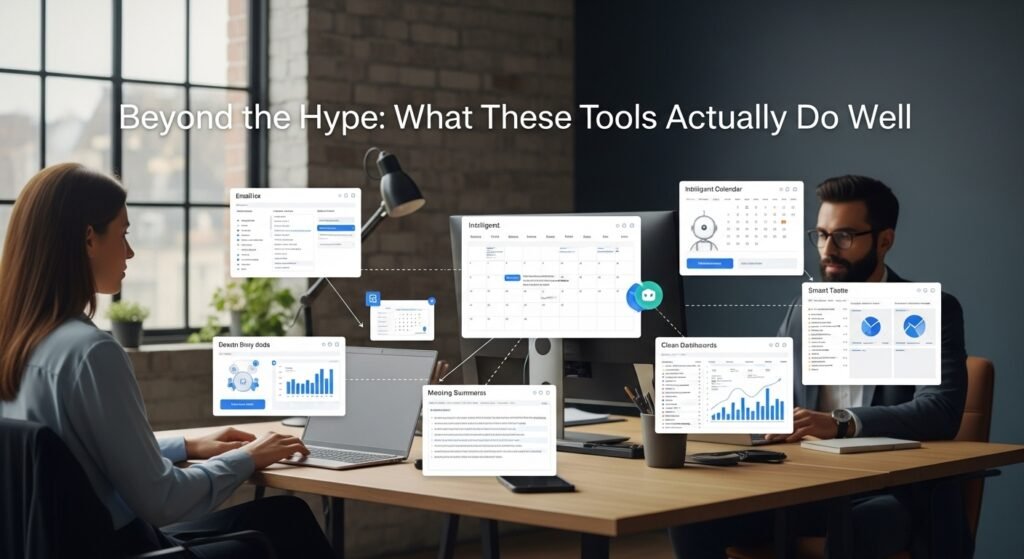
Let’s cut through the marketing fluff. AI in the office isn’t about sentient robots plotting world domination (yet?). It’s about machine learning algorithms trained on vast datasets to perform specific, often tedious, tasks with superhuman speed and consistency. Here’s where they’re making a tangible difference:
- Conquering the Email Beast: We all drown in inboxes. Tools like SaneBox, Superhuman (with its “AI Brief”), or even the built-in features in Outlook/Gmail now use AI to triage. They learn what’s truly urgent (that email from your CEO flagged as critical), what’s spam (goodbye, dubious newsletter), and what can wait (categorizing newsletters or low-priority threads). Some even draft short, contextually relevant responses. It’s not perfect, I still find bizarrely categorized emails sometimes,s but it dramatically cuts through the noise. The time saved on inbox zero is real.
- Scheduling Sorcery: Remember the endless back-and-forth emails trying to find a meeting slot? Tools like Clockwise, Reclaim.ai, or SkedPal integrate with your calendar and intelligently find availability, considering everyone’s working hours, focus time preferences, and even time zones. They proactively block focus time, too. It’s not magic; it’s complex constraint-solving. The relief of avoiding scheduling ping-pong is immense.
- Document Drafting & Editing: This is where it gets personal. I used to spend hours wrestling with dense reports or user manuals. Now, tools like Grammarly (the OG), Wordtune, or Jasper (for more creative drafts) go beyond spellcheck. They analyze tone, suggest clearer phrasing, flag jargon, and even help adapt the writing style for different audiences. Need a quick project summary? Some tools can generate a coherent first draft from bullet points. It’s a collaborator, not a replacement – the human judgment on nuance and strategy is irreplaceable. But catching awkward phrasing or passive voice? That’s AI’s sweet spot.
- Data Wrangling & Insight Surfacing: Excel macros were cool in the 90s. Now, tools like Microsoft Power BI Copilot, Tableau’s AI features, or even advanced functions in Airtable use AI to automate data cleaning (fixing inconsistent entries), spot trends humans might miss in huge datasets, and generate natural language summaries. Imagine uploading a sales spreadsheet and getting a clear summary: “Q3 sales in Region A dipped 10% vs Q2, primarily due to lower enterprise deals; Region B saw a 15% increase driven by new SMB clients.” That’s powerful insight acceleration.
- Meeting Intelligence: Those hours spent in Zoom calls? Tools like Otter.ai, Fireflies.ai, or even Teams’ built-in transcription + AI features record, transcribe (with impressive accuracy now), and let you search for specific topics discussed. Some can even summarize key decisions, action items, and sentiment. No more frantic note-taking or “Can you remind me what Susan said about the budget?” It’s post-meeting clarity on demand.
- Smart Task & Project Management: Platforms like ClickUp, Asana, or Trello are integrating AI to help prioritize tasks based on deadlines and dependencies, predict project timelines more accurately, automate routine status updates, or even suggest resources based on task descriptions. It helps cut through the admin overhead of managing the work.
Real-World Impact: Not Sci-Fi, But Tangible Gains

I recall working with a mid-sized marketing agency last year. They were drowning in client reporting and content drafts. Implementing an AI writing assistant for initial draft generation and an AI-powered data visualization tool cut their monthly reporting cycle by nearly 40%. Not eliminated, but significantly reduced. The human marketers then focused their energy on strategy, creative refinement, and client relationships, the high-value stuff. That’s the pattern: AI handles the predictable, freeing humans for the complex, creative, and interpersonal.
The Caveats and the Human Factor: It’s a Partnership, Not a Takeover

Let’s be brutally honest. This isn’t a frictionless utopia.
- The “Garbage In, Garbage Out” Principle: AI tools are only as good as the data they’re trained on and the instructions (prompts) you give them. Biased data leads to biased outputs. Vague prompts lead to irrelevant results. Human oversight is non-negotiable.
- The Blandness Factor: AI-generated text can sometimes lack personality, depth, or that crucial spark of originality. It’s excellent for structure and clarity, but it often needs the human “seasoning” to truly resonate.
- Privacy & Security Whispers: Feeding sensitive company data or confidential client information into a third-party AI tool? That requires serious vetting. Where does the data go? How is it stored? What are the compliance implications (GDPR, HIPAA, etc.)? This is a major, ongoing concern that demands careful vendor selection and clear policies.
- The Dependency Trap: Over-relying on AI for tasks like summarization or drafting can atrophy your own critical thinking or writing skills. It’s a tool to augment, not eliminate, core competencies.
- The Cost & Learning Curve: Good AI tools aren’t free. There’s also the time investment needed for teams to learn how to use them effectively and integrate them into existing workflows. It’s not always a seamless plug-and-play experience.
- The “Black Box” Anxiety: Sometimes, you just don’t know why the AI made that suggestion or categorization. A degree of healthy skepticism and spot-checking is essential.
The Future Tense: Augmentation, Not Replacement
So, where’s this heading? We’re not looking at a future where AI runs the office solo. Instead, it’s about creating a seamless partnership:
- Hyper-Personalization: AI will get better at understanding individual work styles and preferences, offering even more tailored support.
- Predictive Assistance: Moving beyond reacting to tasks, AI might anticipate needs based on calendar context, ongoing projects, or even communication patterns (“You have a presentation to Client X next week; here are relevant past docs and key points discussed”).
- Seamless Integration: The friction points between different tools (email, calendar, CRM, project management) will increasingly be smoothed over by AI working behind the scenes, automating workflows end-to-end.
The Bottom Line for Real Humans Doing Real Work
AI office tools are no longer science fiction; they’re practical utilities landing on our desks. They excel at automating the tedious, the repetitive, and the data-heavy, giving us back precious cognitive bandwidth. They are powerful collaborators for drafting, analyzing, organizing, and communicating. However, their success hinges entirely on us. We provide the context, the judgment, the creativity, the ethical oversight, and the irreplaceable human touch, especially for complex problem-solving, empathy, negotiation, and true innovation.
The key isn’t to fear them, but to learn how to wield them effectively. Think of them as the ultimate interns: incredibly capable for specific tasks, but needing clear direction, supervision, and a human to make the final call. Embrace the tools that genuinely solve your pain points, stay vigilant about their limitations, and focus your newly freed-up energy on the uniquely human aspects of your work. That’s where the real competitive advantage lies.
FAQs
Q: Will AI tools replace office workers?
A: No. AI excels at automation and data crunching, but it lacks human judgment, creativity, empathy, and strategic thinking. It augments workers by handling routine tasks, freeing them for higher-value work.
Q: Are AI tools secure for sensitive company data?
A: Security varies greatly by vendor. Always scrutinize privacy policies, data handling practices, and compliance certifications (like SOC 2, GDPR). Avoid inputting highly confidential or personal data unless you’re certain of the tool’s safeguards. When in doubt, consult IT/security.
Q: How much do these AI tools typically cost?
A: Costs range widely:
Basic features (like enhanced grammar check) might be free or low-cost (e.g., Grammarly Free).
Mid-tier productivity tools (scheduling, email triage) often have tiered subscriptions (e.g., $10-$30/user/month).
Advanced analytics or enterprise-grade solutions can cost significantly more. Free trials are common – test before committing.
Q: Do I need technical skills to use AI office tools?
A: Most modern AI tools are designed for non-technical users. Interfaces are user-friendly, focusing on natural language input (telling the AI what you need). However, understanding what to ask for (prompt engineering) and critically evaluating results does take some practice and basic digital literacy.
Q: Can AI tools really save time? How much?
A: Absolutely. Time savings depend on your workload and the specific tools used. Common wins include:

Related Posts