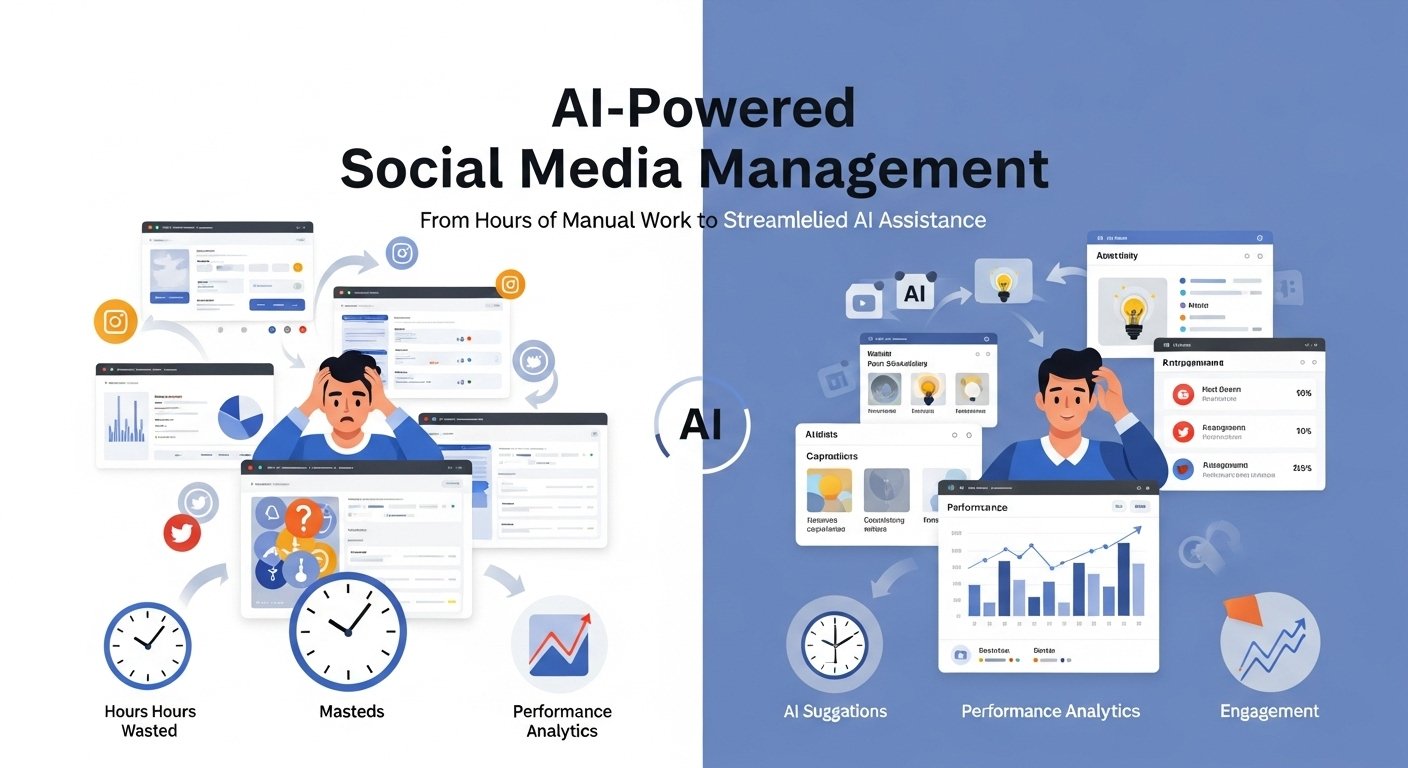
I’ve been managing social media accounts for various clients since 2016, and the landscape has changed dramatically over the years. Tasks that once consumed twelve or more hours a week, scheduling posts, analyzing engagement metrics, and creating content,t now often take me four hours or less, and the results are noticeably better. The secret? I finally stopped resisting AI-powered tools and started integrating them thoughtfully into my workflow.
From automating post scheduling and generating content ideas to analyzing performance and refining captions, these tools have become indispensable assistants rather than gimmicks. Of course, it wasn’t all smooth sailing. There were months of trial, error, and wasted subscription fees while figuring out which tools actually deliver value.
But through this hands-on experimentation, I’ve identified the tools and strategies that consistently improve efficiency, maintain quality, and allow social media managers to focus on strategy rather than repetitive, time-consuming tasks.
Why Social Media Management Needed an AI Revolution
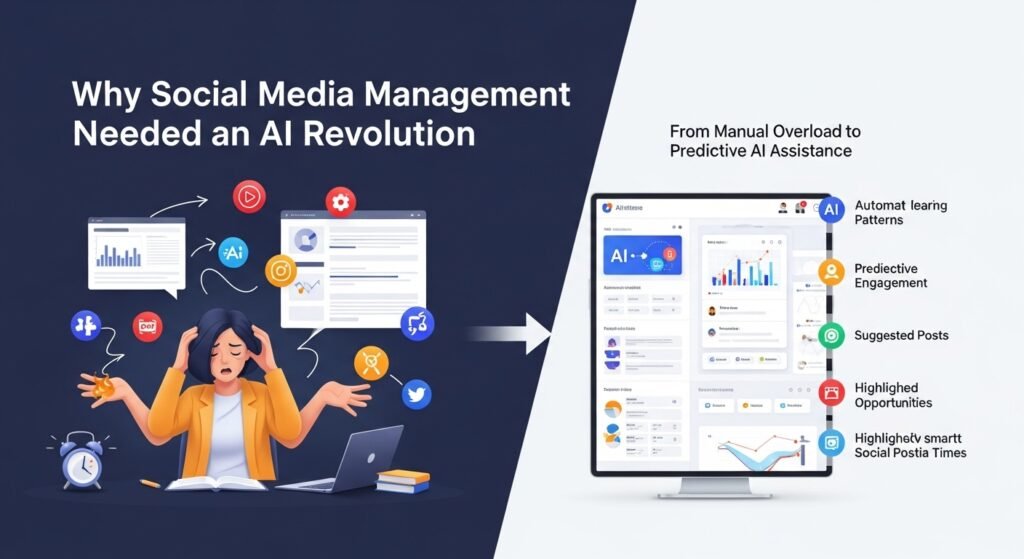
Running social media accounts for even a single brand is exhausting. You’re juggling content creation, scheduling, engagement, analytics, trend monitoring, and customer service often simultaneously. When I started, I was manually posting everything, setting phone alarms at odd hours, and burning out fast.
The first AI scheduling tool I tried back in 2019 felt clunky. But today’s options? They’re genuinely impressive. These platforms don’t just automate tasks; they learn patterns, predict outcomes, and sometimes catch opportunities I would have missed entirely.
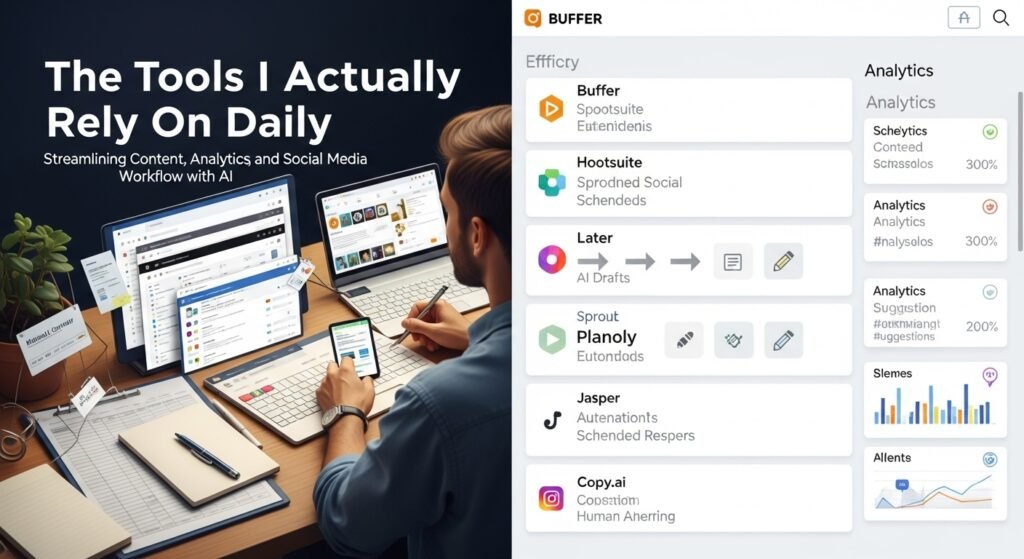
The Tools I Actually Rely On Daily
Buffer and Hootsuite: The Reliable Workhorses
I know these aren’t the flashiest options, but they’ve earned their reputation. Buffer’s AI assistant now suggests optimal posting times based on when your specific audience is most active, not generic best time to post advice you’d find in a blog post.
Hootsuite’s OwlyWriter AI has surprised me. Last month, I needed to create a week’s worth of LinkedIn content for a B2B client on short notice. The tool generated drafts that needed minimal editing, pulling from trending topics in their industry. Did I rewrite portions? Absolutely. But having that foundation saved me hours.
Sprout Social For Data-Obsessed Marketers
If you love diving into analytics, Sprout Social’s AI capabilities are worth the premium price. Their sentiment analysis tool helped me identify a brewing PR issue for a restaurant client before it exploded. Negative mentions were clustering around a specific menu change, and the AI flagged the pattern before I would have noticed it manually.
Later and Planoly Visual-First Platforms
For Instagram-heavy accounts, these tools understand the visual nature of the platform. Later’s AI hashtag suggestions have genuinely improved reach for several accounts I manage. The tool analyzes your image content and suggests relevant hashtags that aren’t oversaturated.
Jasper and Copy.ai Content Generation
These deserve an honest assessment. They’re fantastic for generating ideas, overcoming writer’s block, and drafting captions you can refine. They’re not magic wands. I’ve seen too many marketers publish AI-generated content without editing, and followers can tell something feels off.
My approach: I use these tools for first drafts and brainstorming. The final published version always gets my personal touch, brand voice adjustments, inside jokes relevant to the community, and genuine personality.
Real Results From Real Campaigns
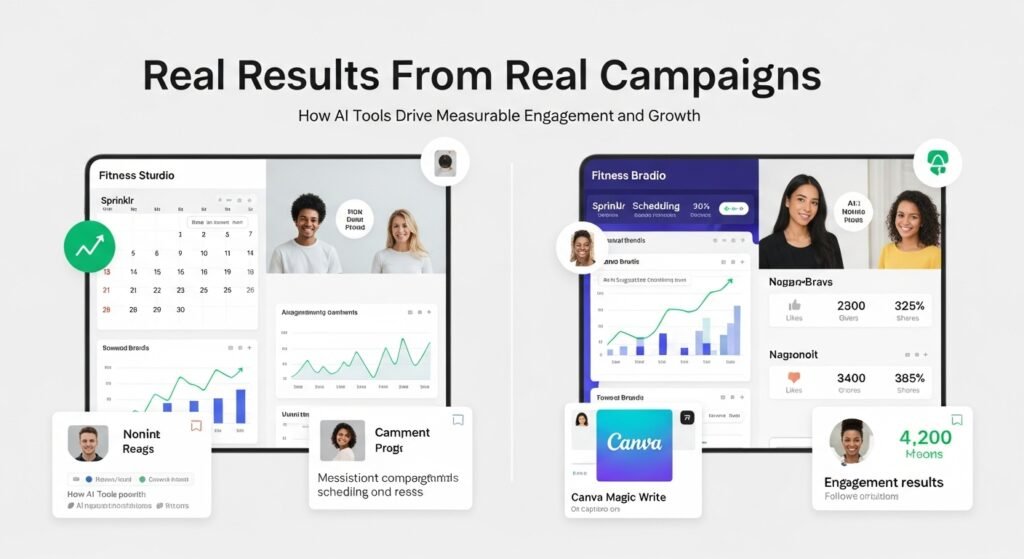
One case that stands out: a local fitness studio struggling with consistent posting. They’d go weeks without content, then flood feeds with ten posts in two days. Using Sprinklr’s AI scheduling and content recommendations, we established a consistent rhythm. Engagement increased 47% over three months, and their follower count grew organically because the algorithm finally recognized them as an active account.
Another example, a nonprofit I volunteer with used Canva’s Magic Write feature to create compelling donation campaign captions. Their holiday fundraiser outperformed the previous year by 60%, partly because the messaging resonated better with their audience segments.
What These Tools Can’t Do (Yet)
Here’s where I need to be honest about limitations. AI tools can’t:
- Understand your brand’s unique voice: without significant training and oversight
- Handle crisis communications: with the nuance required during sensitive situations
- Build genuine community relationships: which still require human interaction
- Create truly original creative concepts: they remix and recombine existing ideas
I also have ethical considerations. Some tools scrape competitor content in ways that feel questionable. Transparency matters too if you’re using AI-generated responses to customer inquiries; there’s a growing expectation to disclose that.
Choosing the Right Tools for Your Situation
For solopreneurs and small businesses, Buffer’s free tier or Later’s basic plan offers enough AI functionality to make a real difference without breaking the budget.
Mid-sized companies typically benefit from Sprout Social or Hootsuite’s business plans, where the analytics and team collaboration features justify the cost.
Enterprise organizations often need Sprinklr or Salesforce Social Studio’s comprehensive ecosystems that integrate with existing CRM systems.
Looking Forward
The tools keep improving. Features that felt like science fiction two years ago, such as automatic video captioning, predictive content performance scores, and intelligent audience segmentation, are now standard offerings.
My advice? Start with one tool, master it, then expand your toolkit based on actual needs rather than shiny feature lists. The goal isn’t to automate everything; it’s to free up your time and mental energy for the strategic and creative work that actually requires human judgment.
After years of testing dozens of platforms, I’m convinced that the best approach combines AI efficiency with human authenticity. The tools handle the repetitive, data-heavy tasks. You bring the creativity, empathy, and strategic thinking.
That partnership? It’s where social media management is headed, and honestly, it’s made my work more enjoyable, not less.
FAQs
Q: What is the best AI tool for social media management beginners?
A: Buffer offers an intuitive interface with helpful AI features at an affordable price, making it ideal for those just starting.
Q: Can AI tools completely replace social media managers?
A: No. They automate tasks and provide insights, but strategic thinking, creative direction, and genuine community engagement still require human involvement.
Q: Are free AI social media tools effective?
A: Yes, for basic needs. Buffer, Later, and Canva offer free tiers with useful AI features suitable for small accounts and personal brands.
Q: How do AI tools determine the best posting times?
A: They analyze your historical engagement data and audience activity patterns to predict when your specific followers are most likely to interact.
Q: Is AI-generated social media content authentic enough?
A: Raw AI content often feels generic. Best practice is using AI for drafts and ideas, then editing to match your unique brand voice and personality.

Related Posts