I still remember the first time I sat down to write a 3,000-word term paper back in college. It was 2:00 AM, the cursor was blinking like a taunting heartbeat, and the only thing I had on the page was my name and a very poorly formatted header. Back then, “writing assistance” meant a physical thesaurus and a prayer that the spell-checker wouldn’t miss a homophone.
Fast forward to today, and the landscape has shifted so dramatically that it’s almost unrecognizable. Whether you’re a student trying to synthesize a dozen academic papers or a blogger managing a grueling editorial calendar, the barrier to entry isn’t just knowing how to write; it’s managing the sheer volume of information and the demand for constant output.
I’ve spent the last few years hands-on with almost every major writing utility on the market. I don’t just test them for reviews; I use them to manage my own workflows. What I’ve learned is that the best tool isn’t the one that writes for you, it’s the one that helps you think more clearly. Here is a breakdown of the best tools currently available for students and bloggers, based on actual utility, reliability, and ease of use.
The Researchers’ Best Friend: Perplexity

For students, the biggest hurdle isn’t putting words on paper; it’s the research. Standard search engines have become cluttered with ads and SEO-optimized fluff. This is where Perplexity has become a game-changer. Unlike a standard chatbot that might hallucinate (make things up), Perplexity acts more like a high-speed research assistant.
It scours the live web and provides answers backed by citations. For a student writing a thesis, this is gold. You can ask, “What are the primary criticisms of the Great Green Wall project?” and it will give you a summarized answer with numbered footnotes linking directly to news articles and academic journals.
Pro Tip: Don’t just copy the summary. Use the citations to find the source material. It saves you hours of digging through Google Page 4.
The Blogger’s Heavy Lifter: Jasper
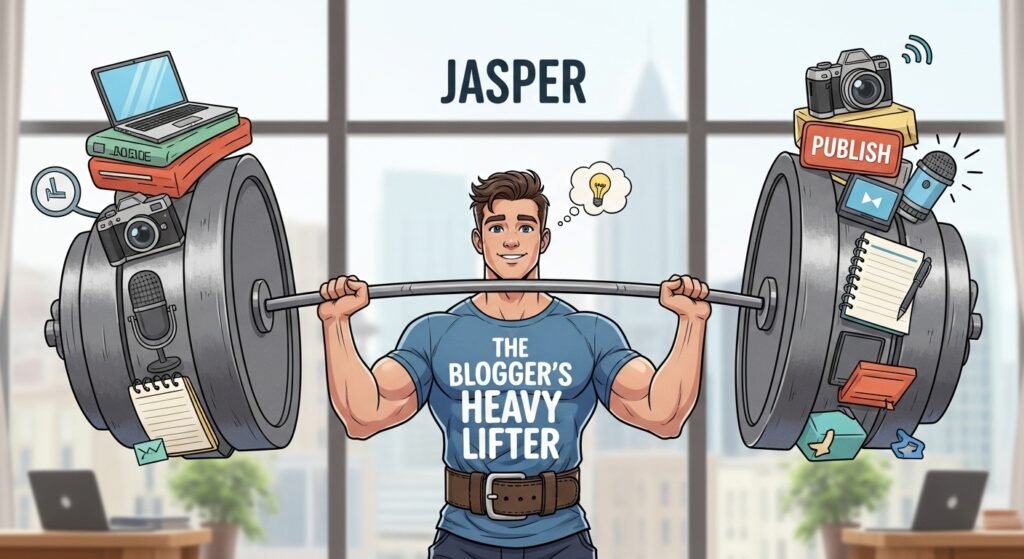
If you’re a professional blogger or a freelance content creator, you aren’t just writing; you’re marketing. Jasper (formerly Jarvis) has remained a titan in this space because it understands intent.
Most generic tools write in a very Wikipedia-lite style, dry and factual. Jasper offers templates specifically for AIDA (Attention, Interest, Desire, Action) frameworks, blog introductions, and meta-descriptions. When I’m stuck on a catchy headline for a lifestyle piece, Jasper’s ability to generate 10 variations in seconds helps break the mental logjam.
However, Jasper is pricey. It’s an investment for those who are monetizing their writing. If you’re a hobbyist blogger, the cost might outweigh the benefits.
The All-Rounder for Polishing: Grammarly Premium
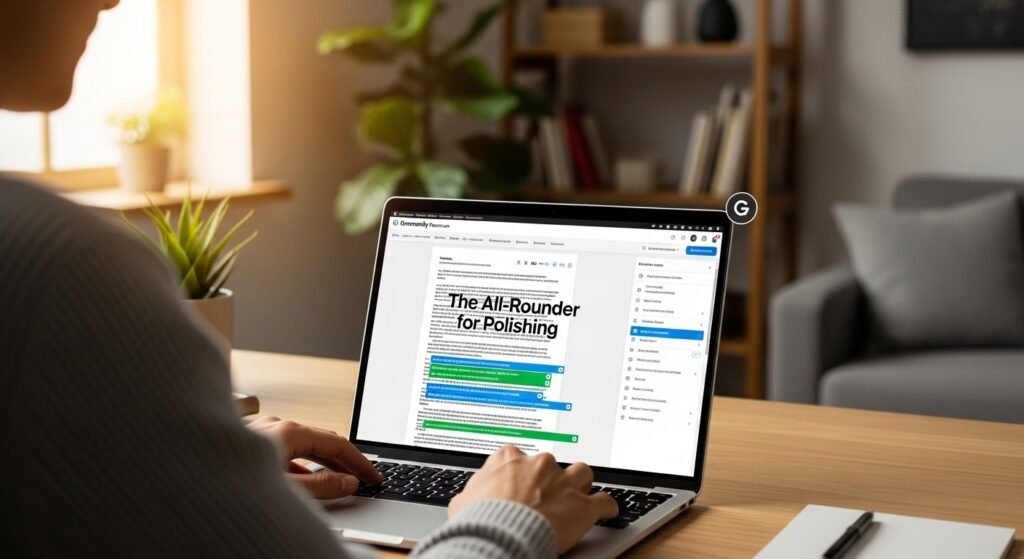
We all know Grammarly for its basic spelling and grammar checks, but for students and serious bloggers, the Premium version is a different beast entirely. It’s moved far beyond red underlines.
The Tone Detector and Full-Sentence Rewrites are where the value lies. For a student, Grammarly can flag if an essay sounds too informal or hedgy (using words like I think or maybe). For a blogger, it helps ensure that a 1,500-word post remains engaging rather than repetitive.
The plagiarism checker integrated into Grammarly is also one of the most reliable in the business. For students, this is a vital safety net to ensure they haven’t accidentally mimicked a source too closely during a late-night study session.
The Creative Architect: Claude (by Anthropic)

In my personal workflow, Claude has recently taken the lead over other large language models for one specific reason: its human touch.
When you ask most systems to help you outline a blog post, they tend to be very predictable. Claude, particularly the 3.5 Sonnet model, has a more nuanced grasp of style. It’s excellent for rubber-ducking, that process where you talk through an idea to see if it makes sense. I’ll often paste a messy pile of notes into Claude and ask, “What is the most interesting narrative thread here?” It helps me see the forest through the trees.
For students, Claude is exceptional at explaining complex concepts. If you’re struggling with organic chemistry or macroeconomics, you can ask it to explain the law of diminishing returns using a pizza shop as an example, and the clarity is usually better than a textbook.
The SEO Specialist: Surfer SEO

If you are a blogger, you know that writing a great post is only half the battle. If nobody finds it on Google, it doesn’t exist. Surfer SEO doesn’t necessarily write for you in the traditional sense, but it provides a data-driven roadmap.
It analyzes the top-ranking pages for your chosen keyword and tells you exactly which terms you need to include, how many images you should have, and what your word count should be. I’ve found that using an assistant to generate a draft and then using Surfer to “tune” it is the most efficient way to climb the rankings without losing the human voice.
The Ethical Elephant in the Room
We have to talk about the human element. There is a growing trend of slop content that is clearly generated without a human touch. It’s boring, often inaccurate, and lacks soul.
As a writer, I view these tools as power tools. A power saw makes a carpenter faster, but the carpenter still has to measure the wood, design the chair, and check the joints. If you let the tool think, your grade (as a student) or your traffic (as a blogger) will eventually suffer.
For students, the risk is academic integrity. Most universities now use sophisticated detection methods. The key is to use these tools for brainstorming, outlining, and clarifying, not for generating a final submission. Your voice is your most valuable asset; don’t trade it away for a quick shortcut.
Finding Your Workflow
The best setup I’ve found involves a stack of tools rather than just one:
- Ideation/Research: Perplexity.
- Drafting/Outlining: Claude or Jasper.
- Refining/Grammar: Grammarly.
- SEO (for bloggers): Surfer SEO.
This combination keeps the human you at the center of the process while removing the mechanical friction that causes burnout.
FAQs
Q: Will using these tools get me flagged for plagiarism?
A: Not necessarily for plagiarism (which is stealing existing work), but you might be flagged for “AI generation.” The best way to avoid this is to use these tools for the process (outlining, research) and do the actual writing yourself.
Q: Are there any free options that are actually good?
A: Yes! The free version of Claude is excellent for creative help, and the free version of Grammarly is a must-have for any browser. Perplexity also has a very robust free tier for quick searches.
Q: Can these tools fact-check themselves?
A: No. This is the biggest pitfall. Always double-check names, dates, and specific data points. Even the best systems can hallucinate facts that sound incredibly convincing.
Q: Is Jasper better than ChatGPT for bloggers?
A: Jasper is more specialized in marketing. It has built-in workflows for things like Amazon Product Descriptions or Blog Listicles that save you the time of writing complex prompts. However, for general writing, many find ChatGPT or Claude to be just as capable if you know how to talk to them.
Q: How do I maintain my “voice” while using writing assistants?
A: Write your first draft by hand or in a simple doc without help. Once your ideas and voice are on the page, use the tools to polish, tighten the grammar, or suggest better transitions. Never start with a blank page and ask the tool to write a blog post about X. Start with your thoughts and use the tool to amplify them.

Related Posts