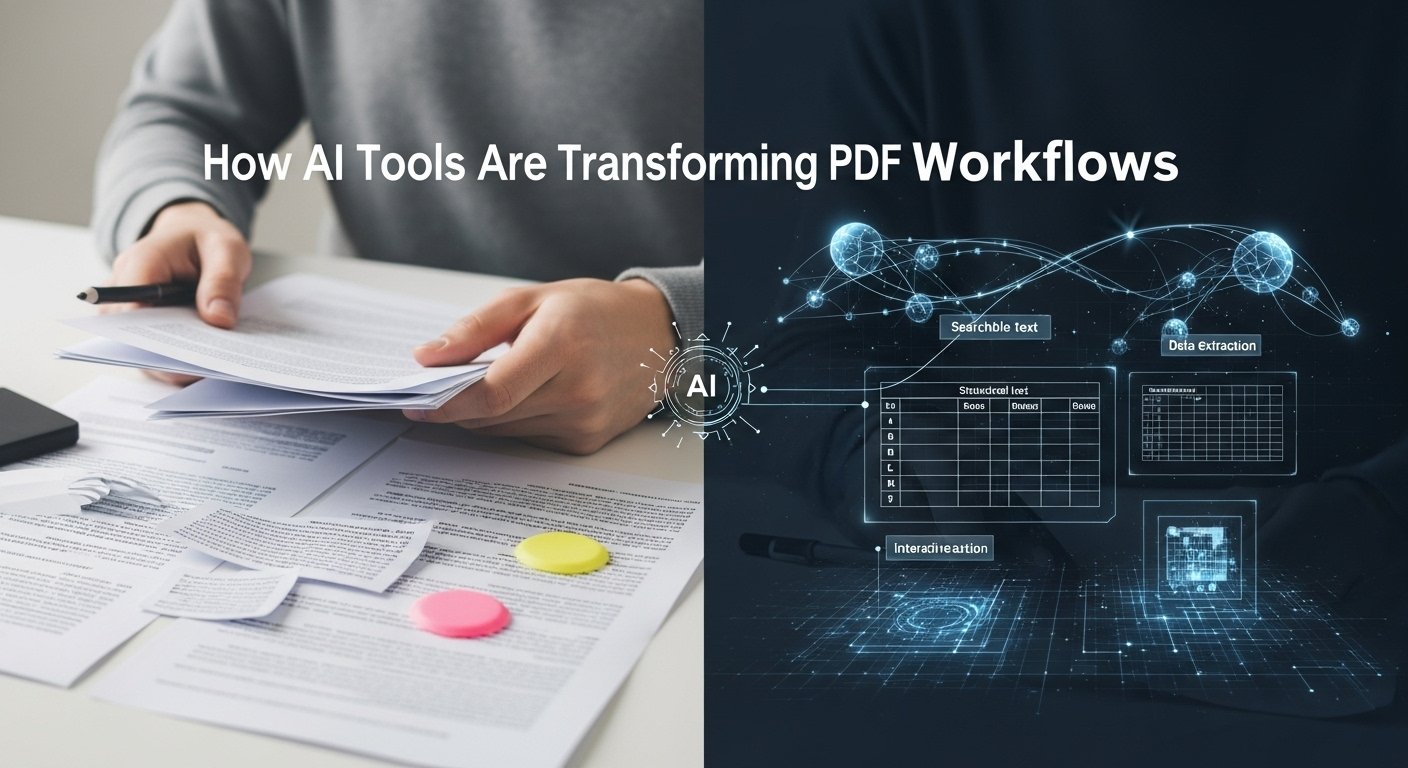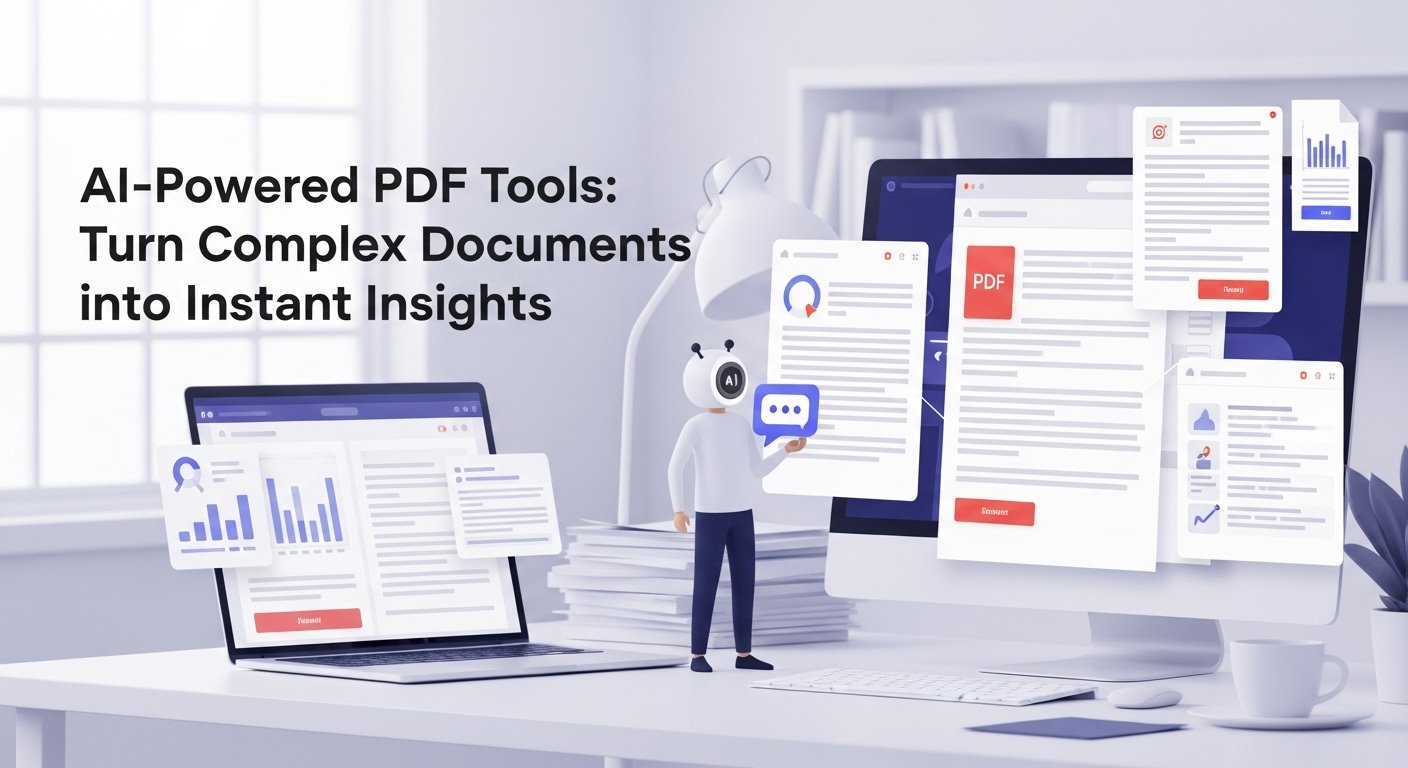
For the last three years, I’ve been working extensively with massive PDFs, research papers, legal contracts, earnings reports, 300-page theses, and complex clinical trial documents. Manually searching through these files used to drain hours of my time and energy. Finding a single data point or specific clause often meant endless scrolling, keyword guessing, and frustration. Then, AI-powered chat with PDF tools entered the picture, and they genuinely transformed how I work. The concept is simple yet incredibly powerful: you upload a PDF and interact with it through natural conversation.
Instead of digging through pages, you can ask direct questions, request summaries, extract key data, compare different sections, or ask for explanations in plain language. It feels less like searching a document and more like having a knowledgeable assistant who understands it instantly. These tools have turned overwhelming documents into accessible, time-saving resources that dramatically improve efficiency and focus.
How Good Are They Really in 2026?
They’re very good now, much better than the clunky early versions from 2023. The technology behind this is called Retrieval-Augmented Generation (RAG). The AI doesn’t just read the PDF once; it breaks it into chunks, creates smart embeddings, and retrieves only the relevant parts when you ask a question. This dramatically reduces hallucinations compared to just feeding the whole document.
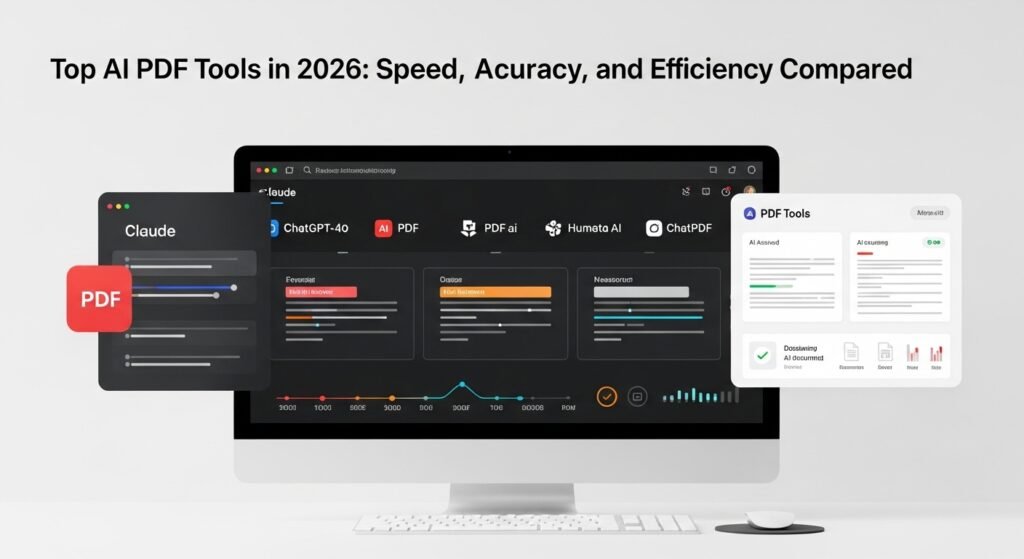
My personal ranking after heavy daily use:
1. Claude (claude.ai) Currently the best overall (my #1 choice)
- Handles 200K tokens (~500 pages) in one go
- Exceptional reasoning and context retention
- Best at complex analysis, comparisons between sections, and “think like a lawyer/doctor/analyst” instructions
- Rarely hallucinates on facts if you use the Projects feature
2. ChatGPT-4o (with Advanced Data Analysis)
- Extremely fast and smooth
- Great for quick questions and data extraction
- Canva feature (2025-2026) makes it feel like a true interactive document workspace
3. PDF.ai
- Cleanest interface
- Excellent highlighting + source linking
- Very strong for business and legal docs
4. Humata AI
- Fastest upload and processing
- Great “Ask multiple PDFs” feature
- Slightly more hallucinations than Claude/ChatGPT
5. ChatPDF (the original)
- Still solid for simple use
- Free tier is generous
- But reasoning depth falls behind the top three now
Real-World Use Cases That Blew My Mind
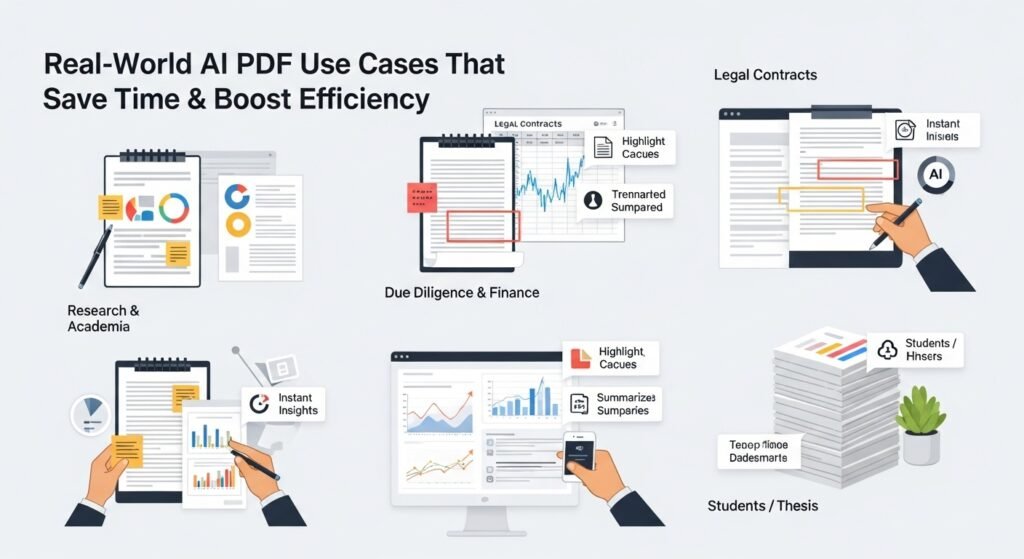
Research & Academia: I uploaded a 187-page paper on large language model scaling laws. Instead of spending three hours reading, I asked: “Summarize the key findings on Chinchilla scaling in one paragraph, then list all limitations the authors mentioned.” Saved me an entire afternoon.
Legal Contracts: Last month I reviewed a 124-page SaaS agreement. I asked: “What are all termination clauses and their notice periods? Also flag any unfavorable indemnity language.” It found three risky clauses I would have missed.
Due Diligence & Finance: During a funding round analysis, I uploaded 12 investor updates + financial models and asked comparative questions across documents. Insanely powerful.
Students: My friend was writing her master’s thesis. She uploaded 40 research papers into Claude Projects and queried them collectively. She finished her literature review two weeks faster than planned.
Limitations (Being Honest)
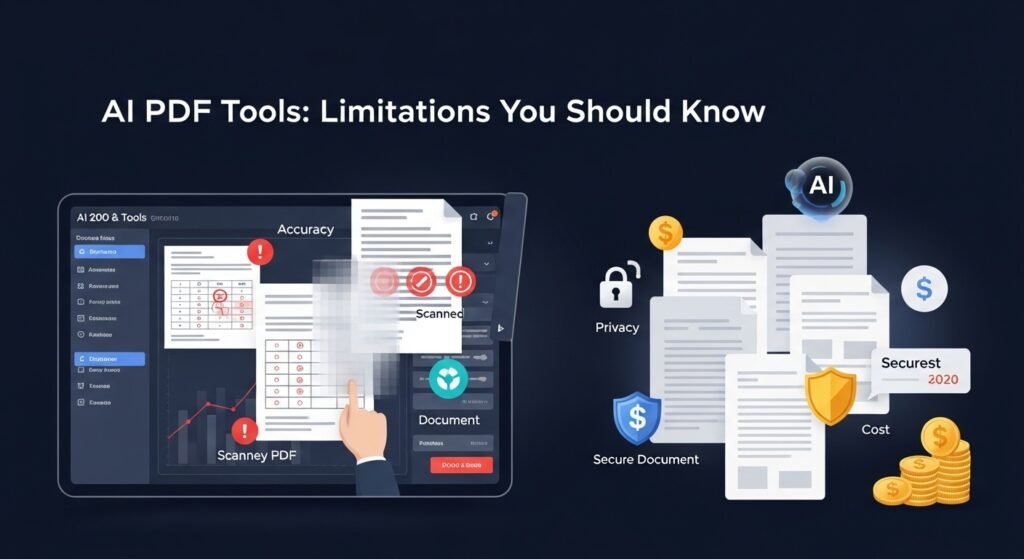
- Accuracy isn’t 100%: Even Claude gets things wrong occasionally, especially with tables, footnotes, or scanned PDFs.
- Scanned PDFs: OCR quality varies. Claude handles them best, but complex layouts still cause issues.
- Privacy: Never upload confidential client documents to free tiers. Use Claude Teams, ChatGPT Enterprise, or self-hosted solutions (like PrivateGPT or AnythingLLM) for sensitive work.
- Cost: Serious use adds up. Claude 3.5 Sonnet + 200K context gets expensive fast.
Pro Tips From Heavy Use
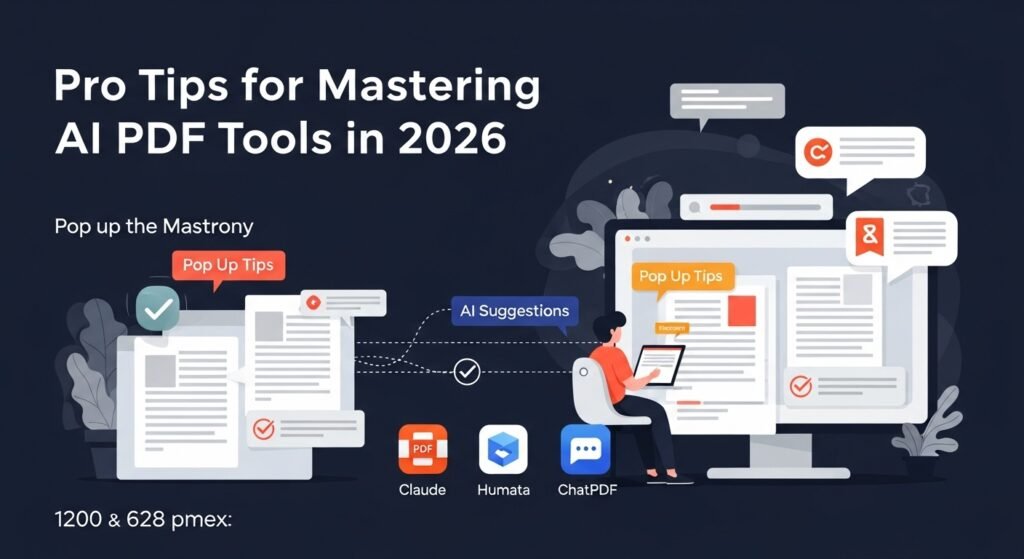
- Always ask for page numbers or quote the exact text when verifying
- Use “Explain like I’m a [domain expert/beginner]” to control depth
- For best results with Claude: Create a Project, upload multiple related PDFs, and give it a clear system prompt
- Combine tools use Humata/ChatPDF for quick scans, Claude for deep analysis
Chat with PDF tools have gone from a cool gimmick in 2024 to an essential productivity tool in 2026. Once you start using them daily, going back to Ctrl+F hell feels primitive.
FAQs
Q: Is ChatGPT or Claude better for PDFs?
A: Claude is currently superior for complex PDFs and deep analysis. ChatGPT-4o is faster for simple questions.
Q: What’s the best free Chat with PDF tool?
A: Claude (free tier gives 50-70 messages/day with Sonnet) or ChatPDF (unlimited basic use).
Q: Can they handle 500-page documents?
A: Claude, yes (200K tokens). Most others struggle with over 100-150 pages.
Q: Are the answers accurate?
A: 80-95% depending on the tool and document. Always verify important claims.
Q: Is it safe to upload sensitive documents?
A: Only if using Enterprise/Teams plans (Claude Teams, ChatGPT Enterprise) or local tools. Free tiers should be avoided for confidential files.

Related Posts