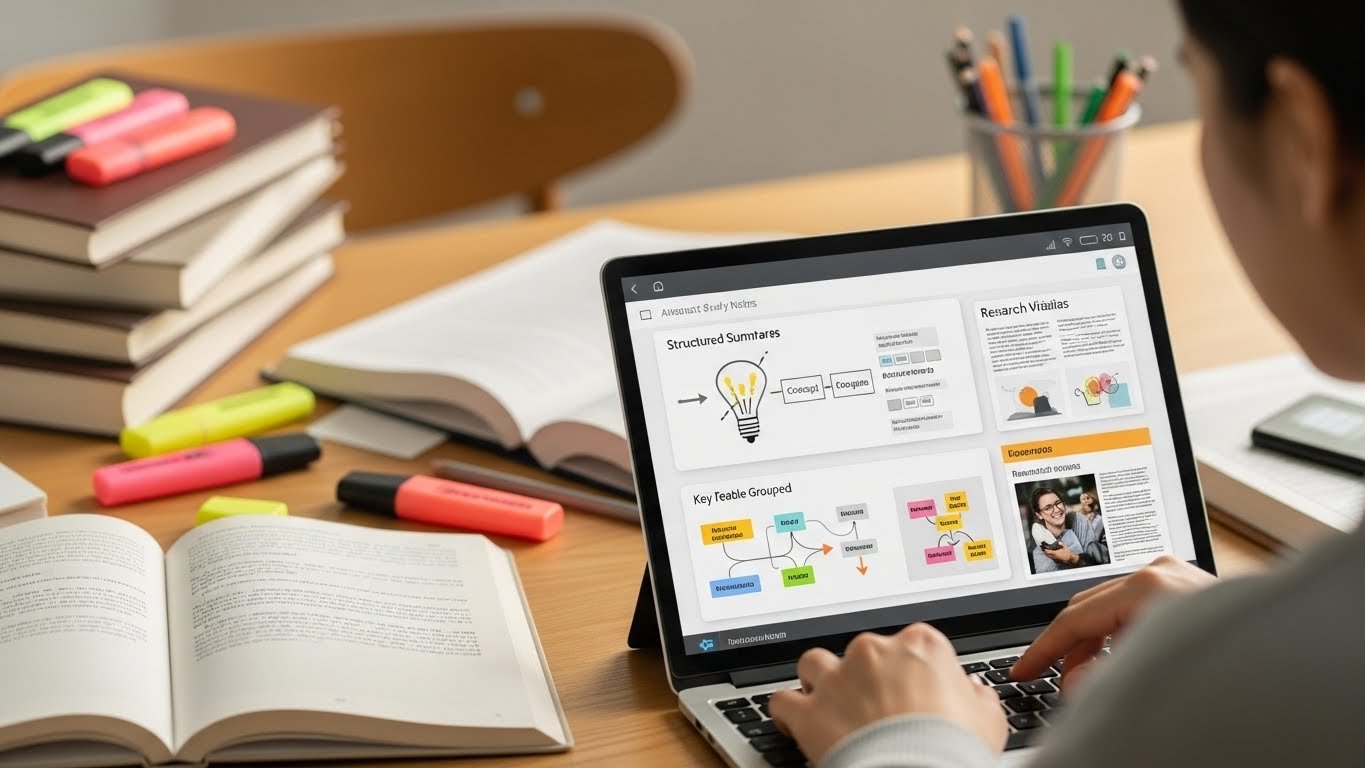
I’ve spent most of this academic year helping my younger cousins navigate their college coursework, and I have to say, the range of free AI tools available to students today is nothing short of remarkable. Back when I was grinding through university, our resources were mostly limited to Google searches and Wikipedia articles. Today’s students, by contrast, can access intelligent assistants that do much more than just look up facts; they can help plan study schedules, summarize dense readings, draft essays, and even explain complex concepts in ways that adapt to each learner’s pace, all without spending a dime.
The sheer variety of tools can be overwhelming, though. Some promise everything under the sun but barely deliver; others are highly practical, saving hours while genuinely enhancing understanding. After testing and guiding my cousins through countless options, I’ve developed a sense of what’s actually worth investing time in versus what’s mostly hype. In the following guide, I’ll walk you through the free AI tools that truly make a difference for students in 2026, helping you study smarter, not harder.
The Reality of AI Tools in Education Today

First, let’s be honest about something. Not every AI tool marketed as “free” truly is. Many offer limited trials or restrict essential features behind paywalls. I’ve tested dozens of platforms this year, and I’m only going to mention ones that genuinely provide value without requiring your credit card.
What’s changed dramatically in 2026 is that educational institutions have embraced these technologies rather than fighting them. Most universities now integrate AI literacy into their orientation programs, acknowledging that knowing how to use these tools responsibly is a legitimate skill.
Research and Writing Assistance

Perplexity AI
This has become my go-to recommendation for students doing research papers. Unlike traditional search engines that dump links at you, Perplexity synthesizes information and provides citations. The free tier is genuinely useful; you get enough queries daily to support serious research without hitting frustrating limits.
I watched my cousin use it while working on her environmental science thesis. She needed to understand carbon sequestration methods, and within minutes, she had a solid foundational understanding with academic sources she could actually verify.
Grammarly Free Version
The free version handles basic grammar, spelling, and punctuation well enough for most assignments. It won’t catch everything, and sometimes its suggestions are weirdly formal, but it catches the embarrassing mistakes that slip past tired eyes at 2 AM.
QuillBot
For paraphrasing and avoiding repetitive language, QuillBot’s free tier does decent work. I’d caution against using it to “spin” content you don’t understand; that’s academic dishonesty waiting to happen. But for refining your own thoughts into clearer sentences? It’s helpful.
Math and Science Support

Wolfram Alpha
Still the heavyweight champion for computational problems. The free version handles everything from basic algebra to complex calculus, chemistry equations, and physics problems. What I appreciate most is that it shows steps, so you’re actually learning rather than just copying answers.
Photomath
Point your phone at a handwritten equation, and Photomath breaks down the solution step by step. It’s been around for years, but the 2026 version handles significantly more complex problems than earlier iterations. Perfect for checking your work or understanding where you went wrong.
Khan Academy with Khanmigo
Khan Academy integrated AI tutoring that’s genuinely free for students. The AI assistant adapts to your learning pace and identifies gaps in understanding. It won’t just give you answers it asks questions that guide you toward solutions yourself.
Language Learning

Duolingo
Everyone knows Duolingo, but the AI-powered features have gotten substantially better. The conversation practice now feels more natural, and the adaptive learning actually responds to your weaknesses rather than following a rigid curriculum.
Tandem
For practicing with real humans alongside AI support, Tandem connects you with native speakers while offering translation assistance. The combination of human interaction with AI backup creates a less intimidating learning environment.
Organization and Productivity

Notion AI (Free Tier)
Notion’s free plan includes limited AI features that can help summarize notes, generate study guides, and organize research. The limitations are real; you’ll hit caps, but for occasional use, it’s valuable.
Otter.ai
Recording lectures and getting accurate transcriptions has saved countless students from frantic note-taking. The free version gives you limited monthly minutes, which is usually enough for key lectures you want to review later.
What These Tools Won’t Do

Here’s where I need to get real with you. AI tools won’t replace genuine learning. They won’t develop your critical thinking skills. They won’t help you during exams where you can’t access them. I’ve seen students become overly dependent on AI assistance, then struggle during in-person assessments.
Use these tools to enhance your understanding, not bypass it. Also, always verify information. AI tools occasionally produce confident-sounding nonsense. Develop the habit of cross-referencing important claims with primary sources.
Academic Integrity Considerations

Every university has policies about AI use. Some professors embrace it; others prohibit it entirely. Always check your syllabus and ask directly if you’re uncertain. Being upfront about using AI tools when permitted is far better than facing academic misconduct allegations.
Most institutions now have clear guidelines distinguishing between using AI for brainstorming versus generating final submissions. Learn the difference.
Looking Ahead
The tools available today would have seemed impossible five years ago, and they’ll likely feel primitive in another five. What matters is developing judgment about when and how to use them effectively.
Start with one or two tools that address your biggest academic challenges. Master those before adding more. The goal isn’t collecting apps, it’s becoming a more effective learner.
FAQs
Q. Are free AI tools really completely free?
A. Most offer genuinely useful free tiers with limitations. Premium features cost money, but basic functionality typically doesn’t require payment.
Q. Can professors detect AI-generated content?
A. Yes, detection tools exist and improve constantly. More importantly, AI-generated work often lacks personal voice and specific examples only you would know.
Q. Which AI tool is best for essay writing?
A. None should write essays for you. Perplexity helps with research, Grammarly catches errors, but the thinking and writing should be yours.
Q. Will using AI tools hurt my learning?
A. Only if misused. Used as learning aids rather than shortcuts, they enhance understanding and save time for deeper study.
Q. Are these tools safe to use with personal information?
A. Read privacy policies carefully. Avoid uploading sensitive documents or personal data to any free platform.

Related Posts