Let’s be honest. The student experience today isn’t just about all-nighters in the library and highlighters running dry. It’s also about navigating a digital landscape that can feel just as overwhelming as a 500-page textbook. The buzz around AI can be deafening, either hyped as a magic solution or feared as an academic integrity nightmare. But having spent a decade coaching students and integrating tech into learning workflows, I’ve landed on a different perspective: the most powerful AI tools aren’t about doing the work for you. They’re about doing the grunt work for you, freeing up your brain for the actual thinking, creating, and understanding that a degree is supposed to build.
Think of it this way: you wouldn’t refuse a calculator in advanced calculus because it does the math for you. You’d use it to handle tedious computation so you can focus on the conceptual problem. The right AI tools are your intellectual calculator. They’re not a shortcut; they’re a force multiplier for your own effort. After testing dozens with students from high schoolers to PhD candidates, here’s the toolkit that actually delivers.
The Research & Synthesis Powerhouse: Claude & Perplexity AI
Forget just Googling and wading through ten pages of fluff. Your first stop for any deep research should be Claude (by Anthropic) or Perplexity AI. These aren’t just chatbots; they’re reasoning engines with a conscience (Claude’s Constitutional AI training makes it notably cautious about harmful requests, a plus for ethical research).
- Real Use Case: My student Maria, working on a thesis about urban beekeeping policies, used to spend 8 hours just gathering and summarizing sources. With Claude, she uploaded PDFs of 15 key academic papers. She prompted: Compare the methodologies in papers A, B, and C. Extract the core findings on pollinator health metrics. Create a table highlighting consensus and disagreement. In 20 minutes, she had a synthesized overview that would have taken her days. Perplexity, with its real-time web search and citation focus, is unbeatable for finding the latest reports, news articles, and academic pre-prints with clear sourcing.
- The Key Difference: ChatGPT is a brilliant conversationalist. Claude is a meticulous analyst. Use Claude for working with documents you already have. Use Perplexity to discover and vet new information from the live web. Always, always verify their outputs against the sources; they can hallucinate a citation that looks plausible but is wrong.
The Writing & Thinking Partner: Notion AI & Wordtune
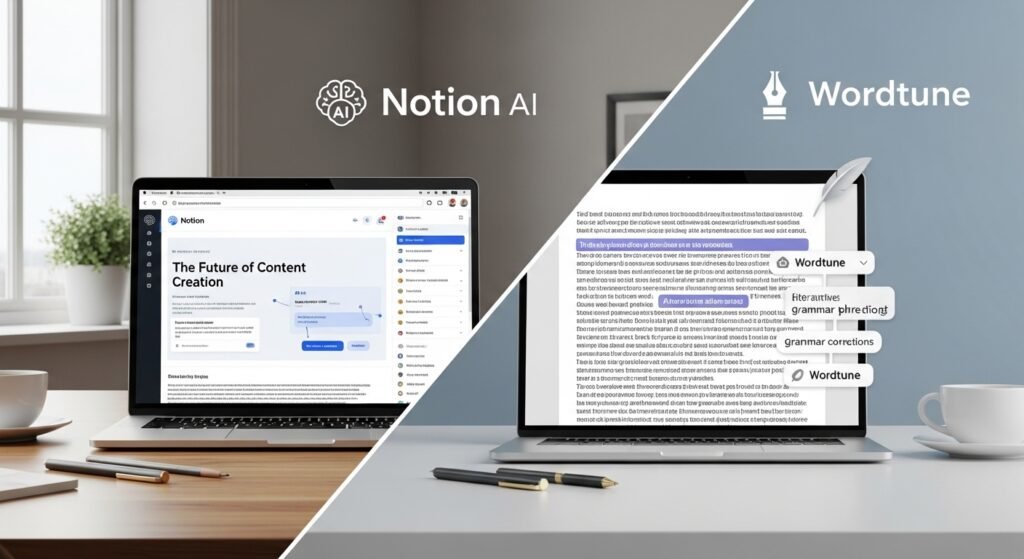
Writing is where many students hit a wall. The blank page is terrifying. This is where AI as a collaborator shines. Notion AI (built into the Notion workspace) and Wordtune are my top picks because they’re integrated, contextual, and focus on enhancement, not replacement.
- Real Use Case: James, an engineering student, would write a clunky first draft of a lab report and then stare at it, unsure how to improve. Now, he pastes his draft into Wordtune and uses the Expand or Rewrite features not to get a new essay, but to see alternatives. How could this conclusion be more impactful? Make this technical description clearer for a non-specialist. The tool gives him 3-4 options. He then combines the best bits with his own voice. In Notion, he highlights a messy paragraph and asks AI to make this more concise or list the action items, keeping everything in his central study hub.
- The Ethical Line: This is the crucial boundary. Using AI to overcome a block or improve clarity is legitimate. Using it to generate entire paragraphs from a prompt and passing them off as your own is not. The rule of thumb: if the AI’s output is more than 30% of a final sentence, you’ve probably crossed it. Your brain must be the final editor-in-chief.
The Flashcard & Memory Architect: Anki with AI Plugins
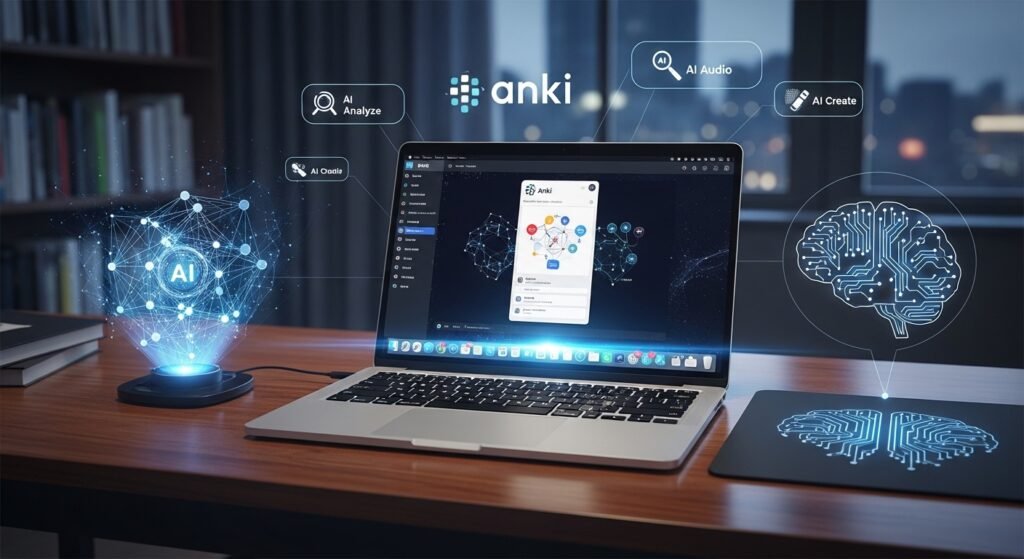
Spaced repetition is the single most proven study technique for long-term retention. Anki is the gold-standard flashcard app, but its power is now supercharged with AI. Tools like ChatGPT or Claude can be prompted to create Anki cards from your notes.
- Real Use Case: After a dense lecture on cellular respiration, Sarah had pages of messy notes. She copied her notes into Claude with the prompt: Convert these notes on the Krebs cycle into 15 Anki Q&A format flashcards. Use simple language. Cover key enzymes, inputs, outputs, and energy yields. In a minute, she had a ready-to-import deck. The AI handles the tedious conversion; she does the crucial review. There are also dedicated Anki add-ons that use AI to generate cloze deletions (fill-in-the-blank cards) from your text.
- Why This Works: It forces active recall. The act of reviewing AI-generated cards is the learning. Generating them poorly (e.g., trivial what is the name of… ards) won’t help. You must review and edit the cards to ensure they target your genuine knowledge gaps.
The Focus & Workflow Concierge: Notion & Otter.ai
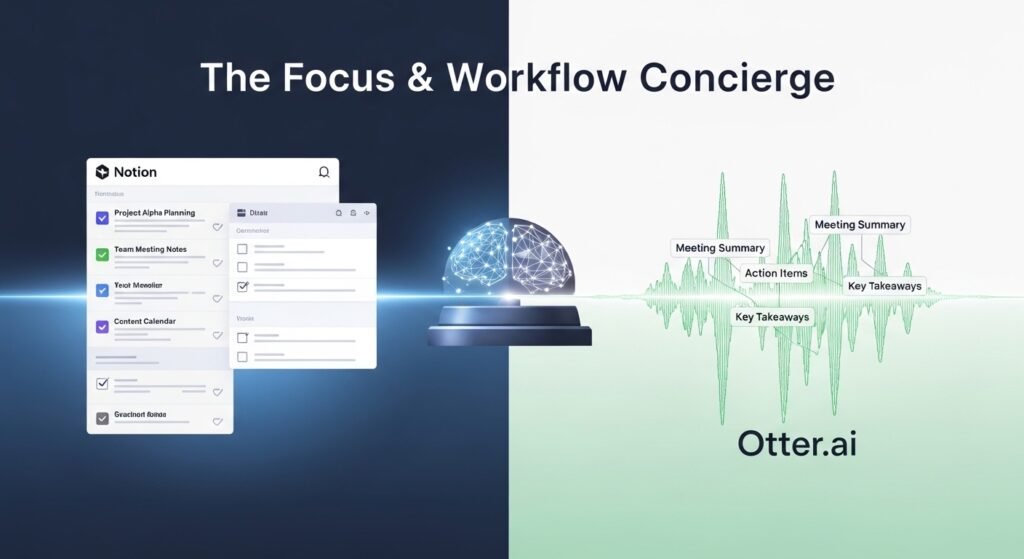
This is about managing the student life, not just the subject. Notion is the ultimate all-in-one workspace for notes, projects, databases, and calendars. Its AI features can summarize your meeting notes, generate task lists from a brainstorm, and even draft a study schedule. Paired with Otter.ai (a transcription service), you can record a lecture or study group discussion, get a transcript, and ask Notion AI to extract the key questions and concepts.
- Real Use Case: During a complex group project meeting, David used Otter on his phone. Later, he uploaded the transcript to Notion and prompted: “From this transcript, list all assigned action items with owners and deadlines. Extract the three main debate points about our methodology.” He had a clean, actionable summary in 60 seconds. This turns passive listening into an organized, actionable record.
- The Time-Saving Math: Students underestimate the admin tax of school organizing, planning, and transcribing. Reclaiming even 30 minutes a day from this adds up to hours per week for deep work.
The Specialized Subject Masters: Wolfram Alpha & Elicit
For STEM and formal sciences, general AI falls short on precision. Wolfram Alpha is a computational knowledge engine. Ask it “solve 3x+5=20” or “plot the derivative of sin(x)^2,” and it gives step-by-step solutions and graphs. It’s not a tutor that explains concepts in prose; it’s a super-powered calculator with encyclopedic knowledge of math, physics, chemistry, and engineering.
Elicit is a research-focused AI for finding and summarizing academic papers. You ask a research question (“What is the effect of mindfulness on working memory in adolescents?”), and it finds relevant papers, extracts key details (methods, results, limitations), and summarizes them in a table. It’s a literature review accelerator for serious research papers and theses.
The Ground Rules: My Non-Negotiable Framework

Before you dive in, internalize this:
- You Are the Author, AI is the Intern: The output is a first draft, a summary, a list of ideas. The critical thinking, synthesis, evaluation, and connection-making are yours. Always.
- Cite Your AI Use: Many professors now have explicit policies. If you use AI to generate a diagram, summarize a source, or debug code, you must note it. Transparency is paramount. Check your syllabus and ask your instructor.
- Privacy is Paramount: Never upload sensitive, unpublished research, personal data, or confidential information to public AI platforms. Assume anything you put in can be used for training.
- Verify, Verify, Verify: AI is confident and often wrong. Cross-check facts, citations, and calculations against primary sources. It’s a superb assistant, a terrible oracle.
The Bottom Line
The student who masters these tools won’t be the one who lets AI write their essay. It will be the one who uses Claude to dissect complex readings in half the time, uses Notion AI to keep their thesis project perfectly organized, and uses Anki with AI-generated cards to actually remember what they learned. They’ll have more time for the seminar debate, the lab experiment, the creative project, or yes, even a decent night’s sleep.
The goal of education isn’t to produce a human who can do what a machine can. It’s to produce a human who can do what a machine cannot: ask profound questions, navigate ethical dilemmas, create beauty from chaos, and synthesize knowledge into wisdom. Use these tools to handle the machinery of learning, so you can focus on the masterpiece of thinking.
FAQs
Q: Will using these tools be considered cheating?
A: It depends entirely on your instructor’s policy and how you use them. Using AI to brainstorm ideas, clarify confusing concepts, or organize notes is generally seen as a learning aid. Using it to generate content you submit as your own work is plagiarism. Always check your syllabus and ask. When in doubt, disclose your use.
Q: Are there free options?
A: Yes. Claude and Perplexity have capable free tiers. Notion’s free personal plan includes limited AI uses. ChatGPT (GPT-3.5) is free. Otter.ai has a free plan with monthly transcription limits. Wolfram Alpha has a free, limited web version. Start there to see what fits your workflow before considering paid upgrades.
Q: I’m not a tech person. Is this too complicated?
A: Not at all. The tools listed are designed for usability. Start with one: try asking Claude to summarize a news article related to your coursework, or use Wordtune to rewrite a paragraph of your own writing. The learning curve is gentle, and the time savings are immediate.
Q: What about the “dumbing down” effect? Won’t I stop learning if I rely on this?
A: This is the core fear, and it’s valid if used passively. The danger is outsourcing thinking. The opportunity is outsourcing toil. If you use AI to create flashcards, you still have to learn them. If you use it to summarize a paper, you must read the original to understand the nuance. Used actively as a sparring partner, an editor, and an organizer, it forces you to engage at a higher level: “Is this summary accurate?” “How can I improve this AI’s draft?” That’s advanced cognitive work.
Q: Which tool should I try first?
A: Pick the pain point that frustrates you most. If it’s writing, install Wordtune or explore Notion AI. If it’s research, make an account on Perplexity. If it’s remembering content, learn to make Anki cards with AI help. Solve one problem at a time.

Related Posts